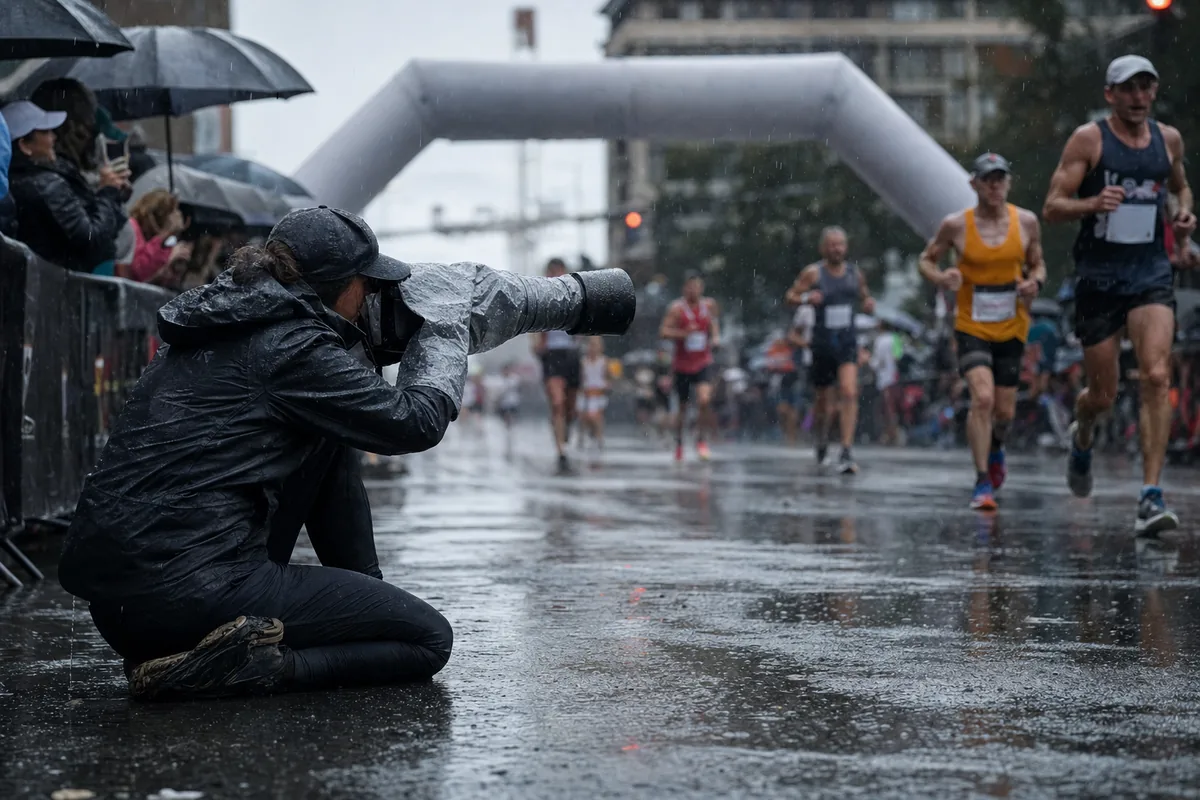
Weatherproof race day photography comes down to three habits: cover the camera before the weather arrives, change lenses and cards only in shelter, and keep your phone or hotspot cool and dry so uploads can continue. When the signal drops anyway, keep shooting, keep full cards sealed and backed up, and upload in batches from the first stable connection. Runners still get their photos the same day.
This guide is for race directors and the photographers they hire, from wet road races in Europe to hot, dusty races in the Gulf and South Asia. If you run several shooters on one course, pair it with our second shooter workflow for merging memory cards.
Is a weather-sealed camera enough on its own?
No. Weather sealing helps, but no major camera maker promises that it keeps water or dust out. Canon's handling precautions for the EOS R5 describe the body as dust- and drip-resistant, built to help stop sand, dust, dirt or water "that falls on it unexpectedly" from getting inside. The same page says plainly that the camera is not waterproof, and that water on the body should be wiped off with a dry, clean cloth.
Sony's precautions for the Alpha 7 IV are blunter about dust: sand or dust inside the camera can cause a malfunction that, in some cases, cannot be repaired.
Sealing only works as a system: a sealed body on an unsealed lens, or with a card door open, is not sealed. It is built for splashes and showers, not three hours of steady rain, so treat it as a backup to a rain cover.
Close every door, every time
Canon names the battery, card slot and terminal covers as the parts to keep firmly closed. The riskiest moment is a card swap in the rain, so check the door clicks shut before you lift the camera.
How do you keep shooting in heavy rain?
The goal is to keep water off the front of the lens and out of the doors, and your hands dry enough to work the buttons:
- ✓A fitted rain cover sized for your longest lens, with sleeves for your hands. A plastic sleeve is fine for one shower, not for a full morning at the finish.
- ✓The lens hood, always on. It keeps drops off the front glass when you shoot slightly upward at approaching runners.
- ✓A clear or UV filter on each front lens, so twenty wipes an hour wear down the filter, not the lens coating.
- ✓Several microfibre cloths in a zip bag, plus a small towel. A wet cloth only spreads water, so rotate them.
- ✓A hotel shower cap over the camera between waves of runners.
- ✓A cap with a peak for you, because rain on your eyepiece slows you more than rain on the camera.
Watch for condensation when you move from cold rain into a warm tent, car or hotel lobby. Canon and Sony give the same fix: seal the camera in a plastic bag before you go inside and let it warm up slowly. Sony suggests about an hour. If a lens fogs inside, stop using it until it clears.
How do you protect a camera from dust and sand?
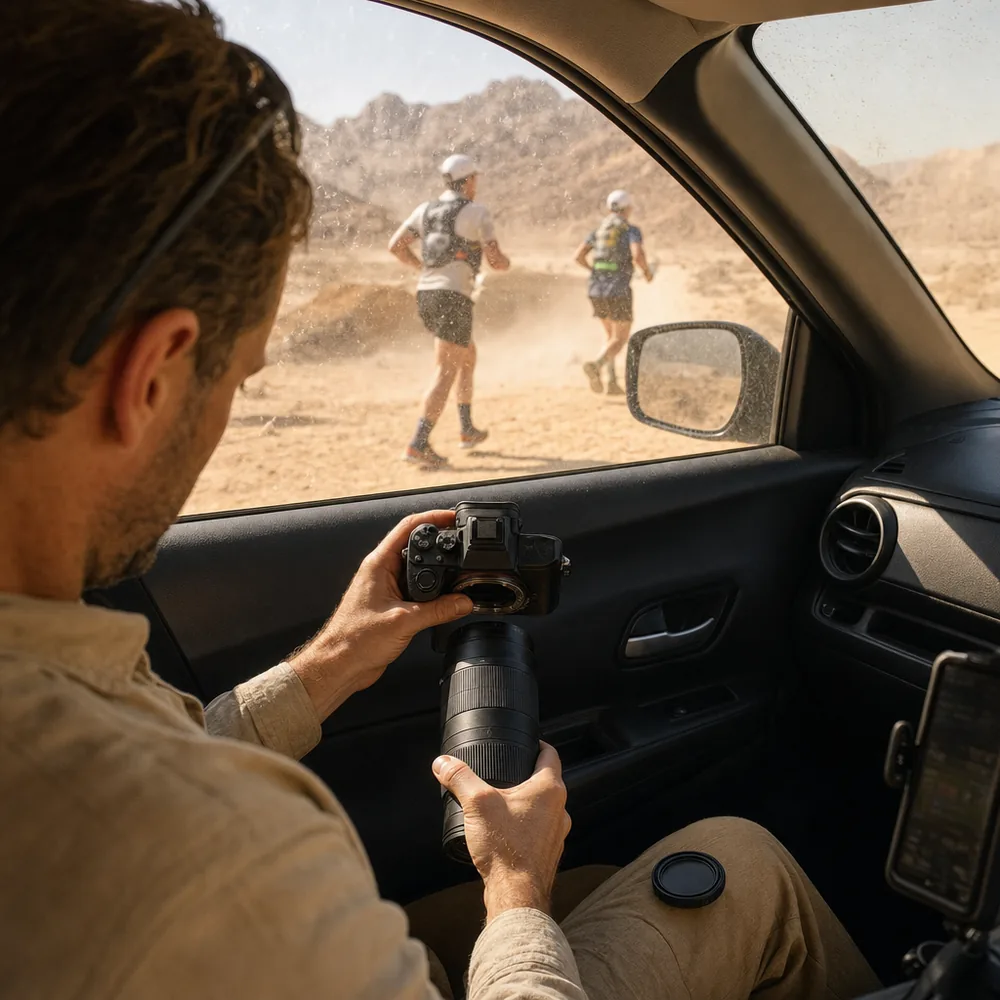
Dust is the quieter problem. You see it that evening, as a dark spot in the same place on every frame.
At trail races, desert races and any course on unpaved roads, change lenses as little as possible. Pick a zoom that covers your whole position, such as a 70 to 200 mm on a finish straight, and leave it on. When you must change, do it inside a car with the doors shut or inside a tent, with the camera body pointing down and the new lens ready. Between waves, keep the camera under its cover.
If dust does reach the sensor, follow Canon's sensor cleaning instructions: a plain blower with no brush attached, because a brush can scratch the sensor, and never pressurised air or gas, because canned air can damage the sensor and the spray can freeze on it. If a spot survives the blower, send the camera to a service centre rather than touching the sensor at the side of a trail.
What does heat do to cameras, phones and memory cards?
Heat is the main risk at Gulf and South Asian races, and it usually hits your phone before your camera.
Check the operating range in your own manual. The Canon EOS R6 specifications, for example, list 0 to 40°C and humidity of 85% or less. A black body in direct sun gets hotter than the air, so keep it in shade between waves, and never leave gear in a parked car. Canon and Sony both warn against it. In cold weather the problem flips: Canon's figures for the R6 show fewer shots per battery at 0°C than at 23°C, so keep spares in an inside pocket.
Phones are more sensitive. Apple's guidance for iPhone says it is designed for air temperatures between 0 and 35°C. When it gets too hot, charging can slow or stop, the screen can dim, and the cellular signal can weaken as the radios go into a low-power state. So a phone working as your hotspot in the sun can quietly stop uploading.
Memory cards are the toughest part of the kit. SanDisk states that its SD and microSD cards tolerate minus 25 to 85°C and survive 72 hours under water, although the exact tolerances depend on the product line. The real risk to a card is losing it.
Cases, dry bags and silica gel: what IP ratings mean
Hard cases, dry bags and phones often carry an IP rating. IP stands for ingress protection, meaning how well a sealed box keeps things out, and the code comes from the international standard IEC 60529, Degrees of protection provided by enclosures. The first digit covers solids such as dust, the second covers water.
The levels you will see most often, as listed in Zebra's summary of the IP code levels:
- First digit 5: dust-protected. Some dust gets in, but not enough to stop the equipment working.
- First digit 6: dust-tight.
- Second digit 4: splashing water from any direction.
- Second digit 5 or 6: water jets, then powerful jets.
- Second digit 7: immersion in 1 metre of water for 30 minutes.
- Second digit 8: continuous immersion deeper than 1 metre, under conditions the maker states.
So an IP67 hard case is dust-tight and survives a short dunking, a good home for spare bodies, full cards and batteries. It only works with the latches closed and the rubber seal clean. A roll-top dry bag is lighter and fine for a phone or hotspot, but many are built for rain rather than submersion, so check the printed rating.
Put a few silica gel sachets in every case and bag to soak up the moisture that gets in when you open them in humid air. When the colour indicator changes, replace them or dry them out as the pack instructs.
Uploads when the weather turns
The other half of the job is getting photos to runners while they still care, which means the same day.
Keep the phone and hotspot working
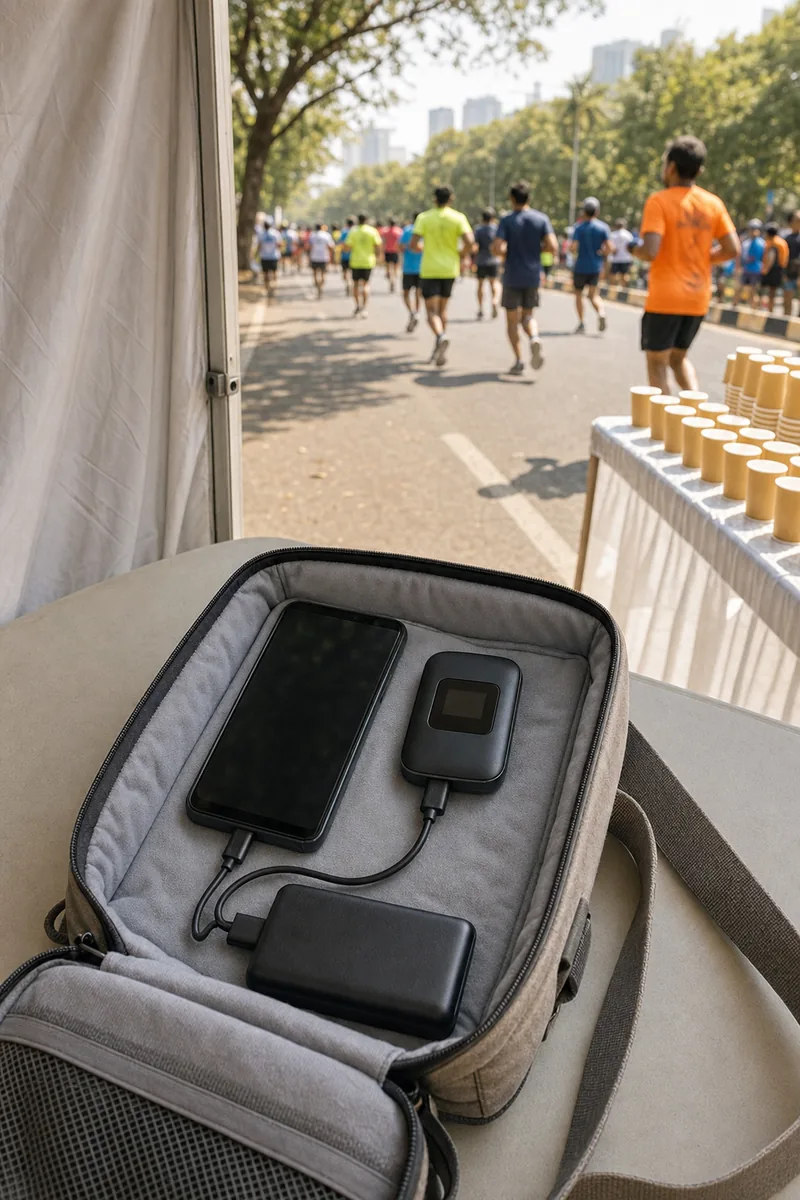
At most photo points, your connection is one phone or a pocket mobile hotspot, and it is often the first thing to fail. Keep it in shade and off hot tarmac and dashboards, ideally in a light-coloured or insulated bag. Run it from a power bank, but keep both out of the sun, because heat alone can stop charging.
In rain, a zip bag or small dry bag is enough, and most touch screens work through thin plastic. Where coverage is weak, carry a second SIM on a different network. Near a big city finish, crowds on the same mast can slow uploads badly even when the signal looks full.
If a phone gets soaked, skip the old tricks. Apple tells iPhone owners not to dry it with rice, a heat source or compressed air, but to leave it somewhere dry with some air flow, for up to 24 hours.
What to do when the internet drops mid-race
Assume it will. The method that works does not depend on any particular software:
- Keep shooting. The camera does not need a connection.
- Swap cards on a schedule, for example after each wave, and put full cards straight into a card wallet inside your sealed case.
- Make a backup copy to a laptop or portable SSD in the media tent or car as soon as you can.
- Upload in batches from the most stable connection you can reach: media tent Wi-Fi, a wired line at race headquarters, or your hotel that evening. Start with the finish line.
- Leave the cards untouched until the upload has finished and the backup is checked.
Lenzeit does not cache uploads offline and send them later, so this batch method is the plan whichever platform you use. What Lenzeit adds is what happens once each batch lands. In public or sports mode, you set the event to Go Live and upload during the race whenever you have signal. Runners find their own photos with face search, which matches a selfie against the faces in the gallery, with no app and no account. See how that works for marathons and races.
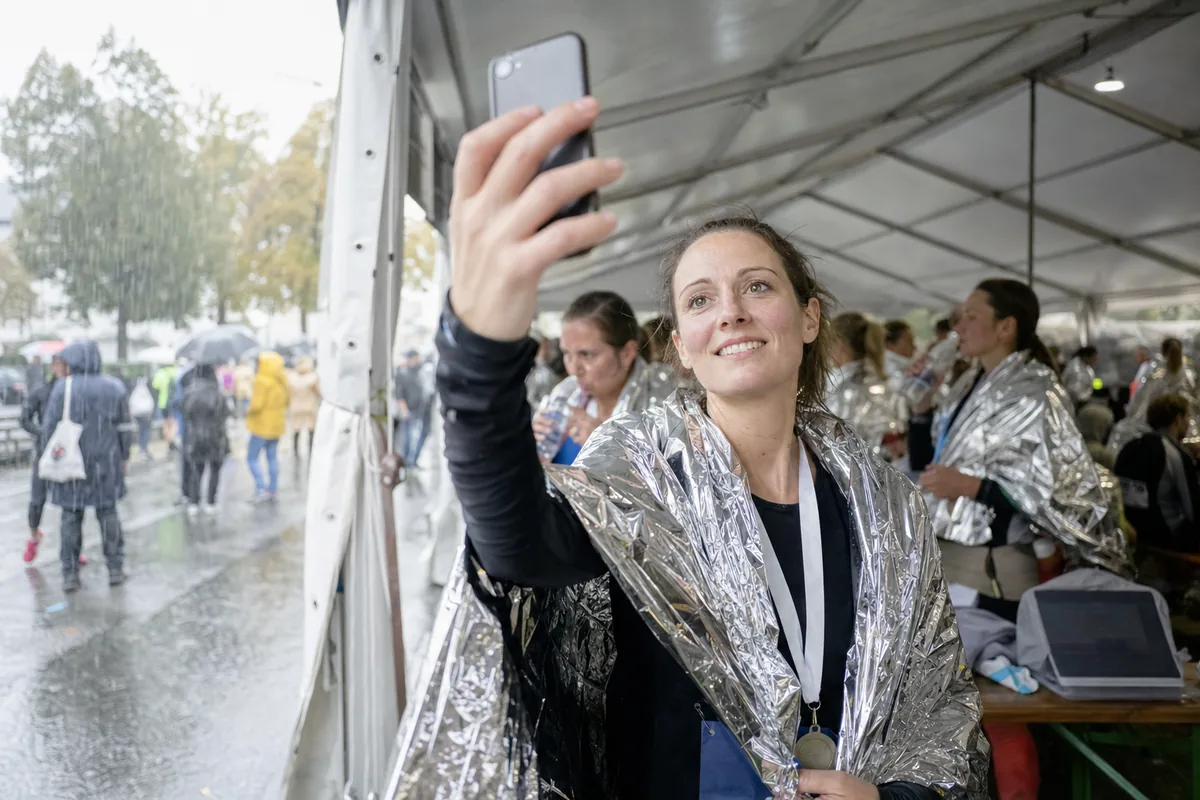
That is how a runner in the finish area, or back at the hotel that evening, gets their photos the same day, even if your hotspot gave up at kilometre 30.
What race directors can set up before the start
Most weather downtime in race day photography is decided before the start gun. If you direct the race, set up:
- Shelter at each fixed photo point, so lens and card changes happen out of the rain, sun or wind.
- Power at the media tent for batteries, laptops and hotspots.
- A stable upload connection, such as venue Wi-Fi or a wired line, and tell photographers where it is.
- A weather plan for the photo team: where they go if heat or lightning shortens the event.
- One place where runners find their photos, printed on finish-area signs, in the results email and on the results page.
That last point is where event photo delivery software earns its place: one link or QR code for the whole field, printed before race day, that works whenever photos are uploaded.
With Lenzeit, that code opens a public event gallery where each runner searches by selfie. It is worth reading how runners and guests receive their photos before you design the finish-area signs.
To connect photos with finish times, our guide to race photos by bib number or face explains how photo delivery sits alongside your timing data.
If a company team asks for its runners' photos for company channels, point them to our guide on employee photo consent. Running in a company shirt is not the same as agreeing to appear in recruitment posts.
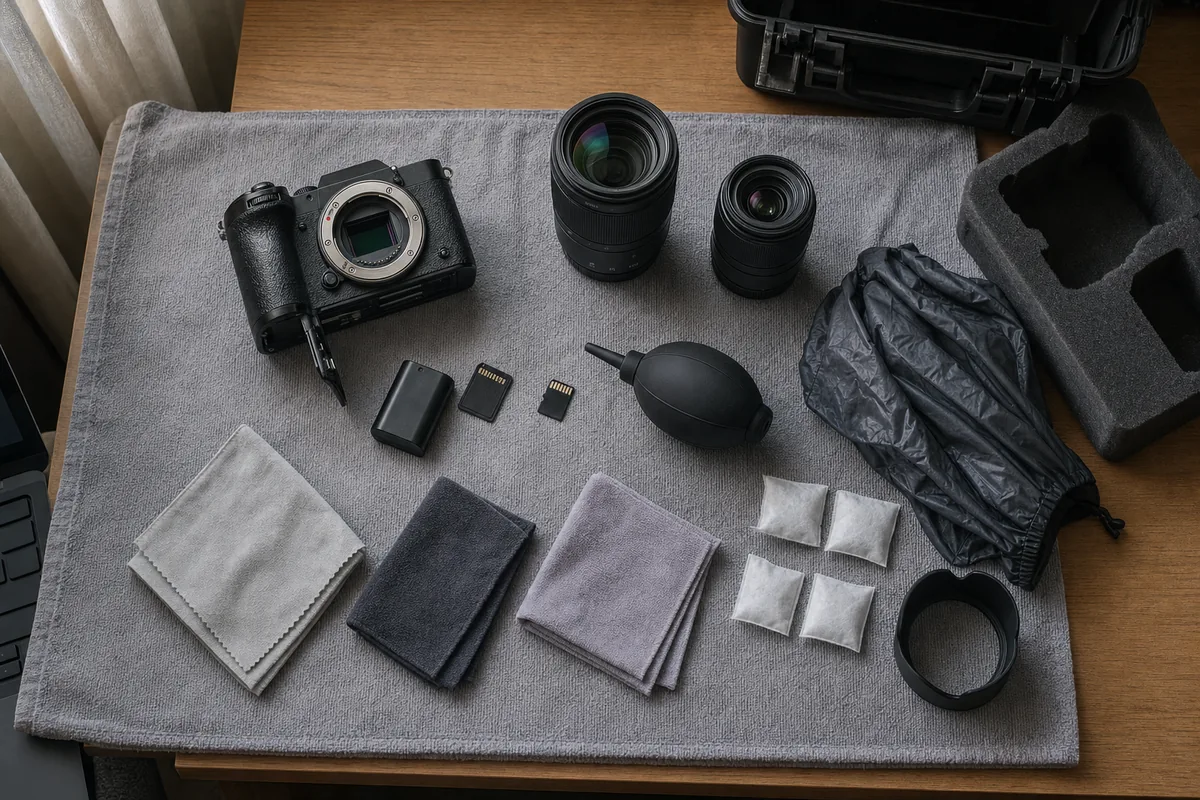
A race day photography field kit checklist
Pack this the night before, whatever the forecast says. Most of it weighs very little.
- ✓Rain cover for each body, plus two hotel shower caps
- ✓Lens hoods, and a clear or UV filter on every front lens
- ✓Six or more microfibre cloths in a zip bag, and a small towel
- ✓A plain blower with no brush, and no canned air
- ✓An IP67 hard case, or a padded bag with a rain cover
- ✓A roll-top dry bag for the phone, hotspot and power bank
- ✓Silica gel sachets in every case and bag
- ✓Zip bags in several sizes
- ✓Spare batteries, twice as many in cold weather
- ✓More memory cards than you expect to fill, and a card wallet
- ✓A laptop or portable SSD for the first backup
- ✓Two charged power banks and the right cables
- ✓A second SIM or hotspot on a different network
- ✓An insulated bag to shade phones in the heat
- ✓Water, sunscreen and a hat, because a photographer with heat exhaustion stops shooting too
After the race: how to dry and clean your gear
Do this the same evening.
- Wipe everything down with a dry, clean cloth. After sea spray or salted winter roads, wipe first with a cloth lightly dampened with fresh water.
- Open the doors and air-dry. Take out batteries and cards, open the doors, and leave cameras and lenses in a dry room with air flow. No hair dryer or heater.
- Warm cold gear up inside a sealed bag, so condensation forms on the bag, not inside the lens.
- Dry your cases. Take out wet foam, leave lids open overnight, and wipe grit off the rubber seal.
- Replace or dry the silica gel.
- Check for sensor dust with a test shot of a plain, bright surface at a small aperture, and use the blower if you see spots.
- Send gear for service if a lens stays foggy inside after a day, or a dial feels gritty.
Rain, dust and heat rarely stop a race, and they do not have to stop your coverage. Cover early, change lenses and cards only in shelter, keep the phone cool, and when the signal fails, keep shooting and upload the moment it comes back.