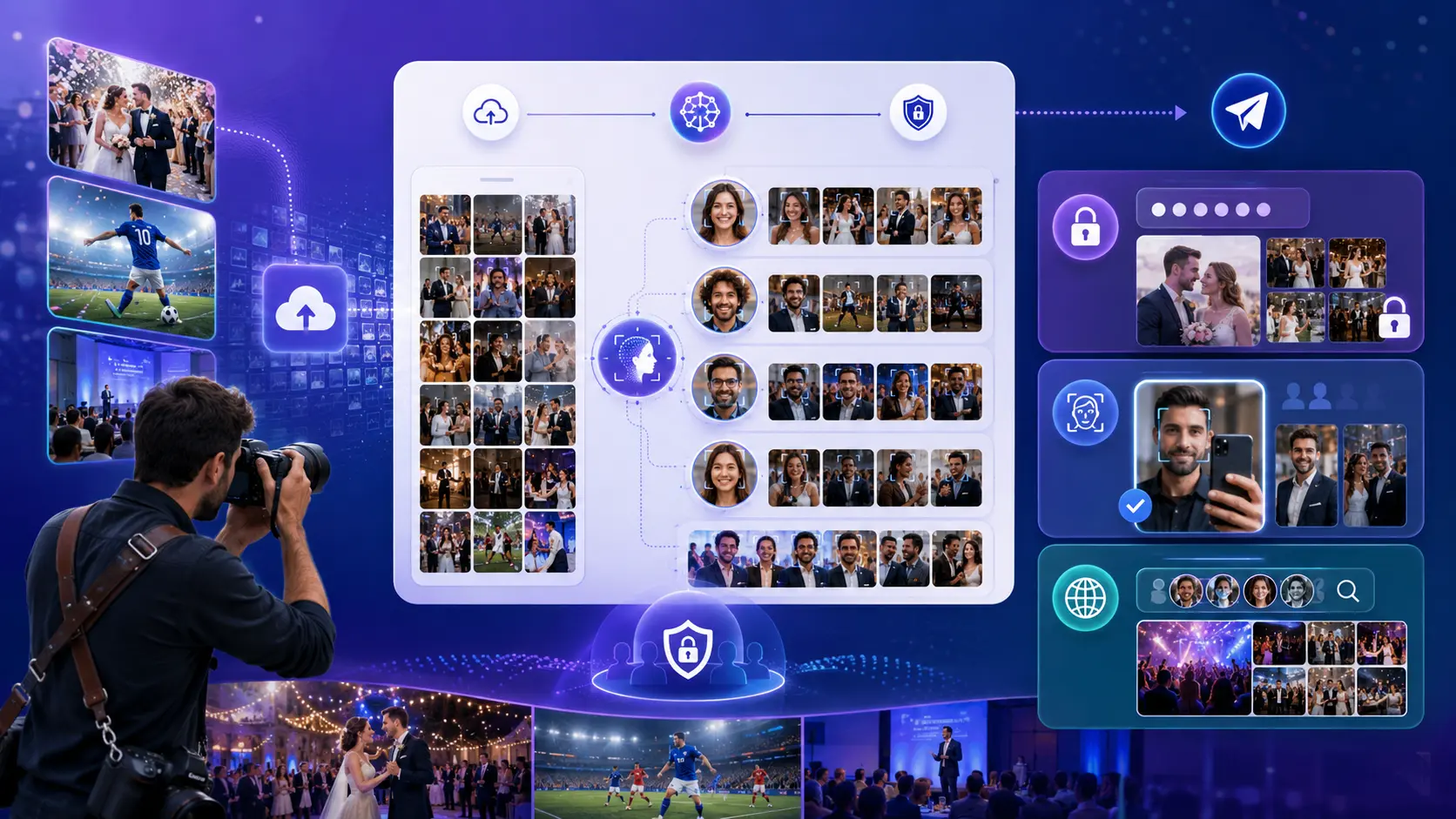
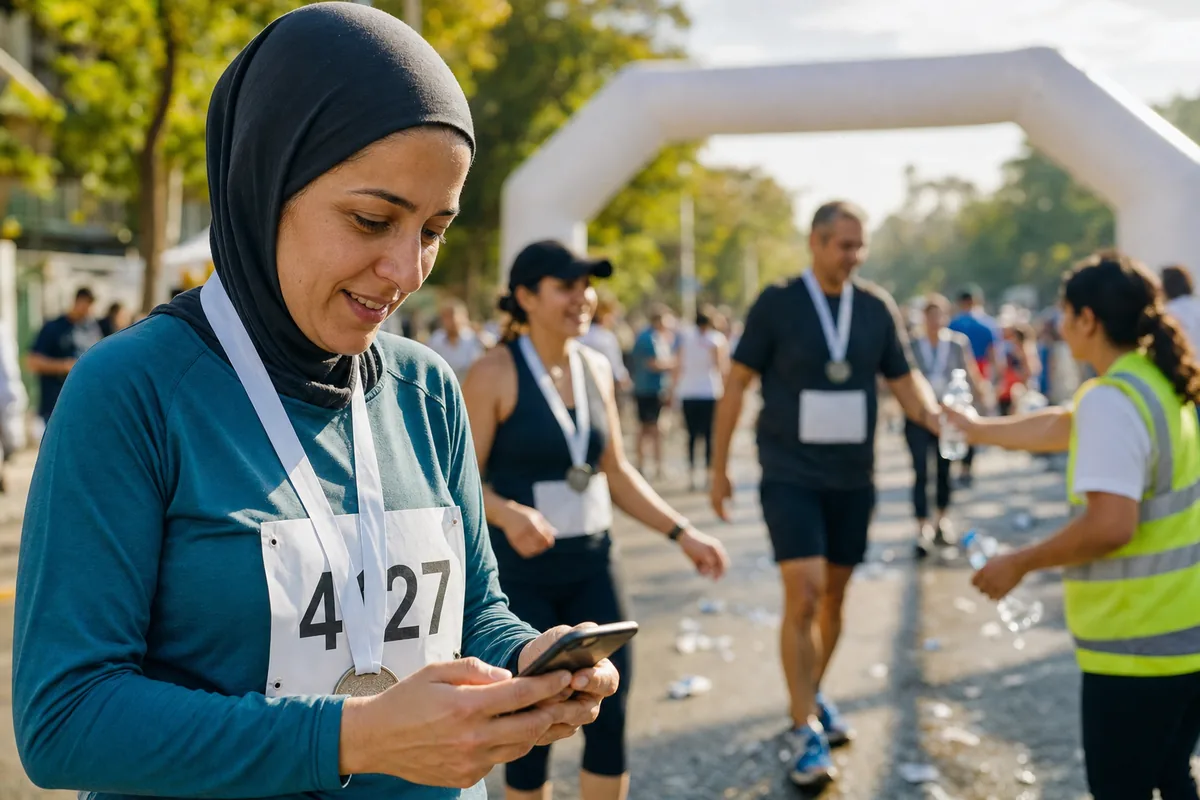
Runners search race photos by bib number because the bib is the one ID that the timing system, the results page and the photo platform all share. It works when the number is readable in the photo and fails when it is not: folded, under a jacket, behind an arm, or on a different person after a bib swap. The practical fix is to send runners from their result to their photos with one link or QR code, and to offer face search as a second way in for the frames that bib tagging misses.
This guide is for race directors and their timing and photo coordinators. It covers how bib tagging works, what a timing export contains, and how to connect photos to results when your gallery and timing software do not talk to each other.
One point up front, so nothing below is misread. Lenzeit, the platform that publishes this blog, does not read bib numbers and has no connection to ChronoTrack, RACE RESULT, MYLAPS or RunSignup. It finds runners with face recognition photo search instead. This article shows where that helps, and where a bib-based platform is the better choice.
Why runners search race photos by bib number
A bib is more than a number on paper. On many chip-timed races the timing tag is attached to the bib, and MYLAPS reminds runners that a well-placed bib is what lets the timing tag signal the mats along the course. The number printed on it is the key that joins every piece of race data.
The registration list maps a name to a bib. The chip file maps a bib to a chip code. The results file lists each finisher's bib next to their times. So a photo with a bib tag can be matched to a name and a result without anyone needing the runner's face. For the runner, the bib is also the one ID they are sure to know, and typing four digits feels safer than scrolling through thousands of strangers.
Where bib tagging misses runners
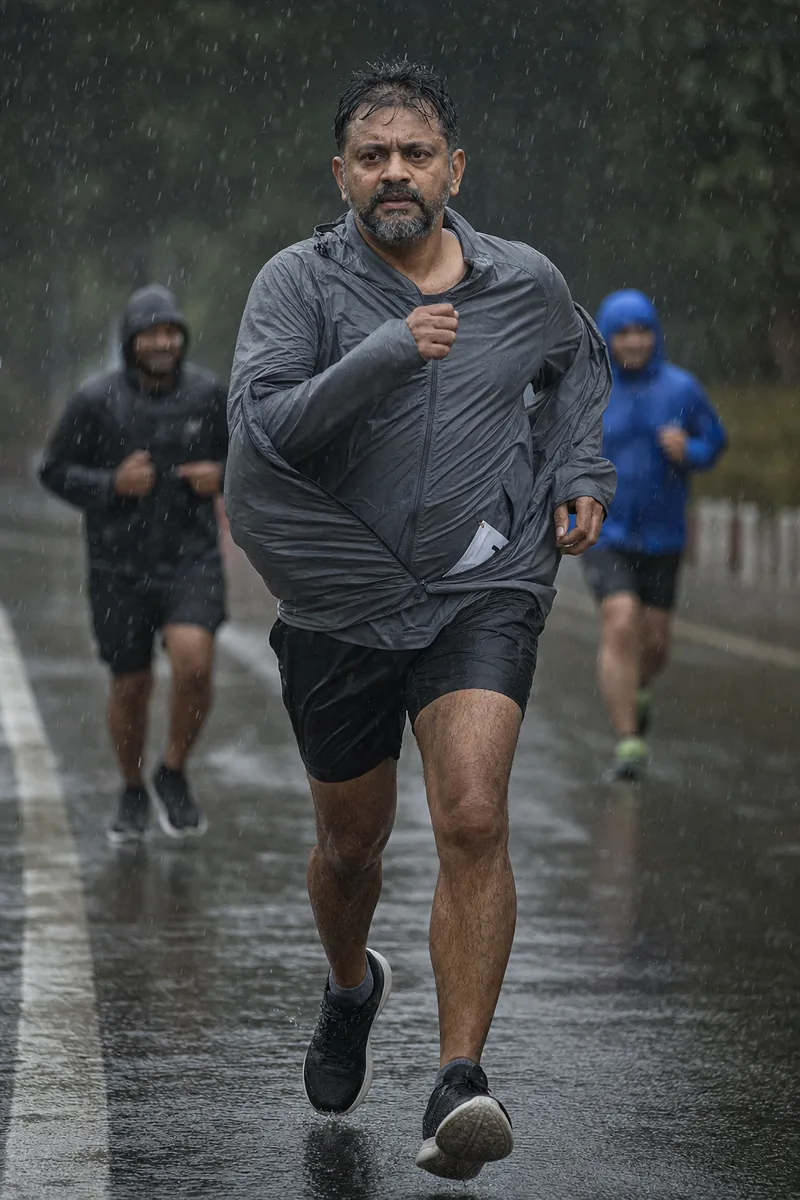
Automatic bib reading is a text-reading problem, and race photos are hard text. In a study presented at the British Machine Vision Conference in 2012, researchers at Tel Aviv University found that general text-reading methods fail to reliably recognize race bib numbers because bibs vary so much in size and appearance and bend with the body.
Their own system was tested only on fully visible bibs, and partly hidden bibs were left as future work. Bib readers have improved since then, but the physical problem has not. If the digits are not in the frame, no software can read them. Bib search usually comes back empty or wrong on these photos:
- Bib under a layer. A rain jacket pulled on mid-race covers the number at every photo point after that.
- Folded or crumpled bibs. Runners fold the edges to stop flapping, and sweat or rain wrinkles the paper.
- Arms across the chest. Common at the finish, where runners stop their watch or raise both arms.
- Other runners in the way. In a tight pack, one shoulder blocks the next runner's bib.
- Small or soft numbers. Wide shots, motion blur and low light leave digits unreadable.
- Short numbers and look-alikes. RunSignup advises races to use 4-digit bib numbers from 1000 upward and skip tagging numbers under 1,000 to limit tagging errors.
- Photos with no bib at all. The start corral in a warm-up top, the medal table, the family photo after a change of shirt.
- Bib swaps and shared team numbers. A swapped bib sends every tagged photo to the registered name, not the person in the picture. A relay team sharing one number gets every leg under it.
Weather makes this worse, because jackets go on exactly when conditions turn. Plan your race day photography for rain and dust with hidden bibs in mind.
How race photo platforms tag bibs and match them to results
Most race photo platforms mix three methods. Vendors name them differently, but the steps are the same.
Automatic reading
Photos run through optical character recognition (OCR), which is software that reads text inside an image, or through a newer vision model trained on bibs. RunSignup, for example, says that uploaded photos go to a service that automatically attempts to recognize the bib numbers. Each number it reads becomes a tag on that photo.
Manual and crowd tagging
Staff or paid data-entry teams type bib numbers into the photos the software could not read, and some platforms let runners and spectators tag photos by name or bib. It fills gaps, but it is slow and costs money or goodwill.
Matching to results
Once a photo carries a bib tag, matching is a simple lookup against the results file: bib 4127 belongs to this name and this finish time. That is why photo platforms built into a registration or timing system can show photos right on a runner's result.
RunSignup has taken this one step further. Its photo-based timing turns bib-tagged, time-stamped finish photos into timing reads that feed results and live tracking, while chip reads still take priority when both exist. The same RunSignup announcement of its photo platform also made a point about faces worth reading:
Our free photo platform performs no facial recognition. This helps ensure our customers do not run into any legal challenges. RunSignup, Photos 2.0 announcement, January 2021
That is a fair concern. Face search raises privacy questions that bib tagging does not, so ask your counsel what your registration terms and local law require, and make it something runners choose to use.
What your timing export actually contains
Whatever timing software you use, a results export is a table of people and times keyed by bib. It holds no photos, and it has no idea which photos a runner appears in. The columns in RunSignup's individual results upload are a good picture of what a typical file carries:
- Identity: bib, first and last name or full name, registration ID and chip number.
- Times: clock time, counted from the start gun, and chip time, counted from when the runner crossed the start mat.
- Placing: overall place, gender, age and age-group division and place.
- Location and extras: city, state, zip code, average pace and any custom fields your race adds.
To send results notifications, RunSignup needs a registration ID, a bib or a chip number in the file to match each row to a runner. The bib is the one of those three that a photo can show.
RACE RESULT works the same way underneath. Its chip file pairs each bib with a chip code, and it can be typed in or imported from an Excel, TXT or CSV file.
Its results lists can be exported as Excel, CSV, XML, TXT or HTML, with whatever columns you choose. Other timing systems use their own column names, so check your vendor's export screen, but expect the same shape: one row per finisher, keyed by bib.
What this means for photos
A timing export tells you who finished and when. Joining it to photos needs a bib tag on each photo, which is exactly the step that fails on the frames listed above. Without a bib-tagging platform, the export is not wasted: the registration list behind it is how you reach every finisher with the photo link.
How to connect photo delivery to results without an integration
You do not need a data connection between your timing software and your gallery to get runners from their time to their photos. You need the gallery link everywhere a runner looks after the race. The runner does the joining.
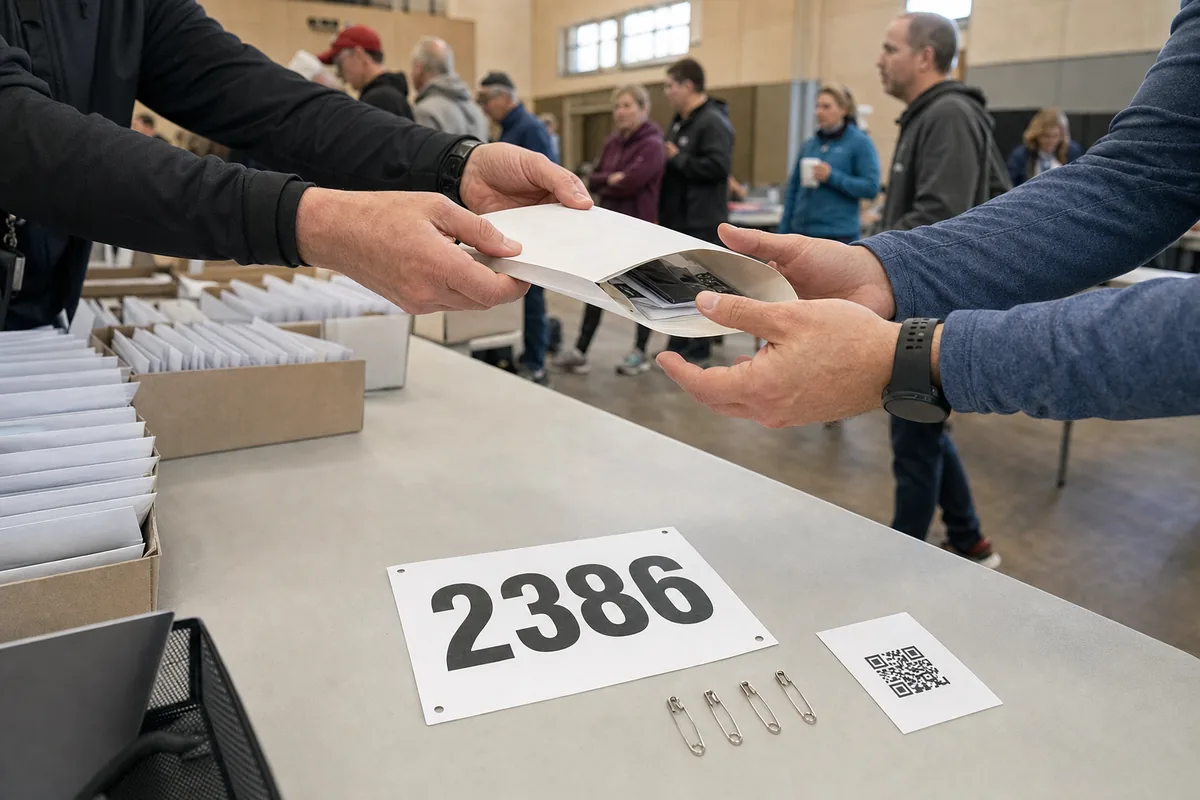
- Fix one gallery link per race day before the start, so it can be printed. If you run several distances, decide whether they share a gallery.
- Turn the link into a QR code and test it on several phones, in daylight, from arm's length.
- Put it in the race pack. A card in the bib envelope, or on the back of the bib if your printer allows, reaches every runner before the start.
- Put it at the finish area. A sign beside the results screen or medal table catches runners when they are most curious.
- Add it to the results page. If the page has room for a note or link, put the gallery link at the top, next to the search box. If not, ask your timing company where race announcements go.
- Add it to the results message. If your platform lets you edit the results email or text, add the link. If not, send one post-race email to every registered runner.
- Tell runners what to search with. One plain line under the link, such as "Search with a selfie or browse by photo point", saves many support emails.
Use the same link and QR code everywhere, so a runner who saw it in the race pack recognises it in the results email. For the runner's side, you can also share our guide to finding your photos after a marathon or festival.
If you are the photographer a race hires, this written delivery plan is part of what you sell, and a fair reason to raise photography prices for race work.
Where face search fits next to bib search
Face search, also called selfie search, lets a runner take or upload a selfie and see the photos their face appears in. It is a different search from bib search, not a copy of it. It does not read the number, it does not know the runner's time, and it writes nothing back to your results.
It covers the frames a bib cannot reach: the jacket, the arm across the chest, the hug at the medal table. It misses the shot where the face is hidden, such as sunglasses and a cap seen from behind. The two methods fail on different photos, which is why some race photo platforms offer both.
In Lenzeit, a race usually runs in public or sports mode. Runners can browse the whole gallery or use selfie search to filter to their own photos, with no app and no account. The gallery is shared by link or QR code, which is exactly what the steps above need.
Go Live lets you upload during the race, so early finishers are not waiting for the last runner. For runners whose face is hidden, split the day into smaller sets, such as one event per photo point, so browsing the finish does not mean scrolling past the start. See how public sports photography galleries are set up.
Be clear about what this does not do. Lenzeit has no bib search and no link to your timing software, so photos will not appear on a runner's result and nobody can type a bib number into the gallery. If bib search is a hard requirement, use a platform built for it. Our comparison with 9Pic AI is candid about where a bib-reading platform fits better.
Some races keep bib search with their photo partner and add face search as a second option. That means uploading the same photos twice, so weigh the cost. Runners used to finding race photos by bib number will look for a number box first, so put both links side by side and label them plainly: "Search by bib" and "Search by selfie".
When a runner does not want to be found
With FaceLock™ on the Pro or Premium plan, you can lock a runner's face so photos containing it are never delivered to anyone else. It does not blur anything. Those photos are withheld from delivery, which is worth explaining to the runner who asked.
A race-week checklist for timing and photo coordinators
- ✓Agree who owns the gallery link and who answers runners who cannot find their photos.
- ✓If a bib-tagging platform is involved, use 4-digit bib numbers.
- ✓Ask runners in the pre-race email to pin the bib on the front of their outer layer, which helps both the timing tag and the photos.
- ✓Test the QR code and print it on the race-pack card and the finish sign.
- ✓Add the gallery link to the results page and the results message.
- ✓Decide before race day how you will handle privacy requests.
Bib search and face search cover different halves of the same problem. Put one link in front of every runner, be honest about which search sits behind it, and most "where are my photos?" emails never get written.