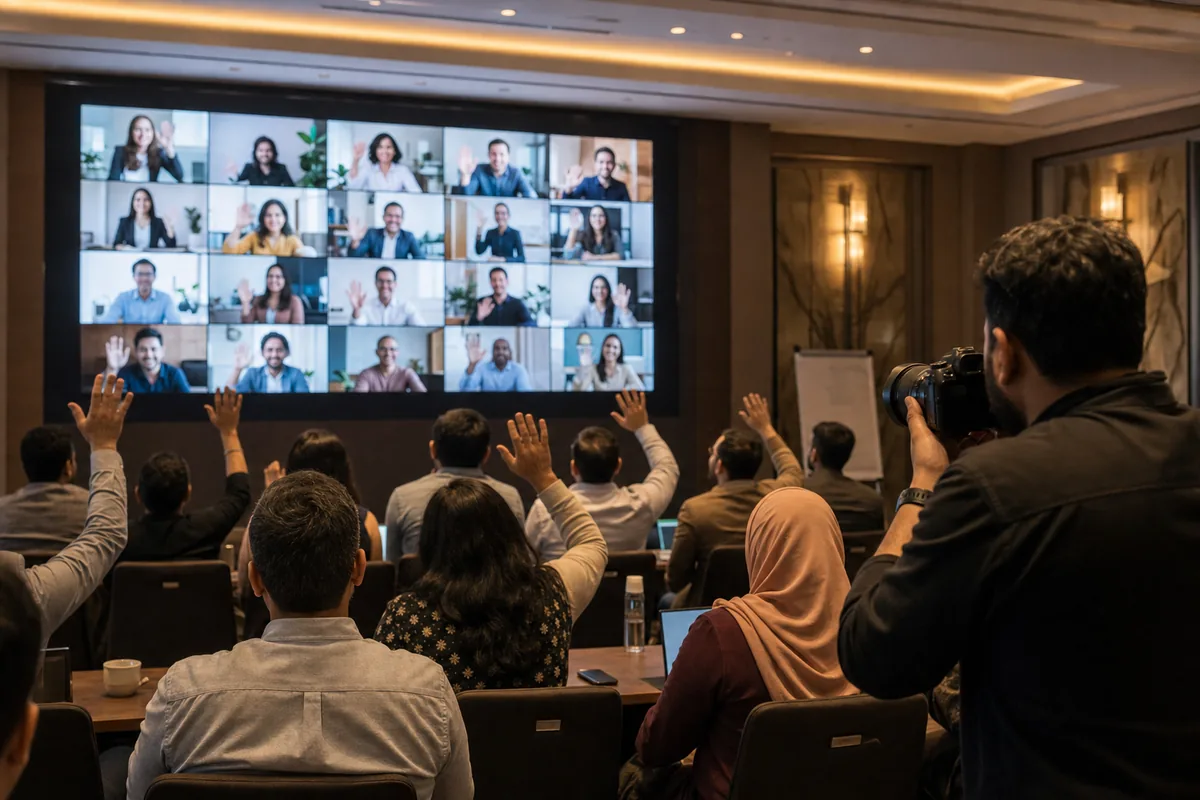
You can deliver event photos to 300 guests without collecting a single email address. Set the gallery to live, share one event code or QR link, and let each guest open their own photos by entering the code or taking a selfie. No signup, no app, and no list for you to type up afterwards.
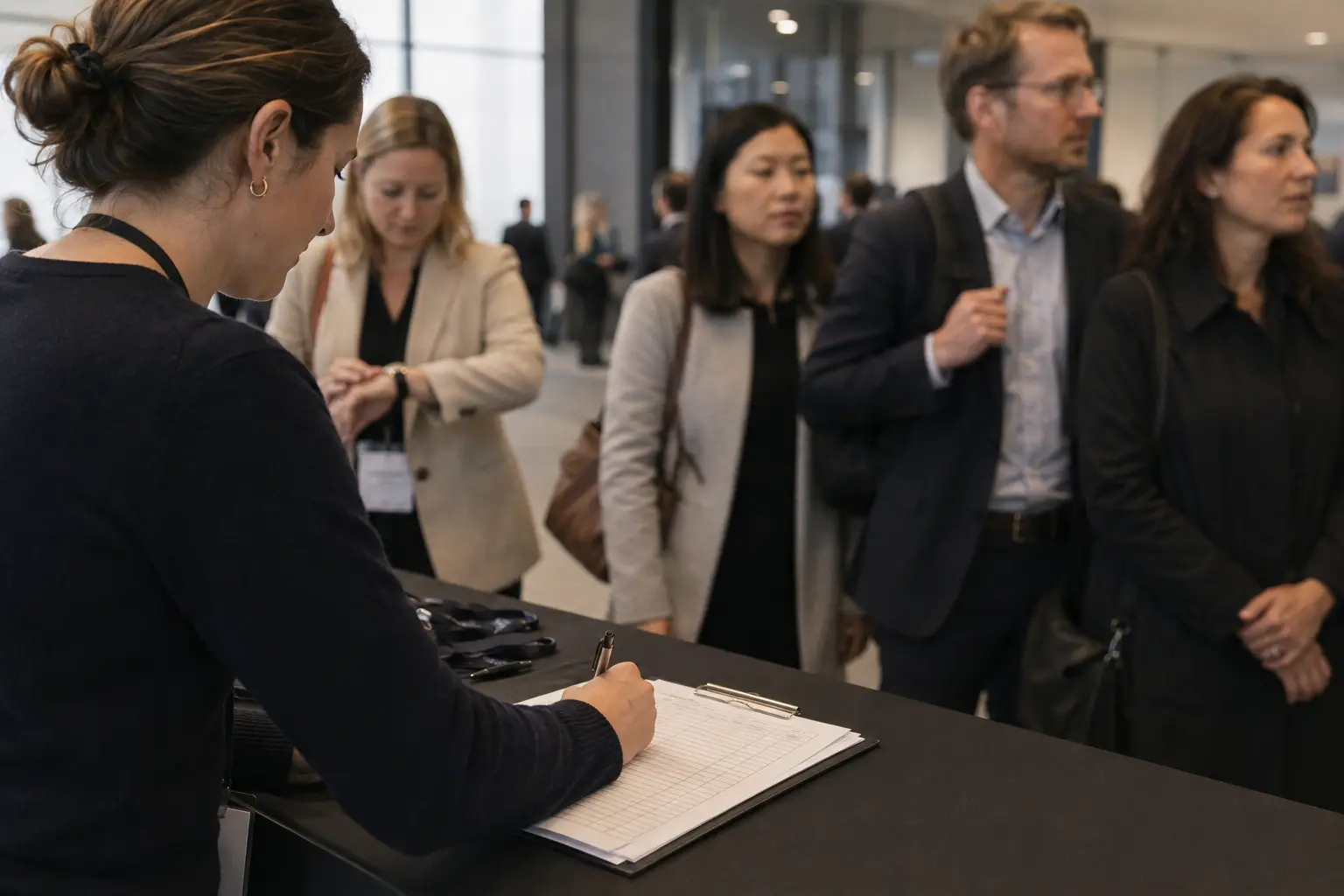
Most event photo delivery still starts with a spreadsheet. Someone stands at the door with a clipboard or a tablet, asks every guest for an email address, and hopes the handwriting is readable. Days later the photographer sends 300 links and starts answering the replies that bounce.
That step feels like the price of delivery. It is not. This guide covers why the email list slows you down, what you take on when you keep one, and the three ways a guest can reach their own photos without giving you anything.
Why the email list is the slowest part of photo delivery
Collecting contact details at an event competes with the event itself. People are arriving, greeting each other, finding their seats. Nobody wants to spell out an address at the door.
The list then fails in ordinary, predictable ways:
- Handwriting and typos. One wrong character and the guest never gets their photos. You will not know until they complain, if they complain.
- Missing people. Guests who arrive late, leave early, or simply walk past the desk are not on the list at all.
- Staff time. Someone has to collect, type up and check the list, then send and resend the links.
- The follow-up. Every address that bounces turns into a message you have to chase after the event is over.
At a 30-person dinner this is annoying. At a 300-person school sports day or a company conference it becomes a second job, and it happens on the day you are least free to do it.
There is also a quieter cost. The people most likely to end up missing from the list are the ones who did not want to stop and give their details in the first place.
What you are really taking on when you collect 300 email addresses
An email address is personal data. Once you hold 300 of them, you are responsible for them.
Under the General Data Protection Regulation (GDPR), which applies across the EU and is retained in UK law, personal data must be adequate, relevant and limited to what is necessary for the purpose you collected it for. That is Article 5(1)(c), the data minimisation principle. The same Article adds storage limitation at 5(1)(e): personal data must be kept in a form that identifies people for no longer than is necessary.
Read plainly, those two lines ask a simple question. If a guest can reach their photos without giving you an address, why are you holding one?
That question gets sharper at school and corporate events. A school event list is a set of parent contact details. A corporate event list often belongs to the client, not to you, and the client may have its own rules about who holds it.
Background, not legal advice
Rules differ by country, and schools and employers often add their own on top. Check your obligations with whoever advises you before changing how you collect or store guest details.
Three ways guests can reach their photos without giving you an email
The alternative is to stop pushing photos out and let guests pull their own instead. Three routes do this, and they work together.
1. One event code for everyone. You share a single code for the event. A guest enters it and lands in the gallery. Nothing to collect, nothing to type up. This is how Lenzeit's private access mode works: the event is set to live, and guests get in with the event code or by scanning their face.
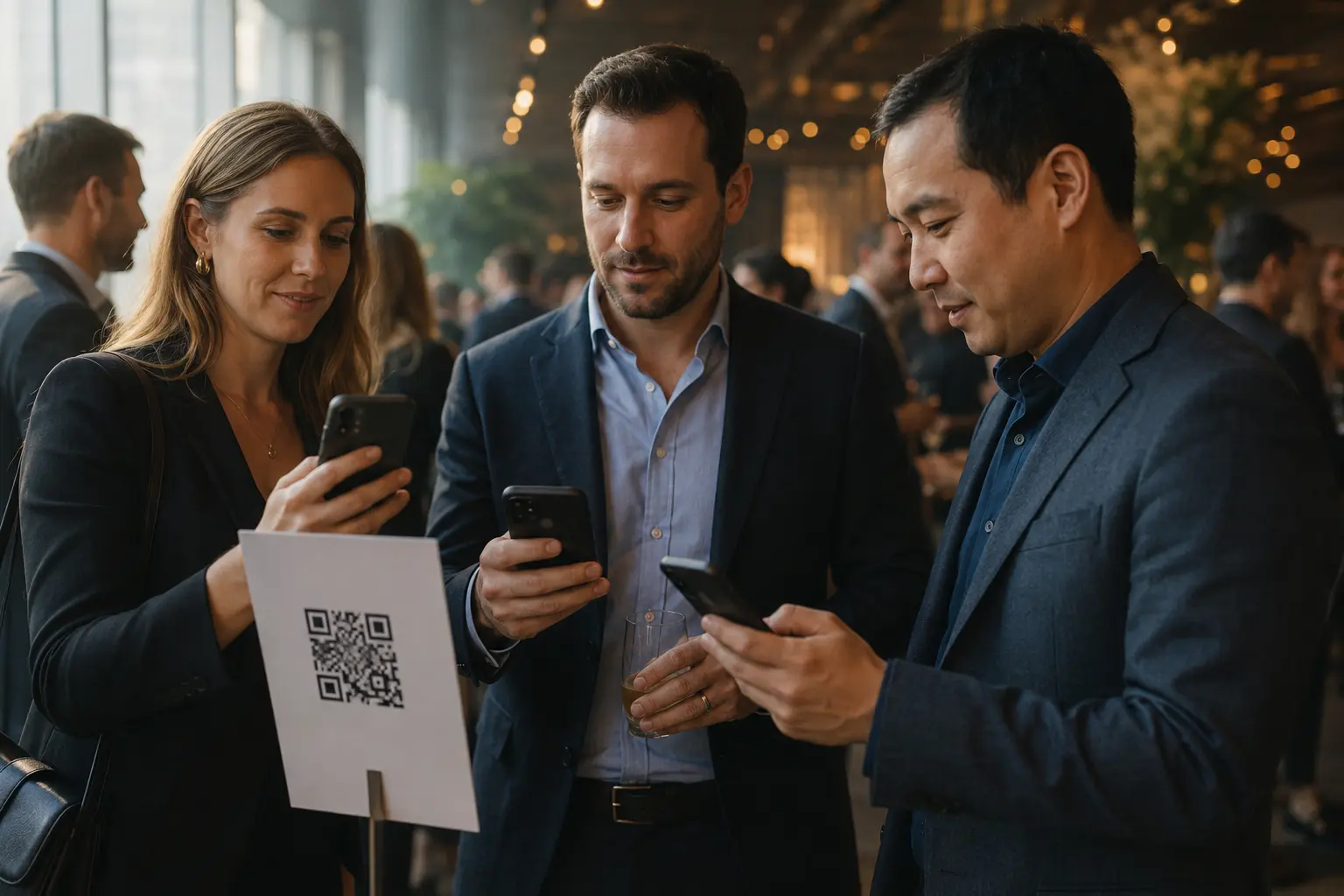
2. A QR code or link. The same gallery can be shared as a link or a QR code, which is a square barcode a phone camera reads. Put it on the table cards, the badge, the screen between talks, or the exit banner. The guest points their camera at it and the gallery opens in their browser.
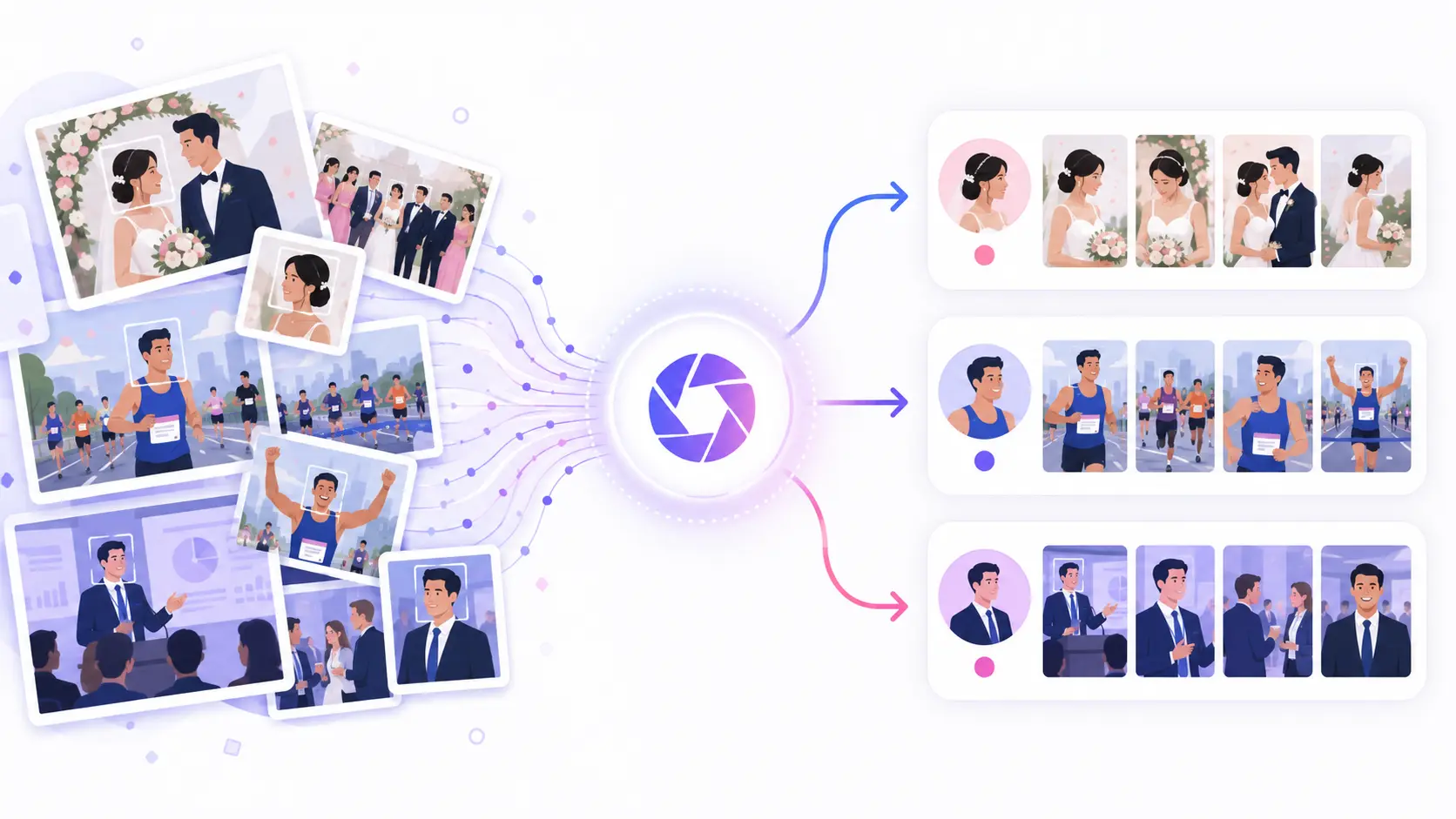
3. Face search. Face search means the guest takes or uploads a selfie, and the software returns the photos they appear in. It is the difference between handing someone 4,000 pictures and handing them the eleven they are actually in. With Lenzeit no app and no account is needed, so a guest can go from a QR code to their own photos on the phone already in their hand.

Behind all three, the sorting has already happened. MagicSort™, the AI engine in Lenzeit, groups every photo by person, surfaces the sharpest shots and removes duplicates, so the gallery a guest opens is already organised by who is in the frame rather than by upload order. If face-based sorting is new to you, start with what AI photo sorting actually does.
You can also start this during the event. Lenzeit's Go Live setting lets you upload while the event is still running so attendees can begin downloading before they leave.
When you still need email addresses
Sometimes the answer is that you do need them, and pretending otherwise would be dishonest.
If an event has to be invite-only, Lenzeit's secure mode registers guests beforehand and emails each one a unique access code. Every guest then sees only their own matched photos. That is a stronger control than a shared code, because access is tied to a named person rather than to anyone holding the link.
School events are the clearest case. If the requirement is that each family sees only their own child, per-family delivery with individual codes is usually the right call, and the contact list is the price of that control. We covered this in detail in the guide to sharing school event photos with parents safely.
The useful distinction is this. Collect email addresses when access needs to be tied to a specific person. Skip them when the goal is simply that each guest finds their own photos quickly.
Which access route fits your event
Four common situations, and the route that fits each. The use case pages show how these map to other event types.
- ✓School events and anything involving children. Use invite-only registration with per-family access codes. Accept the contact list, and use per-face privacy controls to lock out any child whose family has opted out, so those images are never delivered to anyone.
- ✓Corporate events and conferences. A shared event code or QR link works for the main gallery, and it avoids you holding the client's attendee list. Lock specific faces for speakers, VIPs or anyone who asks not to appear. Fast, clean delivery is also one of the simplest ways to make a corporate client want to rebook.
- ✓Public events, sports days and festivals. Use an open gallery. Attendees browse everything or use face search to filter down to their own moments. No collection step at all.
- ✓Mixed events where some guests need privacy and most do not. Use the private mode, where the event code or a face scan gets people in, and lock the faces that need protecting.
If you want to see the whole path from upload to guest download before choosing, the full Lenzeit workflow lays it out step by step.
How to set this up on the day
This part is a genuine procedure, so here it is in order:
- Pick the access mode before the event, not after. The choice between an open code and per-person registration changes what you need to collect, and you cannot collect it retrospectively.
- Put up a notice. Ireland's Data Protection Commission advises that at large events it is advisable to have written notices in place telling attendees that photos are being taken, why, and what the images will be used for. Put the gallery QR code on that same sign so the notice does two jobs.
- Place the code where people already stop. Registration desk, table cards, the screen between sessions, the exit. One poster at the back of a hall is not enough.
- Upload in batches while the event runs if you want people downloading before they leave.
- Say it out loud once. Ask the host or MC to mention the code once, near the end. This single step does more than any extra signage.
- Leave the gallery reachable afterwards. Guests who missed the code on the day will ask, and a working link answers the question without any admin from you.
The cheapest improvement on this list
One spoken announcement near the end of the event usually beats every extra poster. People are already reaching for their phones to leave.
What this approach does not solve
Skipping the email list removes a bottleneck. It does not remove every problem, and it is worth being clear about the edges.
- The code still has to reach people. No access route helps a guest who never saw the QR code. Signage and one spoken announcement are doing real work here.
- Some guests want the whole gallery. Face search gives a person their own photos. If people expect to browse the full event, that is a public gallery, which is a different decision about who sees what.
- You lose the contact list. If the reason for collecting addresses was marketing rather than delivery, this approach does not replace it. Be honest with yourself about which one you were doing.
- Consent still needs handling separately. Making photos easier to reach is not the same as having the right to take them.
Delivering photos to 300 guests does not require knowing how to contact 300 guests. A code, a link or a selfie is enough for a person to find their own pictures, and every address you do not collect is one you do not have to protect. Decide up front whether access should be tied to a named person or simply made easy, and let that choice drive everything else.