To make a digital yearbook from a whole year of school events, set up a simple collection plan in the first week of term, then gather, name and sort each event on its own as soon as it happens. By spring, the yearbook team is choosing from ten tidy, dated collections instead of chasing photos across teachers' phones, parent chat groups and a photographer's download link.
This guide is for yearbook advisers, school administrators, PTA volunteers and university student-affairs teams who want the book to cover the whole year and every student. If you only need to get one event's photos to families, read how to share school event photos with parents safely instead.
Print or digital yearbook: which fits your school?
A printed book and an online one solve different problems. The right choice depends on your budget, who needs access, and how long the school wants the record to last. These are the points that usually decide it.
- Cost. Print costs money for every copy, so schools usually need pre-orders or a subsidy. A digital book has no print bill, but still needs design time and often a hosting fee.
- Deadline. Print books close early. One adviser, writing for the yearbook publisher Walsworth, described a spring-delivery book that had to be finished by spring break, when the baseball season had barely started. A digital book can still take prom and graduation.
- Access. A printed copy reaches the families who bought one. A link reaches grandparents abroad and alumni at no extra cost.
- Permanence. A printed book sits on a shelf for decades with no one maintaining it. A digital book lasts only as long as someone keeps the files and the link working.
- Space. Print is limited by page count. Digital can hold more photos, short videos and late-year events.
A common middle path is a hybrid: a shorter printed book with portraits and the main events, plus a digital edition with full event coverage, spring sports, prom and graduation. The hybrid also answers the permanence risk, because the printed copy survives even if a website does not.
University teams often go digital only. Graduates scatter across cities and countries, and a link is far easier to send them than a box of books.
Web yearbook, PDF flipbook or video: which format should you use?
Digital does not mean one thing. Most school books fall into one of three formats, and some schools use two.
Web yearbook
A web yearbook is a set of pages on a website or a yearbook platform, usually one section per event, club and class. It holds the most photos and is easy to update when a late event happens. The trade-off is dependence: if the platform closes or the subscription lapses, the book goes with it. Ask any provider how you export everything before you sign.
PDF flipbook
A PDF flipbook is a fixed set of designed pages, like a print book, saved as one file. It works offline, families can download it, and the same file can go to a printer if you choose the hybrid route. Large PDFs load slowly on phones, so share a lighter version and keep the full-quality file for the archive.
Video yearbook
A video yearbook is a slideshow or short film of the year, often shown at graduation or an end-of-year assembly. It is the most emotional format and the hardest to search. Add captions for any speech, because the W3C accessibility guidance says captions are required for pre-recorded video with audio at WCAG Level A. Use only music the school has the rights to share.
Whichever format you choose, the work behind a digital yearbook is the same: a year of photos, sorted by event, with every student accounted for. That is the part most teams leave too late.
How to collect photos from every school event, all year
The usual failure is not design. It is reaching March with September's photos scattered across ten phones, two cloud drives and a parent chat group. A collection plan, set up once, prevents that.
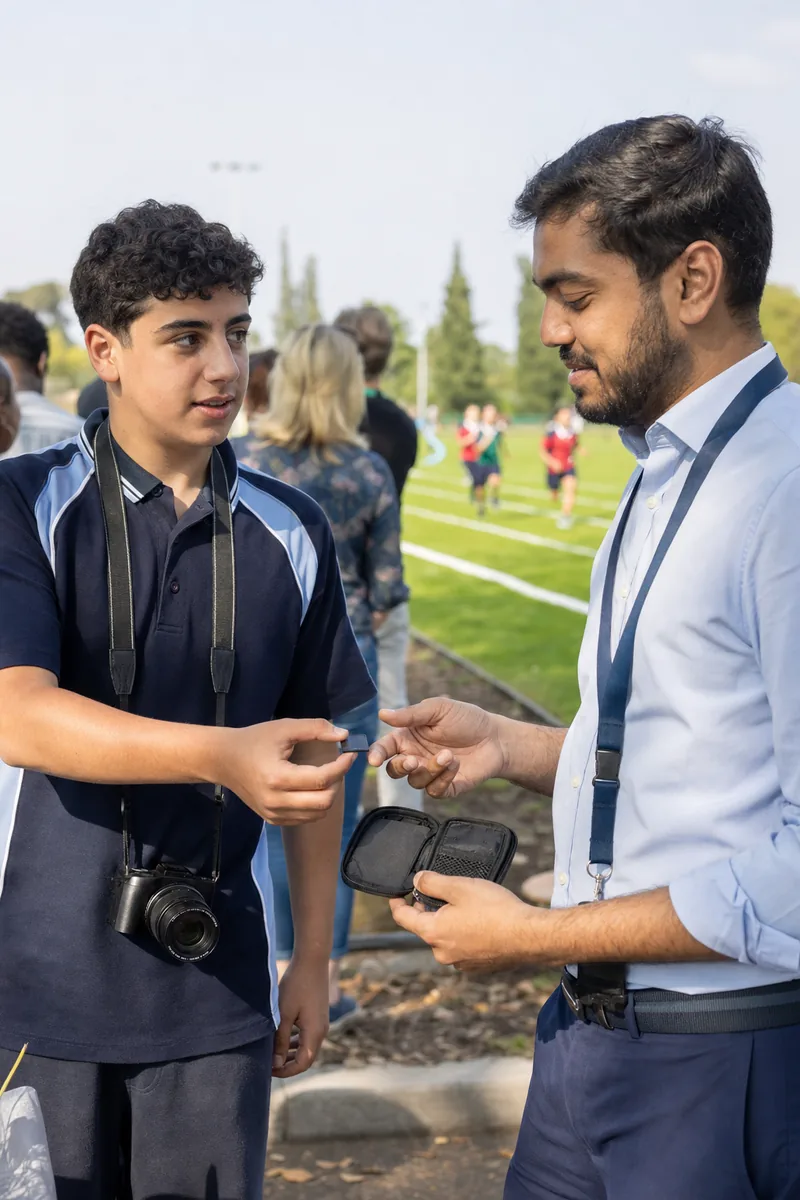
Treat each event as a separate, finished job. When sports day ends, its photos are gathered, named, uploaded and sorted that same week, before the next event starts. The yearbook team then only has to choose, never to search.
- Build the event calendar in the first week of term. List every event you want in the book, from orientation and sports day to prom and graduation.
- Assign who shoots what. A hired photographer for graduation, student photographers for clubs and classrooms, a named teacher or parent volunteer for each trip. Every event gets a name next to it.
- Name each event folder by date and name. Use a format like "2026-10-14 Sports Day", with the year first, so folders sort in calendar order on any computer. The Library of Congress also recommends descriptive file names and a clear folder structure for photo collections.
- Do one upload per event, within a week. One person gathers every card and phone from that event and uploads the whole set once. Late photos from parents go into the same folder, not a new one.
- Pick favourites while the event is fresh. Mark the strongest frames for the book in the same week. Choosing from memory in May is slower and less accurate.
- Check the calendar once a month. Any event without a folder is a gap you can still fix.
A photo workflow and delivery platform helps most at steps 4 and 5. In Lenzeit, each school event is its own event, and you bulk upload the whole set, including as a ZIP file. On Pro or Premium, MagicSort™ groups each event into person-wise galleries, removes duplicates and surfaces the sharpest shots. The yearbook team starts the design stage with sorted events rather than raw dumps.
How do you make sure every student is in the yearbook?
Students notice who is missing: the quiet student who is on no team, the one who joined in January, the one absent on portrait day. Coverage has to be tracked, not hoped for.
Track coverage by class
Keep one spreadsheet per class or year group, with student names down the side and events across the top. Each time a student is identified in a chosen photo, add a mark. Once a month, sort by the fewest marks and send photographers to fix the gaps.
- ✓Set a minimum. For example, every student appears at least twice outside the portrait pages.
- ✓Plan classroom days. A photographer visits each class during a normal lesson, with the class list in hand.
- ✓Watch the late joiners. Students who arrive mid-year miss the autumn events, so plan them into spring coverage.
- ✓Mark opt-outs in the same sheet. Nobody should chase coverage of a student whose family said no.
Person-wise groups are quicker to review than a whole event, but the class list is what tells you who is missing.
Let students find and pick their own photos
Students are the fastest way to fill gaps, if they can see their own photos. The honest setup is one gallery per event. In Lenzeit, a student or parent opens that event's link or QR code, takes a selfie or enters an access code, and sees only the photos they appear in, with no app and no account. Here is how students and families receive their photos.
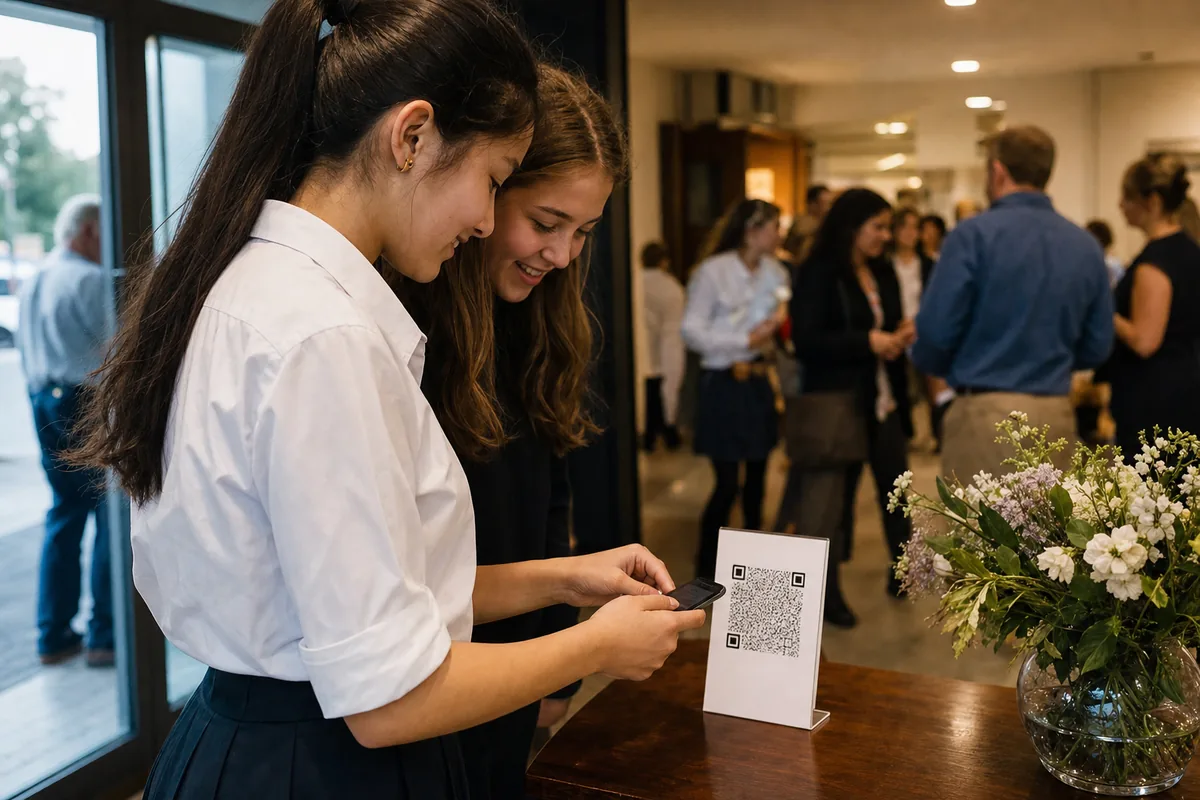
There is no single page that gathers one student's photos from every event. So publish one page or newsletter post that lists every event gallery link in date order. Then ask seniors to choose two or three favourite photos from their galleries and submit them through a short form by a fixed date. You get student-chosen photos, and any senior who finds nothing tells you about the gap before the book is finished.
For events where only registered families should see anything, use secure invite-only mode, one of the three delivery modes in Lenzeit's event photo delivery software. The school registers guests before the event, each one receives a unique access code by email, and each sees only their own matched photos.
What privacy and consent rules apply to yearbook photos?
Yearbook photos are personal information about students, many of them children. The rules differ by country and district, so treat this section as a map of questions to ask, not legal advice.
In the United States, the Family Educational Rights and Privacy Act (FERPA) lists a student's photograph among the types of information a school may designate as directory information.
A school can share directory information without consent only after giving public notice of what it has designated, of the parent's or eligible student's right to refuse, and of the period in which to say no in writing. An eligible student is one who has turned 18 or attends a college or university.
In the United Kingdom, the Information Commissioner's Office (ICO) says data protection law is likely to apply when photos are taken for official school use, and that pupils or parents must be told how the photos will be used. Other countries have their own rules, and many schools set policies stricter than the law.
The National Association of Secondary School Principals (NASSP) advises school leaders to have written contracts with third-party vendors that address privacy and allowed uses of student information, and to explain those vendors' privacy policies to parents. That applies to your yearbook platform and to any photo delivery service.
- Get the opt-out list before the first event. The yearbook team and every photographer need it, not only the office. Our guide to running a school photo opt-out covers event day.
- Separate uses on the consent form. A family may accept the yearbook but refuse the public website or social media.
- Recheck each spread against the list. Group photos and crowd shots are where opted-out students slip in.
- Log every change. Families change their minds mid-year. The consent log in our employee photo consent guide adapts well to students.
- Ask where the photos are stored. Know which platform holds them and who on staff can open them.
For event galleries, FaceLock™ on Pro or Premium lets you lock an opted-out student's face so photos containing it are never delivered to anyone else. It does not blur. A group shot that includes a locked student is held back from delivery. FaceLock controls delivery only, not your yearbook design file, so the spread check above still matters.
Check with your district or legal team
This section explains what these rules generally cover. It is not legal advice, and no software makes a school compliant on its own. Your district, university counsel or data protection officer decides what your annual notice and consent forms must say.
How to keep yearbook photos safe for years after graduation
A yearbook is meant to last decades. Photo galleries and online platforms make no such promise, so keep your own master archive, owned by the school and separate from any service you used to share the photos.
The Library of Congress gives simple advice for photo collections that works for a school: make at least two copies, store them in places as far apart as practical, check them at least once a year, and copy them to new media every five years or when needed.
- Export the finished book as a full-quality PDF, plus the video file if you made one.
- Keep the chosen photos in the dated event folders, at original resolution.
- Store two copies in two places, for example a school drive and an external drive kept in another building.
- Write a one-page handover note for next year's adviser: where the copies are, how folders are named, and where the consent records live.
Treat Lenzeit as the place students and families find and download their event photos during the year, not as the school's permanent archive. The archive is your own copies.
A good digital yearbook is decided in September, not May. Plan the events, sort each one as it happens, track every student by class and respect every opt-out, and the design stage becomes the easy part.