A school photo opt-out works when you plan it before the event instead of fixing it afterwards. Get a confidential list from the school, give staff a quiet way to spot those students, shoot every group photo in two versions, and deliver so that no family ever receives a photo showing another family's opted-out child. Each opt-out then costs seconds per group shot, not days of editing.
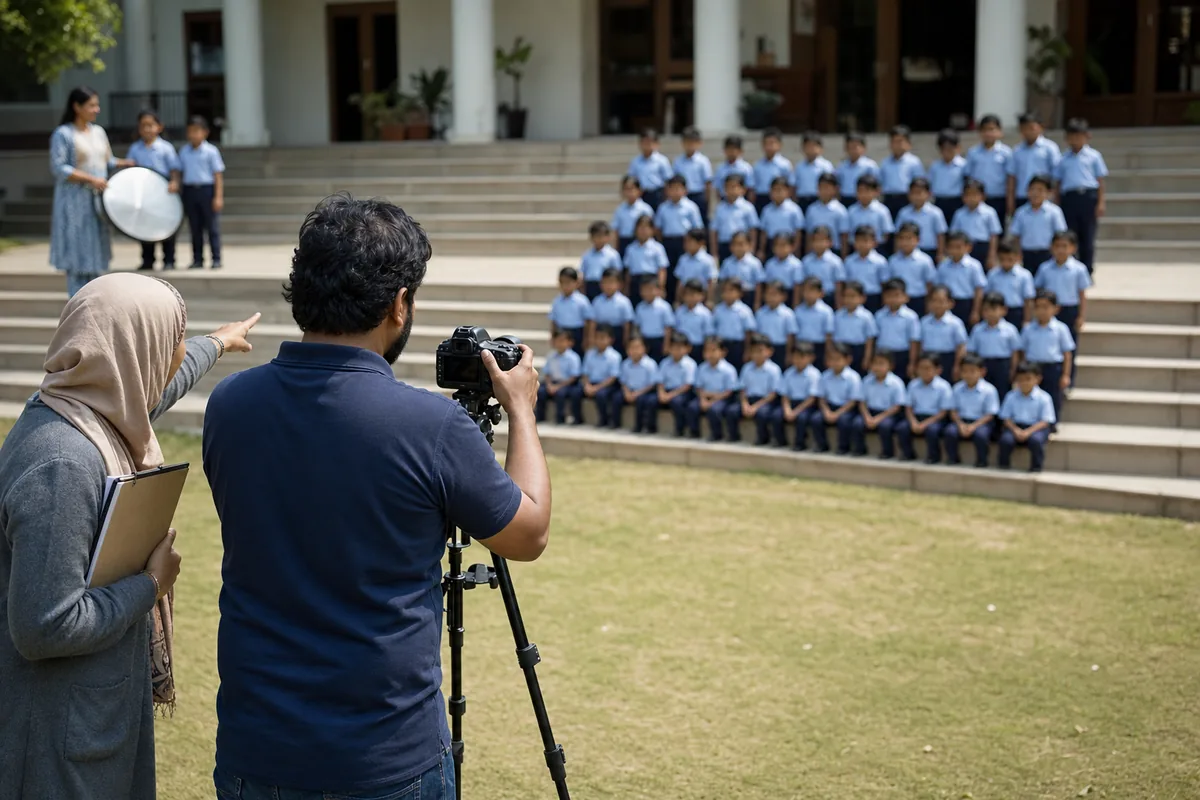
Every school has these families. Some parents tell the office each September that their child must not be photographed or published. Then picture day comes, you have a class of 30 on the steps, and 3 of them cannot be in the shot. The job is to handle those 3 calmly, without singling them out and without holding up the other 27.
This guide covers why families opt out, what the rules say, how to run the day, and what to tell parents. For delivering photos to families in general, see our guide on how to share school event photos with parents.
Why do parents opt their child out of school photos?
Families opt out for reasons that range from safety risks to simple preference. You will rarely be told which, and you should not ask. NSPCC Learning's guidance on photographing and filming children describes the most common ones:
- Safeguarding. A child in local authority care, or a child who has been adopted, may need their identity protected.
- Custody or protection orders. A family that has lived through abuse may worry that a photo shared online could help the person who hurt them find the child.
- Religious or cultural reasons. Some families choose not to have photos or videos taken at all.
- Personal preference. Some parents want a smaller online footprint for their child until the child is old enough to decide.
The practical lesson is to treat every opt-out the same way and never put the reason on the list. Then nobody can guess which family is dealing with a protection order and which one simply dislikes social media. For events where faith shapes the photo rules for everyone in the room, our interfaith event photography guidelines go deeper.
One detail changes everything that follows: the scope of each opt-out. Some families mean "no photos at all". Others mean "no publication", so the child can be photographed for their own family but must stay off the website, social media and the digital yearbook. The scope decides whether you ever take a frame with that student in it, so ask the school to write it next to each name.
What does FERPA say about photo opt-outs?
This is general information, not legal advice. The school's policy and its lawyers have the final word.
In the United States, the Family Educational Rights and Privacy Act (FERPA) is the federal law that protects student education records. It lets a school share "directory information", such as a student's name, activities and sports, without consent. But the school must first give public notice of what it counts as directory information, tell parents they can restrict it, and set a period for them to say no in writing, according to the U.S. Department of Education's guidance on directory information. That written "no" is where many photo opt-outs begin.
The Department's FAQs on photos and videos under FERPA add detail. A photo is an education record when it is directly related to a student and kept by the school or someone acting for it. A photo made to focus on one student, such as an ID photo, counts. A student only in the background of a public school activity generally does not. The FAQ also notes that schools often designate photos from public events, such as sports, concerts and plays, as directory information, or ask parents for consent.
For a photographer working for a US school, this means:
- The school owns the notice and the list. Ask for the opt-out list in writing before the event, not at the door.
- The list changes during the year. Ask for an updated copy before each event, not only in September.
- Rights move to the student. When a student turns 18 or attends a college or university, FERPA rights pass from the parents to the student.
Other countries have their own rules. In the UK, the Information Commissioner's Office says data protection law is likely to apply when photos are taken for official school use, such as a prospectus, and that pupils or parents must be told how the photos will be used. Schools may also have their own safeguarding policies. Wherever you work, follow the school's written policy and check anything unclear with counsel.
How to run a school photo opt-out from list to group shot
Build a confidential list
Keep the list small and private. Share it only with the lead photographer and one named staff member, never on a wall or a shared screen. It needs a name, a class and the scope for each student, never the reason. Shred or delete copies once delivery has been checked.
A list alone is not enough, though. Nobody can memorise 30 faces from a class list while also watching light and expressions.
Choose a discreet marker
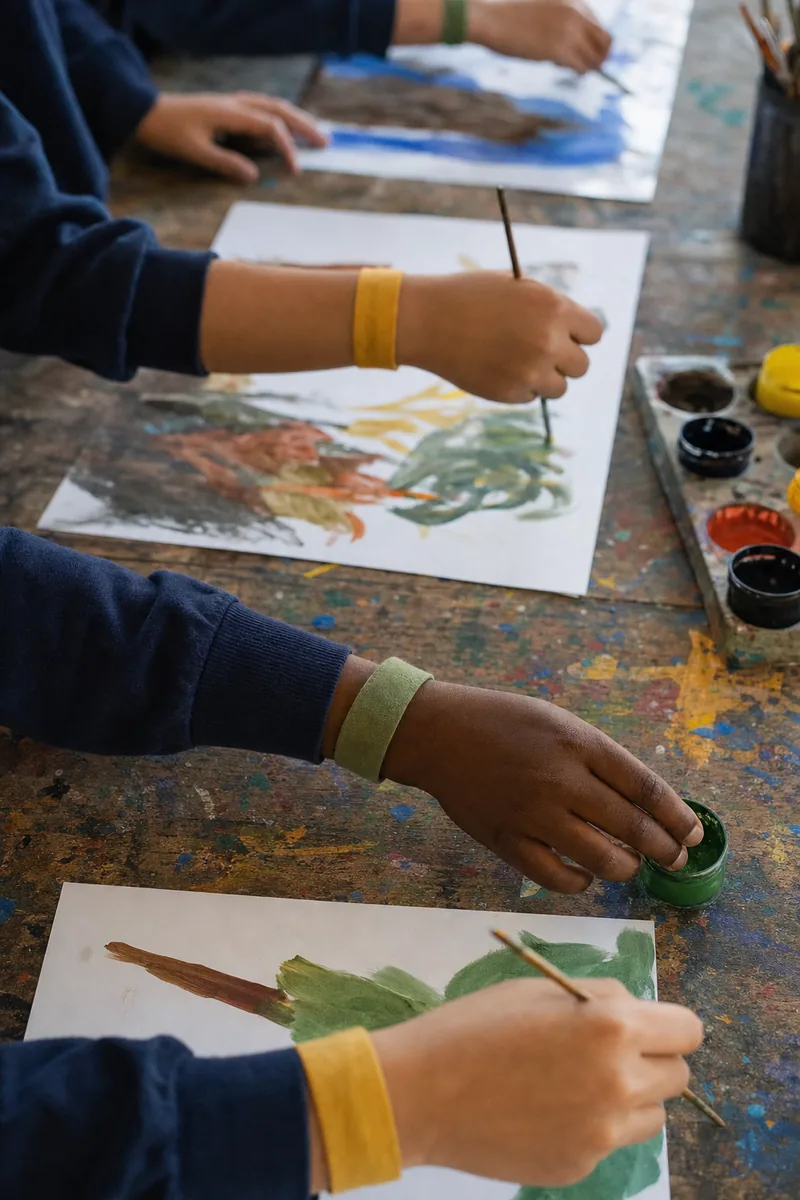
A coloured lanyard or wristband is easy to see from behind a camera, but children quickly work out what the colour means. NSPCC guidance allows a sticker or a badge, but says children must not feel singled out or isolated. If you use colour, give every student a band and let only staff know which colour matters.
A small sticker on a name badge is quieter. It is hard to see at a distance, so it suits portraits and small groups more than a sports field.
A staff spotter uses no marker at all. A teacher who knows the class stands beside you and quietly says "second row, left end" before you shoot. For most school events this is the most discreet option, and it costs one adult for the length of the shoot.
Whatever you choose, never keep a child out of the activity itself. The NSPCC is clear that children should never be excluded from an activity because there is no consent to photograph them.
Shoot every group photo twice
The group photo is where most of the stress sits, and the answer is simple: shoot two versions, and make the switch take seconds.
- Plan the positions. Ask staff to place opted-out students at the end of a row, so stepping out does not open a gap in the middle.
- Lock the framing. Put the camera on a tripod so both versions line up.
- Shoot the version without them first. Most families will receive this one, so take it while everyone is fresh. Give the students who step out a job, such as holding the reflector.
- Close the gap. Ask the row to shuffle in one step, check both edges, and take a few frames.
- Shoot the version with them only if the scope allows it. A "no publication" family may still want the full class photo. For "no photos at all", skip it.
- Mark the break. Take one frame of your hand between the two versions, so you can find the "with" frames later in seconds.
To keep one child from standing out, let other children step out too. A quick series of small groups, table by table or row by row, makes stepping in and out normal for everyone.
Candid coverage is harder, because you cannot arrange the background on a sports day. Keep known students behind others, choose wide shots over close-ups, and let a moment go if it includes an opted-out child. Some will still appear in frames you want to keep.
Why cropping and blurring after the event fails at scale
For one class photo, cropping or blurring feels manageable. For a whole event, it breaks down. Say a sports day produces 2,000 frames:
- Checking is the real cost. Someone who knows the opted-out children's faces has to look at every frame, including the background.
- One miss is the whole failure. Correct edits on almost every frame do not help the family whose child is in the one you missed.
- A blurred face still identifies a child. Uniform, hair, height, a sibling and the school building all stay in the picture. For a family worried about being traced, blur solves the wrong problem.
- Blur singles the child out. Every parent who opens the class photo sees one smudged face and wonders why.
- Crops damage the photo. Cutting a student out of the middle of a row leaves an odd gap.
- The originals still exist. The untouched file sits beside the edited copy, and one wrong upload undoes the work.
The better approach is to stop editing pixels and decide at delivery, photo by photo, which families may receive each image.
How FaceLock keeps opted-out students out of other families' galleries
This is the part that event photo delivery software can do better than editing. In Lenzeit, FaceLock™ lets you lock a specific person's face, and any photo that contains a locked face is never delivered to anyone else. FaceLock does not blur or edit the photo. It holds the photo back. It comes with the Pro and Premium plans, not the free Freemium plan.
That creates an honest trade-off. A class photo with an opted-out student in it is withheld from every other family, not cleaned up. This is why the two-version group shot matters: the version without them is the one other families receive. Read more about how FaceLock handles per-face privacy.
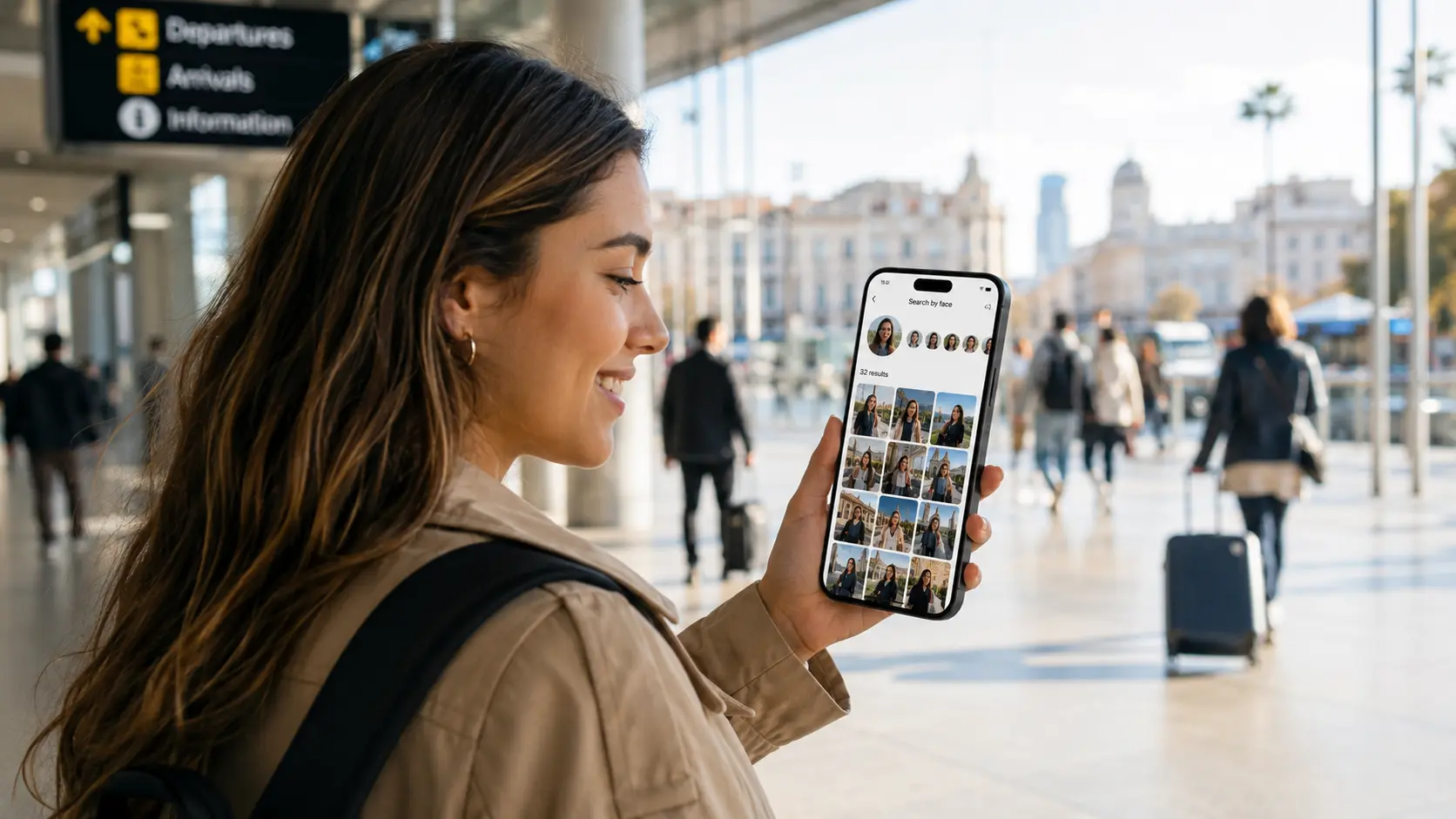
After the event, you upload the full set and Lenzeit groups the photos by face. A staff member who knows the students confirms which face group belongs to each name on the list, and you lock those faces before anything is shared. Then you deliver in secure, invite-only mode: families are registered in advance, each receives a unique access code by email, and each sees only the photos matched to their own child. The guest side is explained on how families receive their photos.
FaceLock is a safety net, not a permission slip
For a "no photos at all" opt-out, the right action is still not to photograph that child. Face matching works on faces the software can see, so a student who is turned away or partly hidden may not be recognised. Check your group photo versions by eye before you publish.
How to explain the process to parents in plain words
Two groups need a message. Families who opted out want to know their request will hold. Other families may notice that a few group or candid shots never reached their gallery.
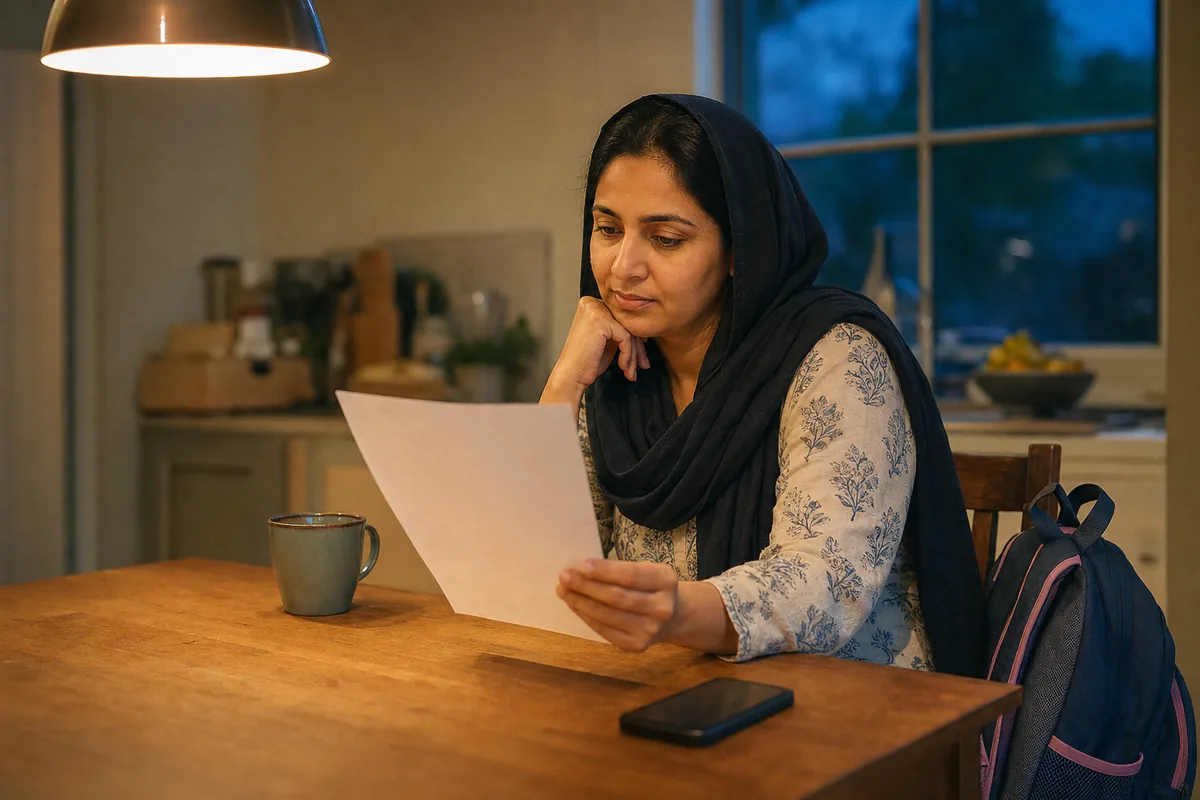
Keep the message short, name no children, give no reasons, and describe what actually happens. If your delivery uses face matching, say so. Telling parents how photos will be used is a legal duty in some countries and good practice everywhere.
A note you can adapt
Dear families, our photographer will be at [event] on [date]. If you asked for your child not to be photographed or published, we have shared that privately with the photographer. Group photos are taken in two versions, so every family can receive one. After the event, each family gets a private access code by email that opens only photos of their own child. Photos are matched to children using face recognition, and any photo that includes a child whose family opted out is not sent to other families. Questions or changes: contact [name] by [date].
Leave out three words: "blurred", because that is not what happens; "compliant", because no software makes a school compliant on its own; and "guaranteed". Send the note with the school's usual consent reminder, and accept a late school photo opt-out request up to the day before the event.
A short checklist for your next school event
- ✓Get the opt-out list in writing, with the scope for each student and no reasons.
- ✓Agree on the signal: a staff spotter, or a marker every student wears.
- ✓Shoot the version without them first, and the full version only where the scope allows it.
- ✓Lock opted-out faces before delivery, and check the group versions by eye.
- ✓Deliver per family, with a plain note to parents.
Handling a school photo opt-out well is mostly preparation. Plan the list and the signal, shoot two versions of every group, and let delivery rules, not blur, keep each child's photos with the right family.