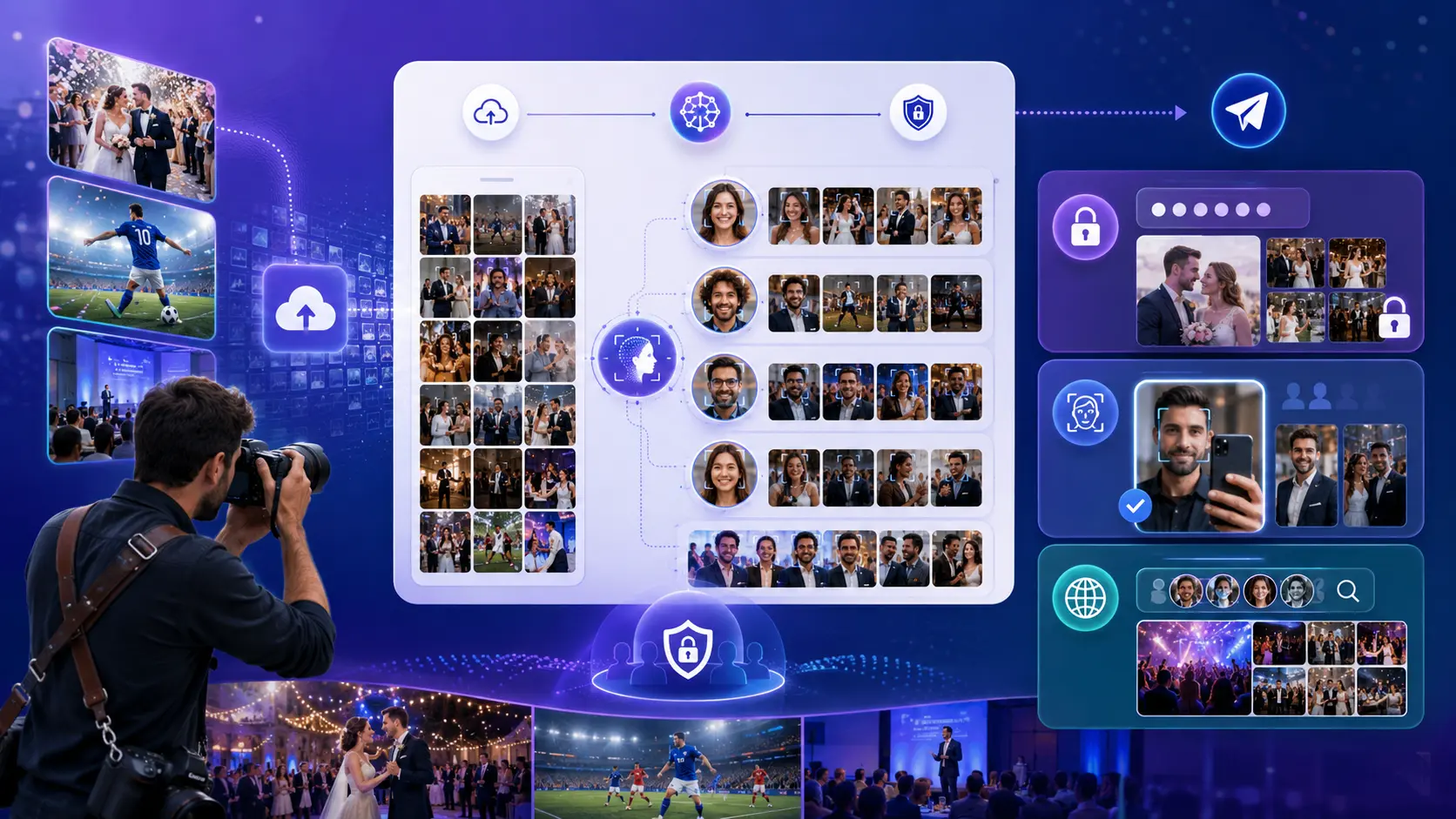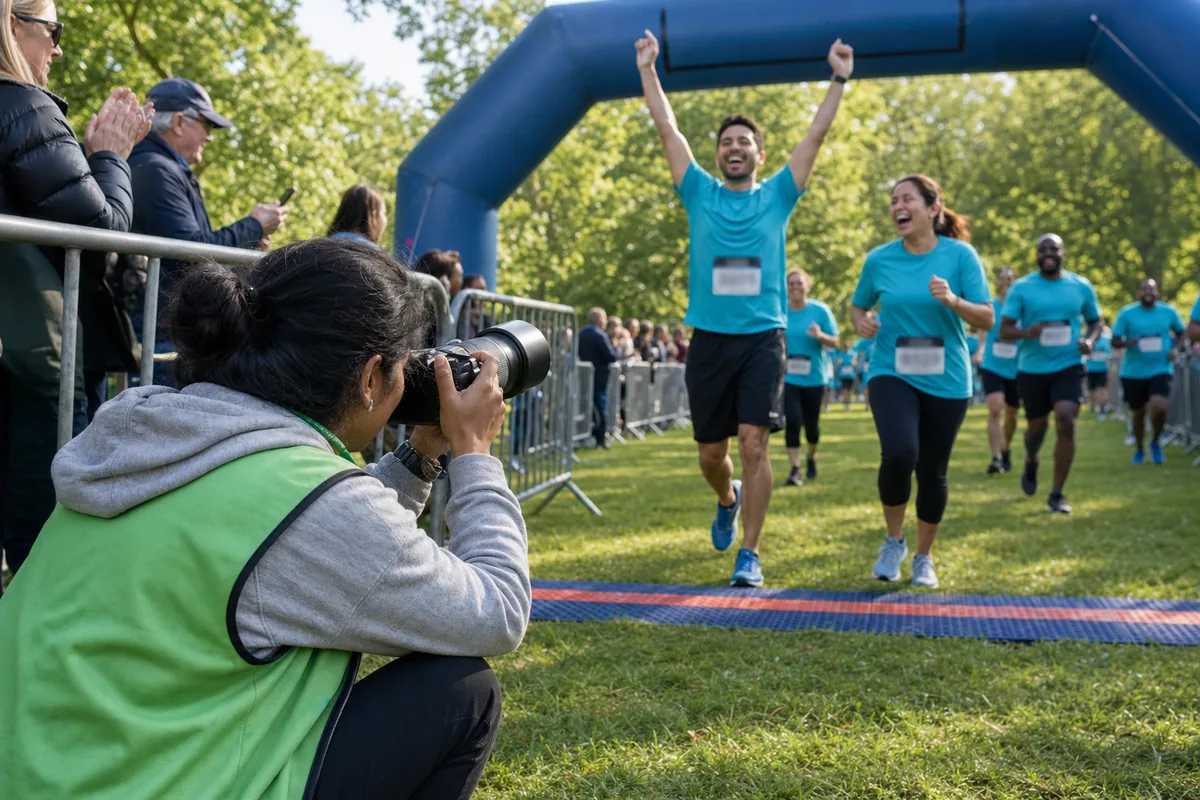
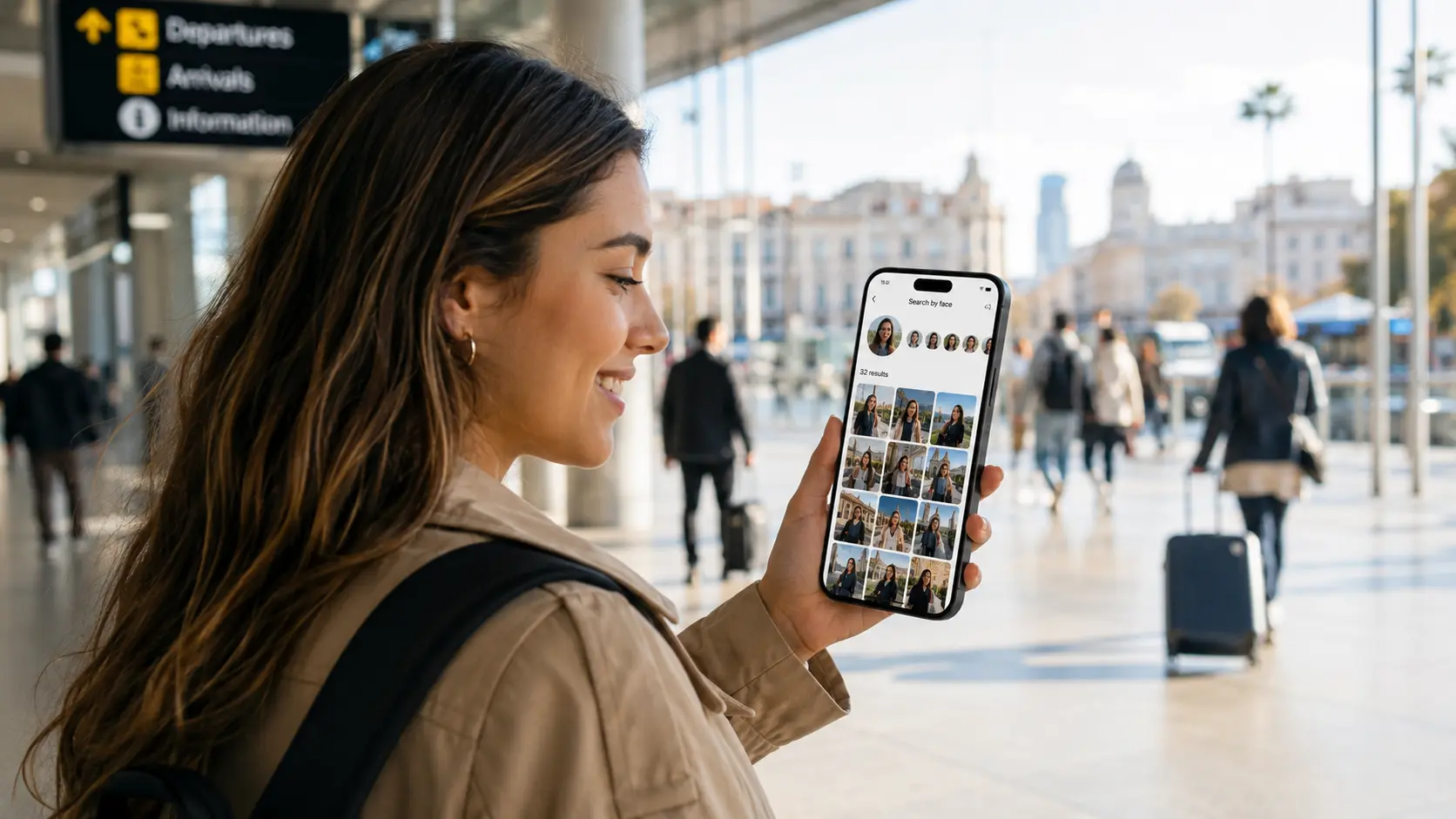
The fastest way to find your photos from a group tour, marathon, festival, or event abroad is to use the official photo gallery's face search or selfie search tool, then narrow results with your bib number, event time, location, outfit, or group name. If the photographer uses Lenzeit, you can upload a selfie and instantly see the photos you appear in, instead of scrolling through thousands of strangers.
Travel photos are emotional because they are proof that you were there: crossing a finish line in another country, dancing at a festival, standing with a tour group at a landmark, or joining a destination wedding with people you may never meet again. The problem is that large events produce huge galleries, and finding yourself inside them can feel impossible.
This guide explains how to search smarter, what information to keep after an event, and why face search is becoming the easiest way for travelers to recover the photos they care about.
Start with the official event or tour gallery
Before searching social media or messaging the organizer, look for the official photo link. It is usually shared through an email, WhatsApp group, QR code, race result page, festival app, ticket portal, or tour operator page.
- ✓For group tours: check the tour company's email, WhatsApp group, guide message, or post-trip gallery link.
- ✓For marathons and races: check the event website, timing result page, bib lookup page, or official photography partner.
- ✓For festivals: check the ticketing email, wristband app, festival website, sponsor gallery, or official social channels.
- ✓For destination weddings or private trips: ask the host for the photographer's gallery link or access code.
Keep the small details
Save your event name, date, location, bib number, group name, guide name, and the outfit you wore. These clues make photo searches much faster, especially when the gallery does not support face search.
Use face search or selfie search first
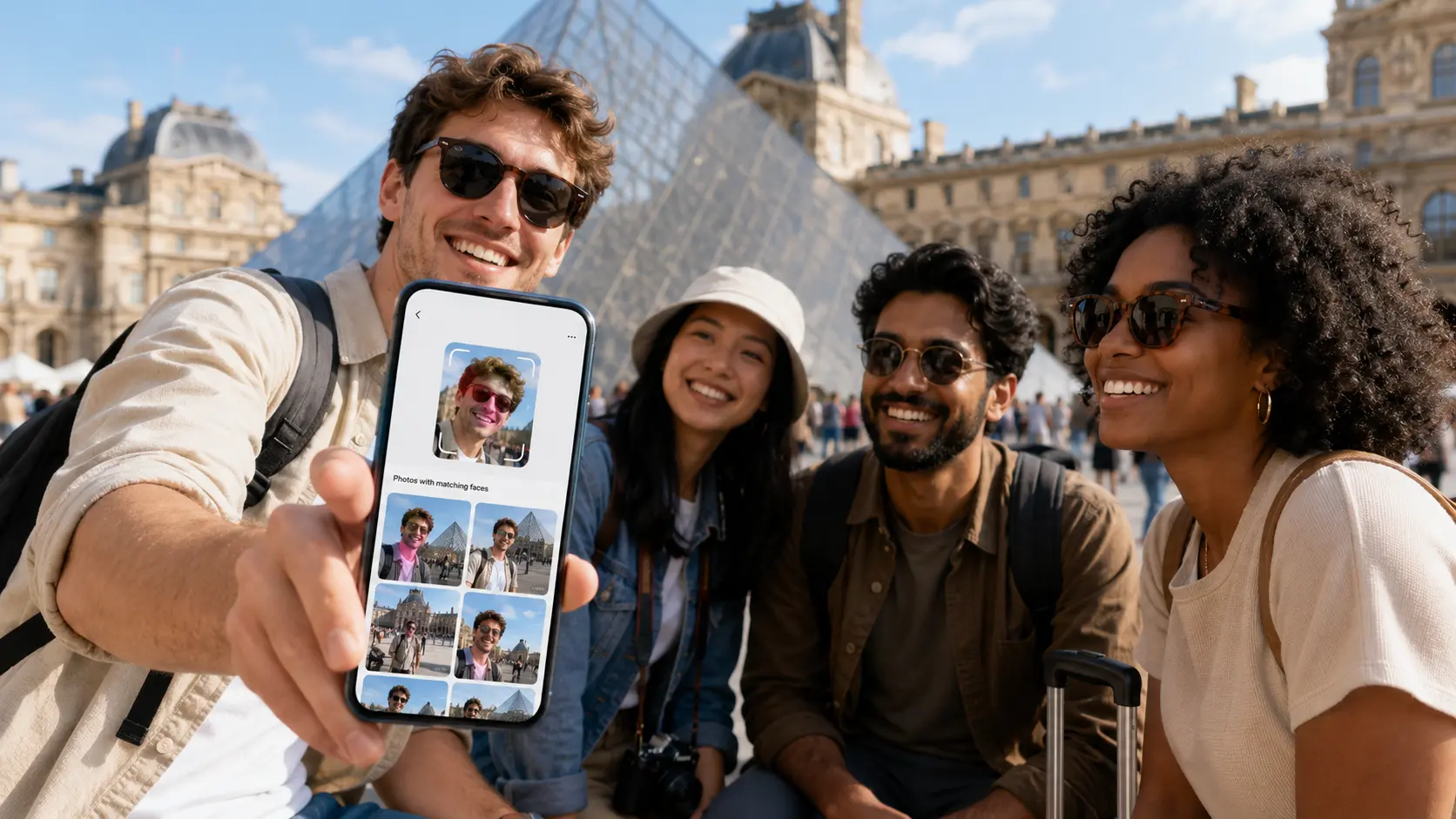
If the gallery has a face search, selfie search, or find my photos button, use that before scrolling. A face search engine compares your selfie to faces detected in the event gallery and returns the images where you appear.
This is especially useful abroad because you may not know the photographer, the file names are meaningless, and the event may include thousands of people from different groups. Instead of guessing which folder contains you, you search by your face.
- Use a clear selfie with your face looking toward the camera.
- Avoid sunglasses, masks, heavy shadows, or extreme angles if you can.
- Try a second selfie if the first search misses photos.
- Search for family or friends separately because each person's face may return different images.
Lenzeit's face search is built for this exact traveler problem. Photographers upload the full event, MagicSort groups photos by face, and guests can open their own gallery through a selfie or access code. See how clients receive their photos.
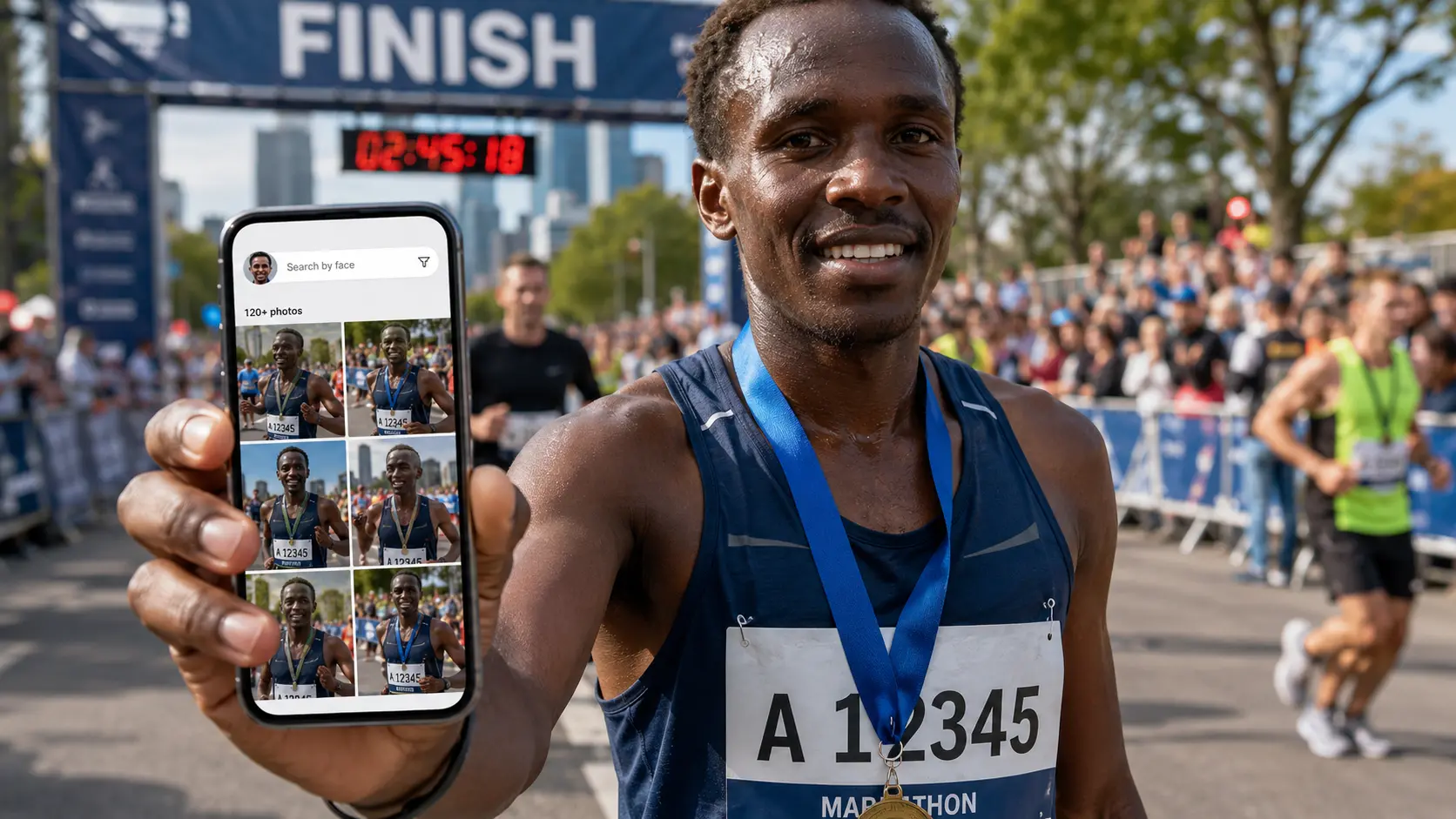
If it is a marathon or race, search by bib number too
Race photographers often tag images by bib number, time, checkpoint, or finish-line camera. If face search exists, use it first. Then add bib search to catch images where your face is turned away, covered, or blocked by another runner.
- ✓Search your bib number with and without leading zeros.
- ✓Check finish time and split points because photographers often shoot at fixed locations.
- ✓Look near your pace group if your bib was hidden in a few photos.
- ✓Search your travel partner's bib because you may appear in their images too.
For festivals and public events, search by time, stage, and outfit
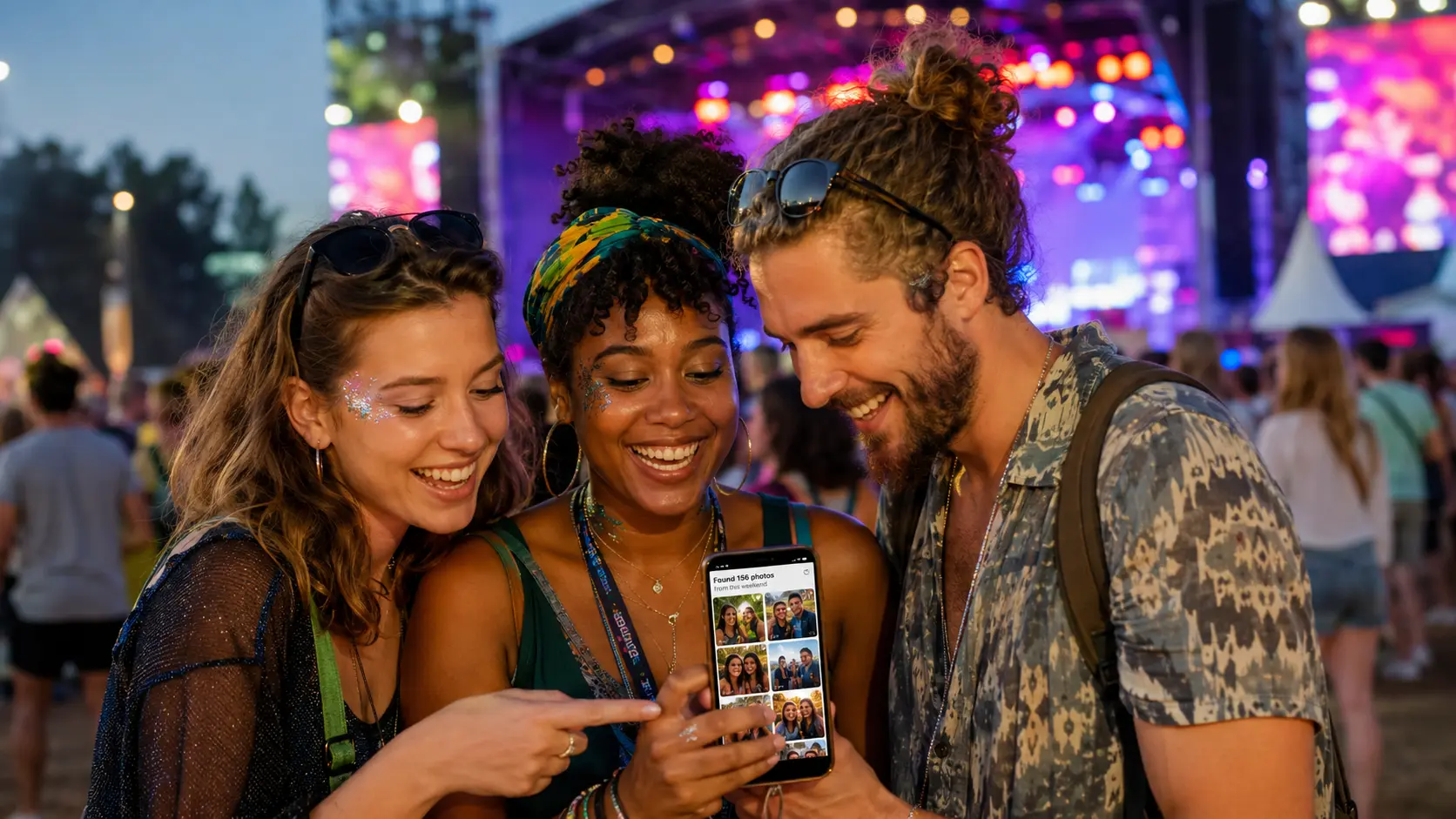
Festival galleries are harder because people move constantly and there may be no names or bibs. Your best clues are time, stage, area, outfit, and the people you were with. If the gallery is organized by location, start with the stage or zone where you spent the most time.
If the event photographer uses a public gallery with face search, the process becomes much easier: take a selfie, confirm your match, and review only the photos that include you. That is far better than opening every stage album manually.
For group tours, ask for a private gallery or face-based link
Group tours often include the same people across multiple locations: airport arrivals, buses, landmarks, dinners, activities, and farewell photos. A single shared folder can become messy fast, especially when travelers only want their own shots.
If the tour company or photographer uses Lenzeit, they can deliver photos person by person. That means each traveler receives a gallery containing the images they appear in, without sorting through the entire group's album.
- Ask the organizer: "Is there a face search link or private gallery for my photos?"
- Share a recent selfie if the photographer needs to match you.
- Mention your group, date, and location so the team can identify the correct event.
- Check spam or old trip emails because gallery links are often sent after the tour ends.
What to do if you still cannot find your photos
Sometimes a gallery is incomplete, still being uploaded, or missing a few camera angles. Do not panic after the first search. Try a different selfie, search nearby time slots, and check whether the photographer has published all batches.
- ✓Wait for the full upload if the event ended recently.
- ✓Search with another selfie in better light.
- ✓Use companion searches because you may appear in a friend's gallery.
- ✓Contact support with useful details: event name, date, location, bib number, outfit color, approximate time, and a selfie.
- ✓Ask whether privacy settings limit visibility because some private events only allow you to see approved photos.
Why travelers prefer face search
When you are abroad, you may be dealing with a different language, time zone, vendor, organizer, or payment system. Face search removes the hardest part: knowing where to look. Your face becomes the search key.
- It is faster: no endless scrolling through event albums.
- It is more personal: you see photos that actually include you.
- It works across moments: ceremony, race route, stage, dinner, and group shots can all surface together.
- It protects privacy: with tools like FaceLock, photographers can control who sees which faces. Learn about FaceLock.
- It helps photographers too: fewer messages asking "Where are my photos?" and a better delivery experience.
Best search order
Use face search first, then bib number or access code, then time and location, then outfit and group clues. That order usually finds traveler event photos fastest.
Photographers and organizers: make photo discovery simple
If you photograph tours, races, festivals, schools, corporate trips, or destination events, your guests are already searching for phrases like "find my event photos," "face search ai," "marathon photo search," and "festival photos from abroad." The easier you make discovery, the more likely people are to view, download, share, and buy.
Lenzeit helps by turning one large upload into searchable, face-based galleries. MagicSort scans the event, groups people automatically, and lets guests find themselves with a selfie instead of sending you manual requests. Learn more about MagicSort.
Conclusion: your travel photos should not be hard to find
Whether you joined a group tour, ran a marathon, attended a festival, or celebrated at a destination event, the best photos are usually hidden inside a huge gallery. Face search makes the search feel natural: upload a selfie, find yourself, and get back the moments that made the trip worth remembering.