To include remote employees in your hybrid company retreat photos, plan the virtual side as part of the shoot. Put remote moments on the shot list, take gallery-view screenshots only after people agree, ask remote staff to send a few photos of their own, and put everything into one gallery that both groups can open at the same time.
Picture the usual result. Two hundred people spend two days at a hotel, and 50 colleagues join on Zoom. Three weeks later the recap goes out. The only sign the remote team was there is a laptop on a lectern in the corner of one wide shot.
This setup is now normal. Gallup's hybrid work indicator reports that, as of May 2026, 52% of remote-capable US employees work hybrid and 26% work exclusively remote. For many companies, a real share of the team will join the retreat through a screen. This guide is for HR, people-ops and event managers who want those people in the photos, and in the gallery, from day one.
Why remote employees end up missing from retreat photos
Nobody decides to leave the remote team out. It happens because the photo plan was written for the room.
The photographer is briefed on the keynote, the dinner and the team activity. Nobody is briefed on the video call. The event producer is busy with sound, and the host laptop sits on a side table where no camera ever points. Faces on a projector are dim and hard to photograph, so they drop out of the best frames.
Delivery makes it worse. On-site staff trade phone photos in a group chat that same evening. The official gallery arrives weeks later as a shared drive link, and the people who were only on the call see the event last.
That gap hurts remote staff most. In Gallup's 2024 global workplace research, fully remote employees reported loneliness more often (25%) than employees who work only on-site (16%), with hybrid workers in between at 21%. A retreat is one of the few times remote staff feel part of the whole company at once. The photos are the lasting record of that.
Build a hybrid company retreat shot list with remote moments
A shot list is the written list of photos the photographer must get. Most retreat shot lists cover the stage, the dinner and the group photo. Add the moments where the two groups meet, because those are the pictures remote staff will look for.
- ✓The opening welcome with the video wall of remote faces visible behind the speaker.
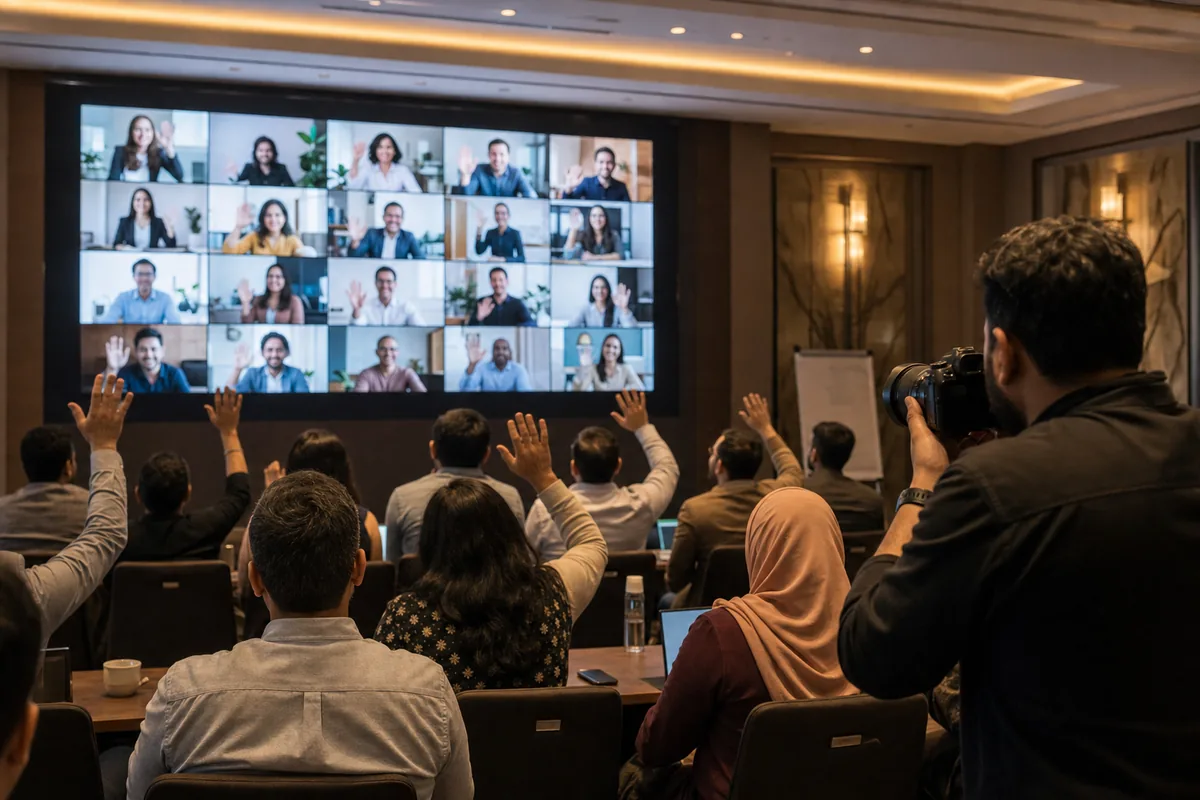
- ✓A remote question in the Q&A, shot from the back of the room so the person on screen and the listening audience share one frame.
- ✓Breakout tables with a laptop seat for a remote teammate, taken while that person is talking.
- ✓The virtual group photo: a gallery-view screenshot taken at a fixed, announced time.
- ✓Each remote hub's watch session, taken by someone who is there.
- ✓Awards or shout-outs for remote winners, with their reaction on the big screen in frame.
- ✓Home-side moments that remote staff send in themselves.
Give the virtual side an owner. The photographer cannot also run the call, so name a producer or a people-ops colleague who is responsible for the screenshots, the hubs and the photos remote staff send. One line on the run-of-show with a name next to it is enough.
One technical note for the photographer: LED walls and projectors can show dark bands or flicker in photos at some shutter speeds. Ask for a few test frames of the screen during the tech check, not during the CEO's opening.
How to capture the virtual side of the retreat
The in-room photographer covers what happens in the room. Three other sources cover everyone else.
Gallery-view screenshots, done properly
Take the screenshot on the host computer with its own screenshot function. A phone photo of a monitor is softer and picks up glare.
Fewer tiles mean bigger faces. In Microsoft Teams you choose how many people appear at once with Select max gallery size in the View menu. Large gallery needs at least ten people with cameras on, and above 49 participants the gallery splits into pages. Zoom has a similar gallery view. For a group of 50, several screenshots of smaller grids give clearer faces than one crowded grid, so take one per page.
Give a one-minute warning, and make cameras optional. In Harvard Business Review's episode on doing hybrid meetings right, Slido's Juraj Holub advises greeting remote participants first and inviting people to turn cameras on, not requiring it. The same rule works for a group photo: "cameras on if you would like to be in it."
Names show on each tile. That is fine for an internal gallery, but crop them out before any public post.
A recording prompt is not screenshot consent
Zoom shows participants a consent prompt when a meeting is recorded, and they can agree or leave. That prompt is about recording. A screenshot is a separate act, so announce it yourself, and never pressure anyone to turn a camera on.
Remote hubs
If 12 people join from one regional office and eight from another, treat each office as a small second venue. Ask one person per hub to take photos of the room during the keynote and at a shared moment, such as a toast at the same time as the main room. A phone is fine. Brief hub leads on the same consent rules as the main photographer.
Send-a-photo prompts for remote staff
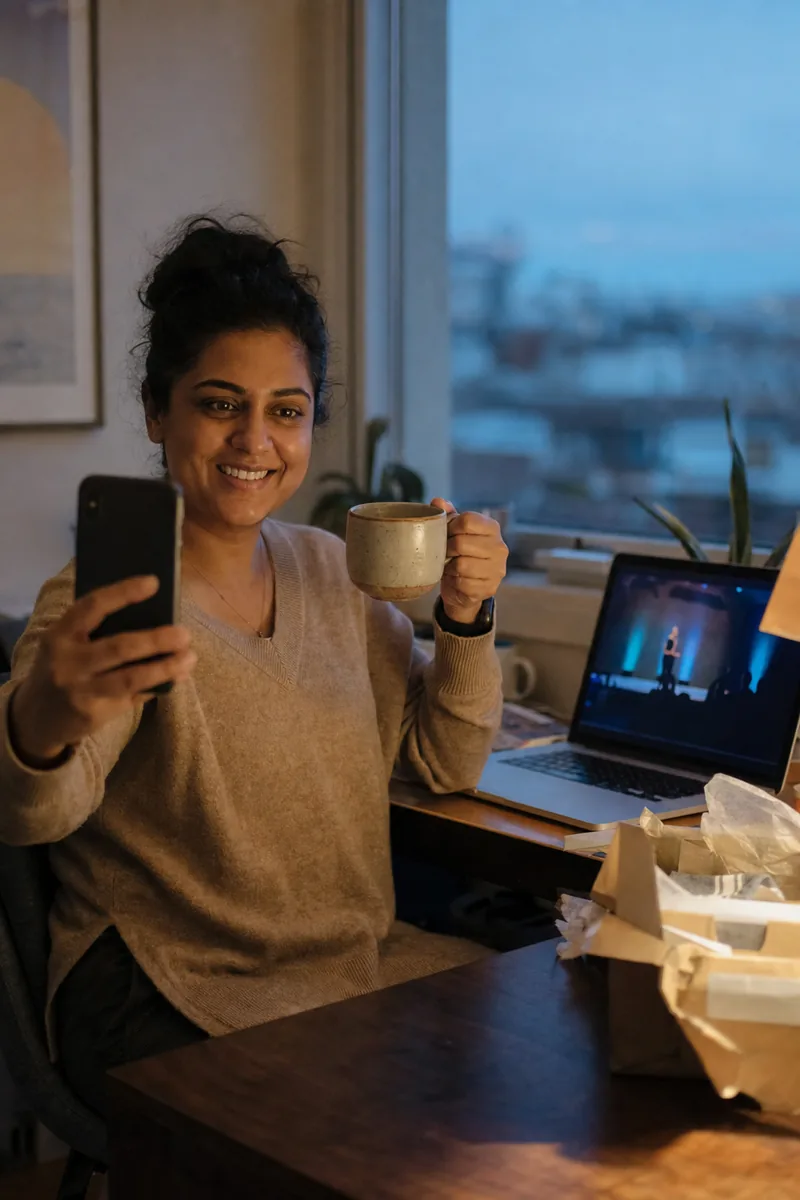
Remote staff at home need a clear, small ask. A general "send us your photos" gets few replies. Two or three specific prompts, each tied to a time, work better:
- Your desk or screen during the opening talk.
- Raising a cup at the shared toast.
- The care package when it arrives, if you send one.
Send the prompts a week ahead and repeat each one in the call chat when its moment comes. Collect the photos in one place your company already uses, such as a chat channel or a shared folder, with a clear deadline. The organiser then uploads them with the rest. Keep it optional, and never make it a test of team spirit.
Ask for photo consent before the retreat, not on the day
Consent is easier to handle in the invitation than at the door. Send a short photo notice with the event details, about two weeks before. It should say:
- What will be photographed, including gallery-view screenshots and hub photos.
- Where the photos will go: an internal gallery only, or also recruiting and social posts.
- How to opt out, in one simple step, with no reason needed.
- How people will find their photos, and that a selfie is not the only way in.
- Who to contact with questions.
Be careful with the word "consent" at work. The UK Information Commissioner's Office (ICO) says consent will not usually be appropriate when there is a clear imbalance of power, and names employers as a particular case. Its own example helps: an employer making a recruitment video can consider consent because taking part is optional and nobody is judged for saying no. That is the standard to aim for.
Face search adds one more point. For biometric recognition, the ICO says you must offer a suitable alternative to people who do not consent. Rules differ by country, so check your plan with your legal or privacy team. This article is not legal advice.
For the wider question of using staff photos in marketing, see our guide to employee photo consent for employer branding.

On the day, make opt-outs visible without making them awkward. A coloured sticker on a lanyard tells the photographer who to avoid. Hub leads and the screenshot owner need the same list.
Some people will still end up in the background of a group shot. In Lenzeit, FaceLock™ on the Pro and Premium plans locks a person's face so photos containing it are never delivered to anyone. It does not blur. A group photo with that person is held back from delivery, and any blurring for a newsletter is a manual edit in your own photo editor.
One shared gallery for in-room and remote staff
Two galleries split the company in two. If on-site staff use a group chat and remote staff get a folder later, you have rebuilt the gap you were trying to close. Use one gallery with three inputs: the photographer's cards, the screenshots, and the photos from hubs and homes.
Keep the three sources in separate folders before upload. That lets you check the screenshots against the opt-out list before they go in.
This is where an event photo delivery platform earns its place. In Lenzeit you create one event and upload everything into it, including ZIP files. Any photo can be uploaded, so the screenshots and home photos sit next to the photographer's work. Each employee then opens their own photos with a selfie or an access code, with no app and no account. A remote engineer on a phone in another country has the same way in as the CEO in the ballroom.
For a company, the secure invite-only mode fits best. You register employees beforehand, each receives a unique access code by email, and each sees only the photos they appear in. Here is how employees receive their photos step by step.
What face search cannot find
Face search can only find what was uploaded and is clear enough to see. A person with their camera off is in no screenshot, and a face in a tiny tile gives any face search very little to work with. That is why the hub photos and send-a-photo prompts matter: they give remote staff clear pictures of themselves to find.
At a company of several thousand spread across many offices, the gallery starts to look like a festival crowd: many small groups, all looking for themselves. The same thinking applies as for getting festival photos shared after the event.
On cost, one credit processes one photo. The free Freemium plan starts with 100 credits and no card, then $0.02 per photo, and the paid plans lower the rate. See Lenzeit pricing for the current plans.
When to share retreat photos so remote staff are not last
Release to everyone at the same moment. Post the gallery link in the call chat and announce it in the room together, then send the email when it is working hours for your largest remote group. If your team spans Dubai, London and Toronto, no single time is perfect, so pick one and tell people in advance.
Do not wait until the end. With Lenzeit's Go Live, you upload photos during the retreat and set the event live, so remote staff can open the first day's pictures that evening, just like the people at the venue.
Ask team leads not to make the on-site group chat the main place photos live. People will share phone snaps anyway, and that is fine. The official gallery should still reach everyone first.
A run-of-show checklist for retreat photos
Use this as a starting timeline and adjust it to your event:
- Three to four weeks before: name the owner of the virtual side, add remote moments to the shot list, and decide where the photos may be used.
- Two weeks before: send the photo notice with the invitation, including screenshots, the opt-out step and how to find photos.
- One week before: brief hub leads, and send remote staff the photo prompts and where to send them.
- Tech check: test-shoot the video wall, set up the gallery view, and fix the screenshot times on the run-of-show.
- Opening session: greet the remote group first, and give a one-minute warning before each screenshot.
- Each evening: upload the day's cards, screenshots and remote photos, then share the link in the room and on the call together.
- Within a few days: finish the upload, send one reminder to everyone, and use only photos cleared for public use in any recruiting or social posts.
A hybrid company retreat only feels shared when the record of it is shared. Plan the remote moments, ask before you capture them, and open one gallery to everyone at the same time.