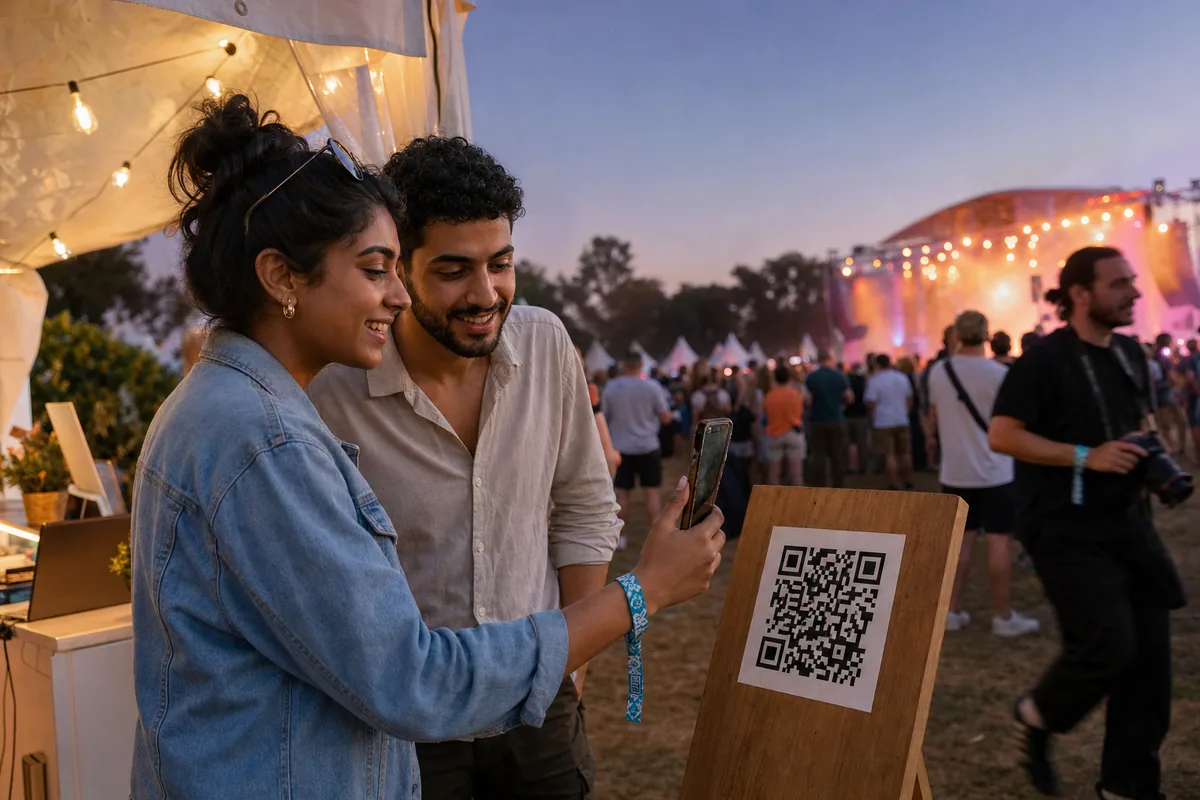
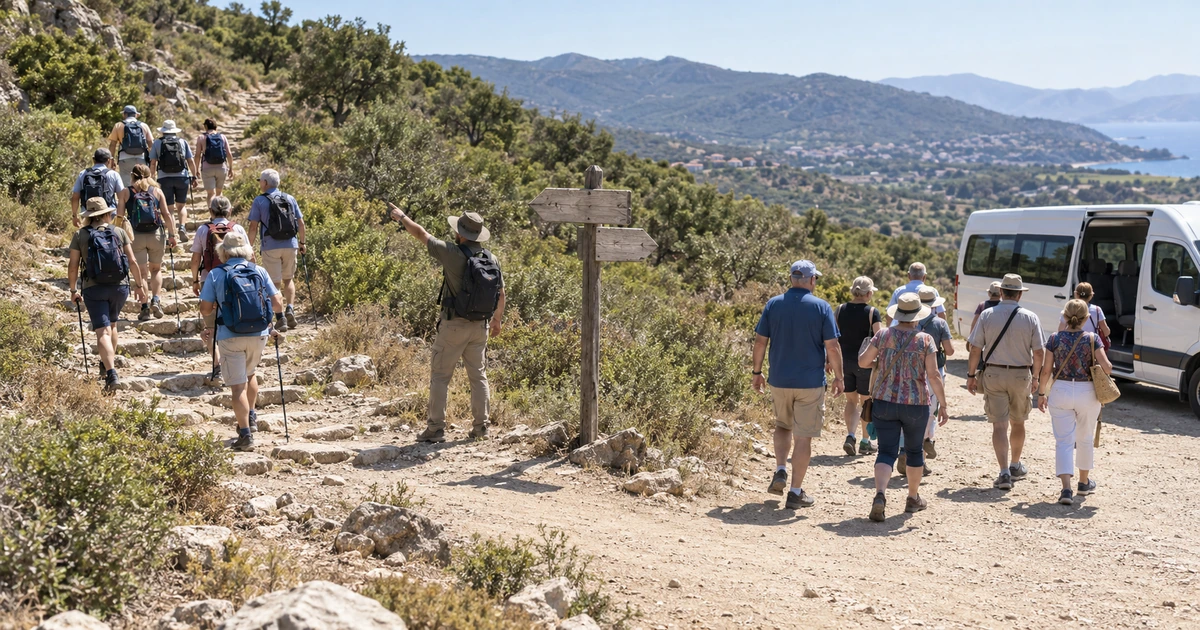
Travel photographer photo delivery works best when it happens during the trip, not after it. Upload each day's photos from the hotel, let face sorting group them by the people in them, and give every traveler a private gallery they open with a selfie.
That one change moves delivery from a job you dread on the flight home into something the group enjoys over dinner on day four. It is also the version travelers actually want. A photo of someone laughing on a camel is worth a great deal more on the evening it was taken than it is a month later.
This guide is for photographers working multi-day trips, and for the tour operators and travel brands who hire them: photo tours, safaris, cruise excursions, group itineraries and destination weddings. It covers what to do each evening, which delivery setting fits which kind of trip, what the whole thing costs, and where it still falls short.
Why travel photographer photo delivery has to happen during the trip
The standard travel photography workflow was built for magazines, not for guests. Photographer Kav Dadfar sets it out plainly in his travel photography workflow guide: back up every card to several drives each evening on the road, then cull, rate and edit once you are home. It is a solid workflow. It is also a workflow in which nobody sees a picture until the trip has become a memory.
For a commissioned editorial shoot, that is fine. For 24 travelers who spent real money and are about to scatter across four continents, it is a problem. Half of them will have landed before the gallery exists.
There is a commercial reason too. American Express Travel's 2024 Global Travel Trends Report, based on a survey of just over 2,000 US adults plus travelers in six other markets in early 2024, found that people look to friends and family (52%) and social media (39%) when deciding where to go next. Your travelers are that channel. They are only that channel while they are still posting, and most of them stop posting once they are home and back at work.
What actually goes wrong on a 10-day itinerary
Volume is the part everyone expects. The rest is what quietly ruins the evening.
- The days stack up. A wedding is one big day. A 10-day itinerary is ten of them in a row, and the card pile keeps growing while your evenings stay exactly as long as they were.
- The group keeps re-forming. Day two is the whole coach. Day five splits into a hiking group and a market group. Day eight is four couples doing four different things. Folders named by day tell you nothing about who is actually in the pictures.
- People leave at different times. Extensions, early flights, a side trip to another city. There is no single moment when everyone is still in one place, waiting politely for a link.
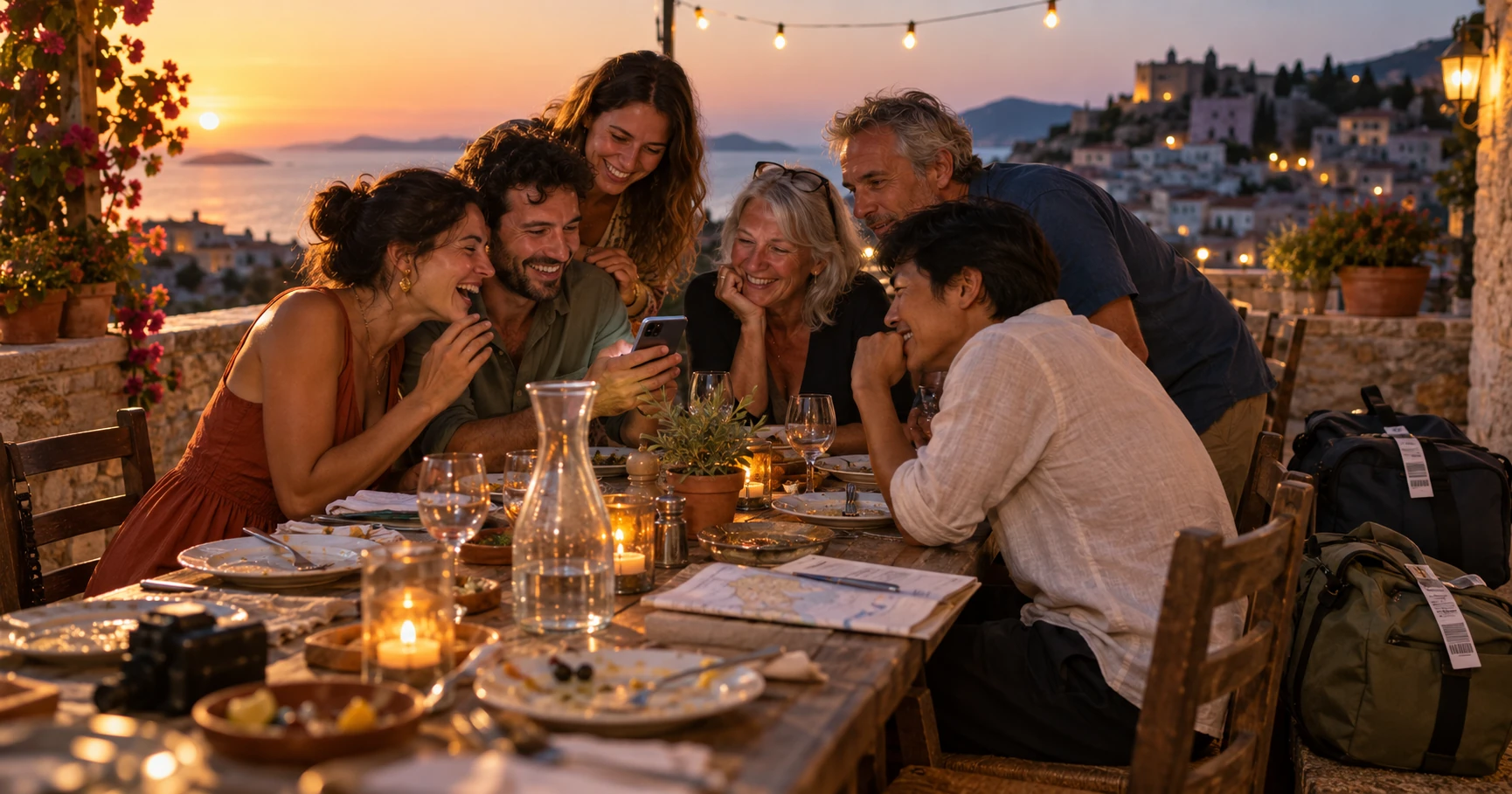
None of that is solved by a bigger drive or a faster laptop. It is solved by sorting the photos by person instead of by day.
How face sorting turns one upload into a gallery per traveler
Face sorting means the software groups your photos by the people in them, rather than by the folder or the time they were shot. Each traveler becomes their own set of images, assembled automatically from across the whole trip.
That is the job MagicSort does inside Lenzeit. You upload the day's take in one go, including as a ZIP, and the AI facial recognition engine groups every photo by person. Along the way it runs quality detection to surface the sharpest frames, and it removes duplicates. On a trip that matters more than it does at an event, because you photographed the same viewpoint on five different mornings.
Sorting thousands of photos by person takes minutes rather than a whole evening. The real win is what you do with the time you get back: you review a set that is already organized by person, instead of building 24 folders by hand at midnight.
On the traveler's side there is nothing to install. They open a link, take a selfie, and the gallery they land on holds only the photos they appear in. An access code does the same job for anyone who would rather not use a selfie at all.
Which delivery mode fits your travel job?
Lenzeit has three delivery modes, and travel work uses all three depending on the job. Choose the mode from how private the group is, not from how big it is.
| Travel job | Delivery mode | Why it fits |
|---|---|---|
| Small photo tour or workshop, 8 to 15 people | Secure (invite only) | Everyone is registered before day one, so each person gets a unique access code by email and sees only their own matched photos |
| Multi-day group itinerary, safari or overland trip | Private (hybrid) | Set the event live during the trip and travelers find their photos with the event code or a selfie, with no registration admin to do on the road |
| Cruise shore excursion, festival day, open activity | Public / sports | An open gallery anyone can browse, with face search to filter it down to their own moments |
| Destination wedding built into a trip | Secure (invite only) | Family privacy expectations do not relax because the venue happens to have a beach |
Whichever mode you pick, FaceLock lets you lock specific faces out of delivery entirely. On a travel job that usually means a traveler who asked not to be included, a child, or a local person you photographed with permission for your own portfolio but not for a group gallery.
A delivery routine that survives a 10-day trip
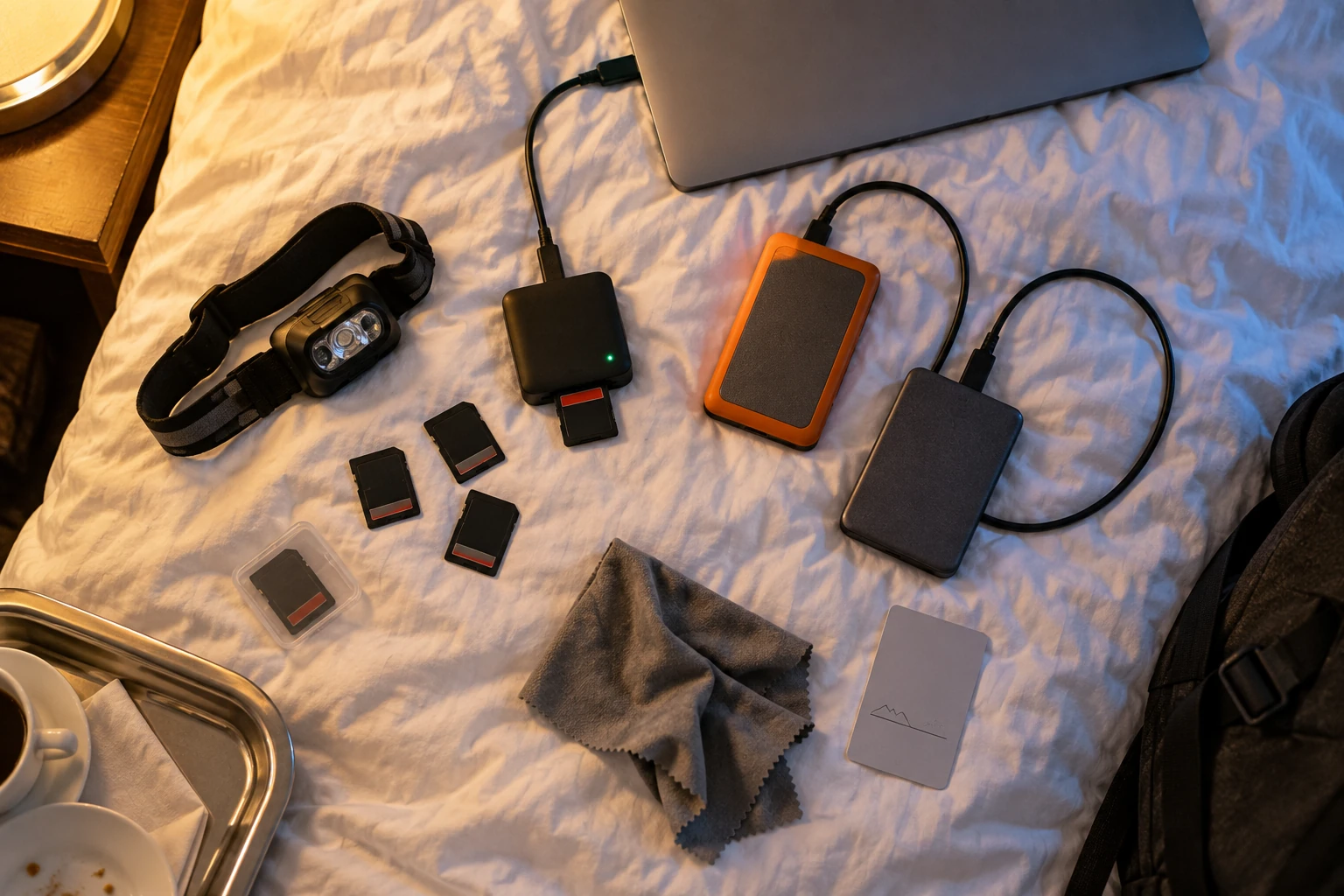
This is the version that still works when you are tired, the wifi is average, and you have a 6am call time in the morning.
- Back up first, always. Cards to two drives before anything else happens. Delivery is a separate job from backup, and it never gets to go first.
- Upload the day's keepers, not the day's cards. A rough pass on the hotel bed, maybe 150 frames out of 900. You are not culling to portfolio standard here, you are culling to shareable.
- Let it sort while you eat. The upload and the face grouping do not need you sitting over them.
- Set the event live on day two, not day ten. Go Live means travelers can start downloading while the trip is still running. Day two is early enough that the group notices, and late enough that there is something worth seeing.
- Add each new day to the same event. One gallery that keeps growing beats ten separate links. Every traveler's set fills up on its own as the itinerary goes on.
- Do the final upload before the last dinner. Not at the airport, and not on the plane. The last dinner is when everyone is still together and still in the mood to look.
By the time the group splits for their flights, every person already has their own gallery, and the run of "where are my photos?" messages that normally follows you home mostly does not arrive.
What face sorting does not fix
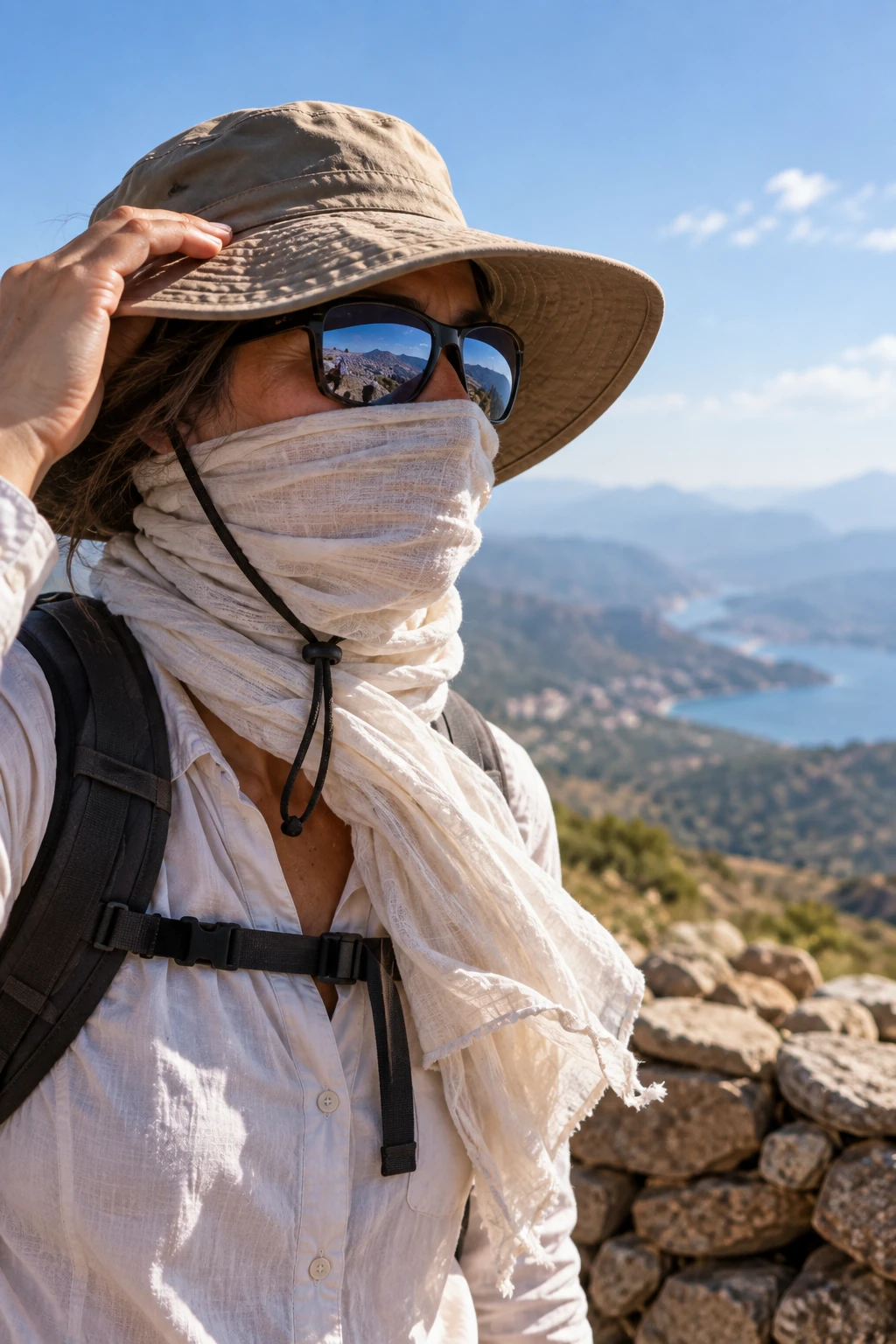
Face matching is good, and it is not magic. It works from what the camera could actually see.
The US National Institute of Standards and Technology runs the long-running Face Recognition Vendor Test program, which measures how accuracy depends on subject-specific demographics and image-specific quality factors, and which has run separate evaluations for masked faces and for unconstrained images. Put plainly: image quality changes the result, and travel photography is full of awkward image quality.
On a trip that means sun hats, sunglasses, headscarves, ski masks, backs of heads on a ridgeline, and the sunrise silhouette that turns out to be the best frame of the week. Some of those will never match to a face. So publish an access code or an open gallery alongside the selfie search every time, and a traveler who cannot be matched still has an obvious route to their pictures.
The wifi is the bottleneck, not the sorting
On a remote itinerary the upload is the slow part, not the face grouping. Plan your uploads for the nights that have real bandwidth, and let the lodge with one bar of signal be a quiet night.
Two habits are worth keeping as well. Ask before you point a camera at anyone outside the group, and tell your travelers what the selfie is for before they scan. Both are ordinary courtesy, and on a travel job they are also how the gallery stays something people are glad to be in.
What does it cost to deliver a trip gallery?
One credit processes one photo, so a trip costs whatever you actually upload. Every Lenzeit account starts on the free Freemium plan with 100 free credits and no credit card, where one credit processes one photo at $0.02.
MagicSort and FaceLock need a paid plan
Face sorting and per-face privacy are not part of the free Freemium tier. They are included with an active Pro or Premium plan, with no extra credit deduction.
Pro at $9.99 a month, or $95.90 a year, lowers the credit rate to $0.01 per photo and adds MagicSort and FaceLock. Premium at $29.99 a month brings it to $0.008. The current plans and credit rates show the full breakdown.
So a 10-day trip where you upload 6,000 photos costs 6,000 credits. On Pro that is $60 of credits plus the $9.99 month, so roughly $70 for the whole trip. On Premium the same trip is $48 of credits plus $29.99, so roughly $78. Pro stays cheaper until you are processing around 10,000 photos in a month, which is the point where Premium's lower rate finally overtakes its higher monthly fee. Credits never expire, so a quiet off-season does not burn them.
For a tour operator running back-to-back departures, that is a per-trip cost you can put straight into the package price. It is worth reading alongside the wider Middle East tour operator playbook if you are pricing photography into an itinerary for the first time.
Send the gallery while the trip is still happening
Travel photographer photo delivery stops being a chore the moment it stops being a post-trip task. Upload each evening, let face sorting build a gallery for each person, and set the event live early enough that the group can watch it fill up. The photos land while everyone is still together, still sunburnt, and still arguing about which day was the best one.
If you also work single-location jobs, the shorter version of this same routine is in the guide to delivering photos to tourists before they walk away.
And it is worth reading it from the other side of the transaction once. Travelers hunting for their own pictures take this route to find their photos after a group tour, and knowing what they see makes it obvious what to publish.