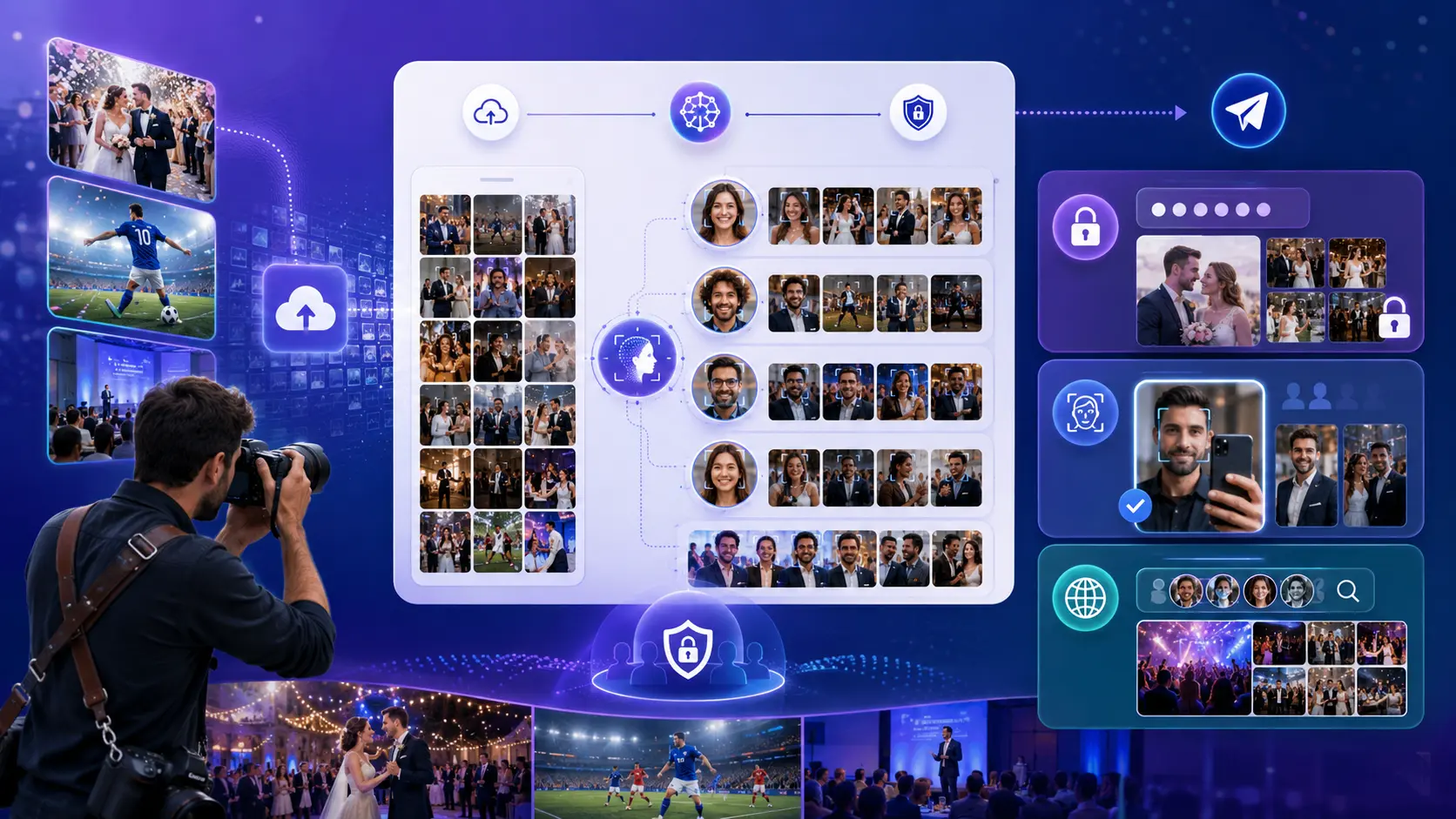
The easiest way to deliver 3,000+ photos from a Pakistani wedding without Google Drive is to upload the finished gallery to Lenzeit, organize the Mehndi, Barat, and Valima clearly, and let each guest find their own photos with face search or secure access. Instead of sending one public folder that everyone must scroll through, you deliver a mobile-friendly wedding gallery where guests can view and download the images relevant to them.
A Pakistani wedding is rarely one small event. It may include a colourful Mehndi, a formal Barat, a Valima reception, separate bride and groom preparations, family portraits, stage photos, couple sessions, and hundreds of candid guest images. A busy photography team can easily finish with more than 3,000 deliverable JPEGs across three days.
Capturing and editing that volume is only half the job. Delivery is where the experience can fall apart. A Google Drive link may technically hold the files, but it does not help Khala find her stage portrait, a university friend find the dance-floor photos, or the groom's family see their group shots without searching through thousands of unrelated images.
Why Google Drive struggles with a 3,000-photo Pakistani wedding
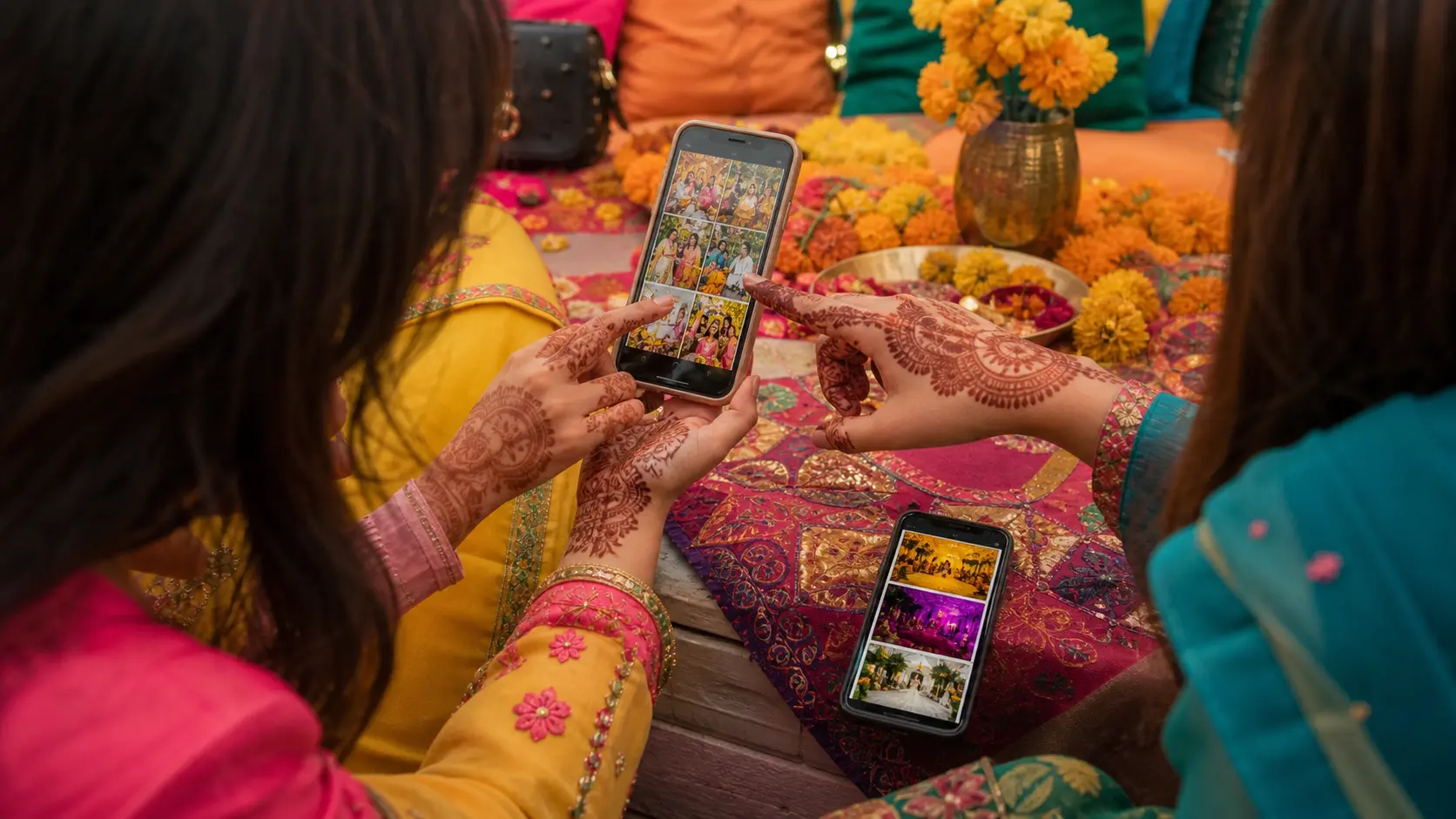
Google Drive is useful for storing and transferring files, but storage is not the same as wedding photo delivery. A shared folder still leaves the couple and their guests to do the sorting. On a phone, opening folders, waiting for thumbnails, and checking hundreds of files named DSC_4821 or IMG_9034 quickly becomes tiring.
- Guests cannot search by face: they must open folders and scan thumbnails manually.
- One link can reveal the whole wedding: anyone who receives or forwards it may be able to browse photos of other families and guests.
- Three functions become folder clutter: Mehndi, Barat, Valima, bride side, groom side, stage, and candids create a maze of subfolders.
- Mobile delivery feels like file management: guests want their memories, not a lesson in navigating cloud storage.
- The photographer becomes the search desk: WhatsApp fills with messages asking, "Bhai, meri pictures bhej dein" or "Our family photo is in which folder?"
The real problem is discovery, not storage
Uploading 3,000 files is not the same as delivering 3,000 files well. Successful wedding delivery helps every person find the right photos quickly while the photographer and family keep control over access.
The better workflow: one wedding gallery, personal results
Lenzeit is built around event-photo discovery and delivery. You create an event, upload the finished photos, choose the access mode, and use face-based sorting to organize people across the gallery. Guests open the link on a phone or computer; no app installation is required. Depending on the event setup, they use a selfie, face scan, or passcode to reach the photos available to them. See how guests receive their photos.
For a three-day wedding, this means a cousin who attended the Mehndi and Barat can find their matched photos without browsing the couple shoot, décor coverage, or hundreds of images of people they do not know. The couple or hirer can still access the broader organized collection according to the event settings.
Step 1: Finish your edit and prepare delivery files
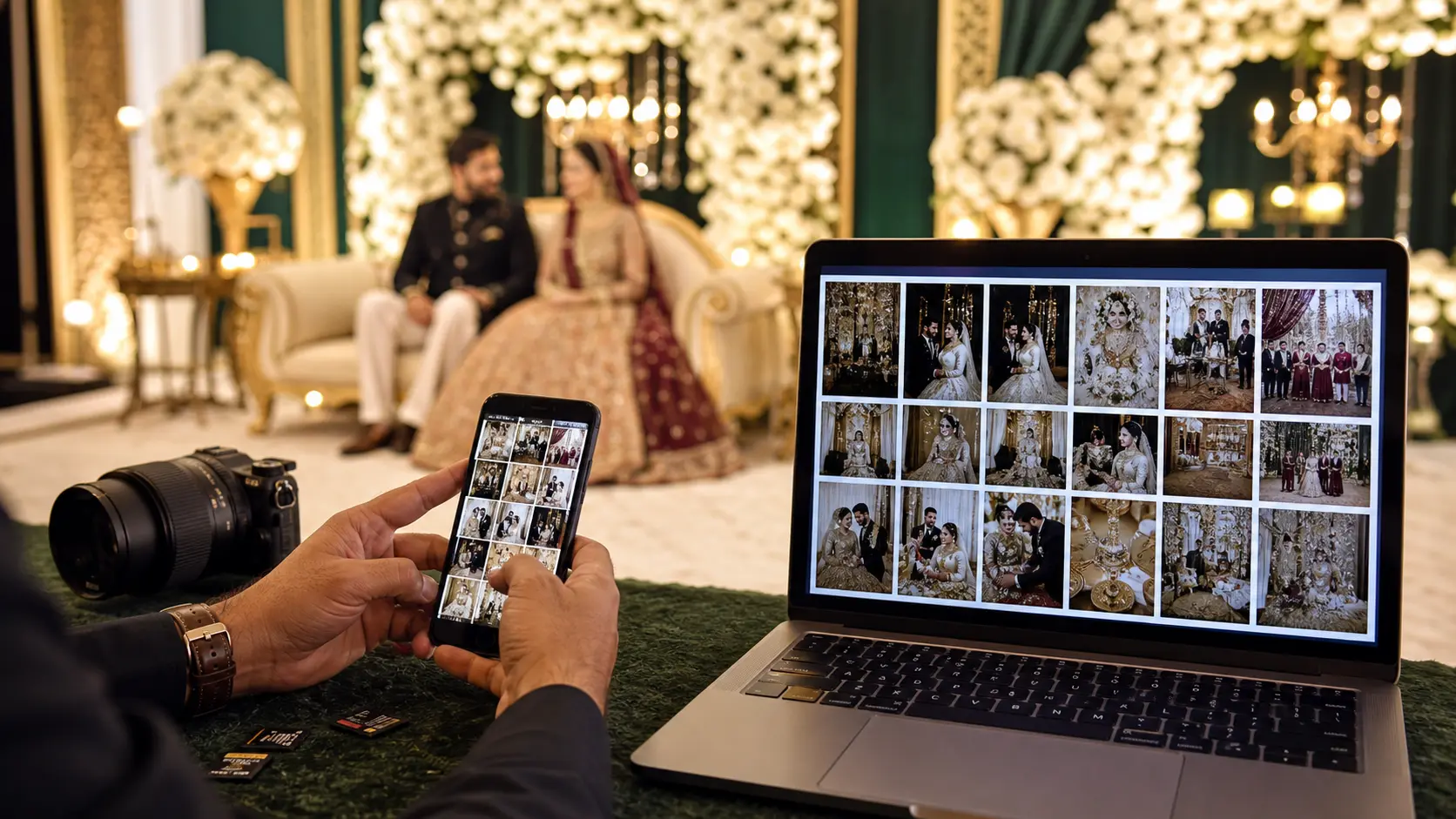
Treat Lenzeit as the delivery layer in your wedding workflow. Back up your camera cards, cull the shoot, complete colour correction and retouching, then export the JPEGs you are ready for clients to see. Keep your RAW files and master archive in your own long-term backup system.
- ✓Synchronize camera times before culling when several photographers covered the wedding.
- ✓Remove test frames, obvious duplicates, blinks, and missed-focus images before client delivery.
- ✓Export consistently named JPEGs so your own archive remains understandable after the gallery expires.
- ✓Keep at least two independent backups of the final set; an online client gallery should not be your only archive.
- ✓Confirm the couple's privacy preferences before publishing any women-only function, child portraits, or sensitive family moments.
Keep delivery and backup as separate jobs
Lenzeit gives clients a smarter way to access event photos. Your studio should still keep its own master backup according to the retention period promised in the wedding contract.
Step 2: Decide whether to combine Mehndi, Barat, and Valima
There are two sensible structures, and the right choice depends on guest overlap and privacynot just file count.
- Use one combined wedding event when mostly the same families attend all three functions and the couple wants one simple link. Use clear file naming or upload batches so your team can still distinguish Mehndi, Barat, and Valima coverage.
- Create separate events for each function when the guest lists or privacy rules differ. This is often better for a women-only Mehndi, a small Nikkah, or a Valima hosted by a different side of the family.
- Use a hybrid structure when most coverage can stay together but one function needs stricter access. Keep the general wedding combined and publish the sensitive function as a separate Secure event.
For most large Pakistani weddings, one combined Private event gives guests the simplest experience because a single face search can surface their matches from multiple functions. Separate Secure events give more control when the audience changes from day to day.
Step 3: Choose Secure, Private, or Public access
Do not make a wedding public by default. Choose the Lenzeit event type according to what the couple, families, and guests have agreed to.
- Secure event: best when access must be invitation-only. Registered guests receive a passcode and can access their matched images.
- Private event: best for convenient self-service delivery. A guest opens the event and uses a selfie or face scan to find matching photos without needing a passcode.
- Public event: appropriate only when the couple has clearly approved open access to the full gallery. Visitors can browse, with face search available to narrow the results.
A Private gallery is often the practical middle ground for a large Barat or Valima: the link is easy to share in a family WhatsApp group, but each guest uses their face to find relevant images rather than scrolling through the complete wedding. For a tightly controlled family event, use Secure access and register invitees. Compare all delivery modes.
Step 4: Upload the full gallery and let MagicSort group people
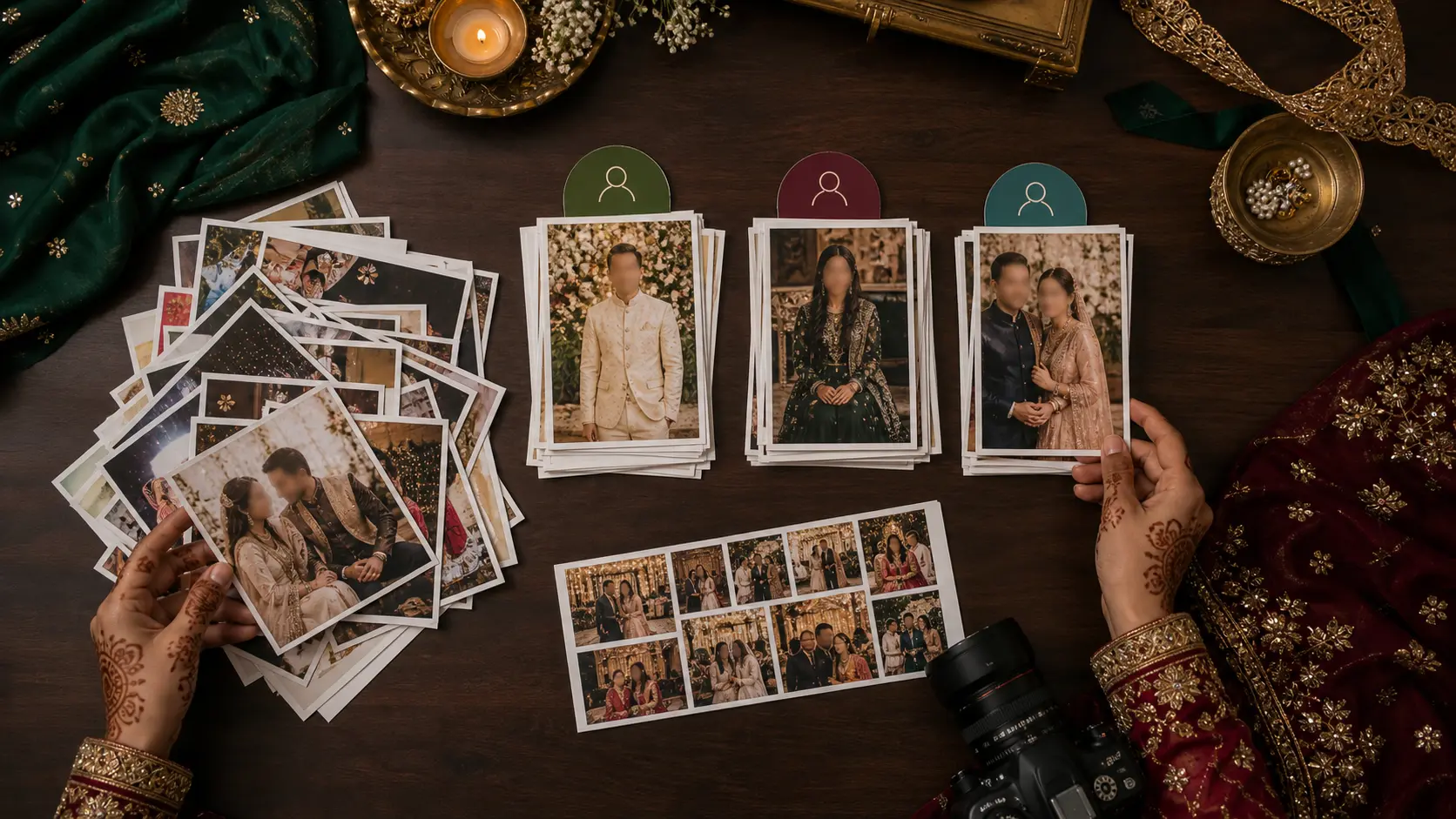
Create the wedding event, upload the prepared photos, and run MagicSort. Lenzeit scans faces across the event and groups photos person by person. A person's results can include solo portraits, stage photographs, table shots, dance-floor candids, and group pictures in which they appear. Learn how MagicSort works.
This is the key advantage over a folder tree. You do not need to manually create hundreds of folders named after relatives and then copy every group photo into several places. Face-based organization makes one image discoverable by the people who appear in it.
Step 5: Review matches and protect sensitive people with FaceLock
AI should support the photographer's review, not replace responsibility. Before sending the link to hundreds of guests, test the gallery with several clear reference faces: the bride, groom, parents, siblings, a guest wearing glasses, and someone photographed in low light. Check that the event mode behaves as expected and that downloads are allowed only where intended.
For privacy-sensitive people, use FaceLock. When a face is protected, photos containing that person are not delivered to other matched people in the image. This matters in group photographs: a guest may correctly match a group shot, but the family may not want that photo distributed because a protected person also appears in it. The hirer can apply these controls for the event. Read about FaceLock privacy.
Recommended Pakistani wedding setup
Use Private access for a large mixed Barat or Valima when guests need easy selfie search. Use Secure accessand FaceLock where appropriatefor invitation-only, women-only, VIP, or especially privacy-sensitive functions.
Step 6: Share one clear message on WhatsApp
The gallery may be sophisticated, but the delivery message should be simple. Send the link to the couple first for approval. After they confirm it, share it in the approved family or guest groups with one sentence explaining how face search works and when access ends.
Your Mehndi, Barat, and Valima photos are ready. Open the link, tap Find Your Photos, and upload a clear front-facing selfie to see and download the photos you appear in. No app or account is needed. Please download your images before [expiry date]. Suggested WhatsApp delivery message
For a Secure event, replace the selfie instructions with the passcode steps and send credentials only to registered guests. Tell people not to forward private access details. If the wedding has separate events, label every link clearlysuch as "Ayesha & Hamza Mehndi" and "Ayesha & Hamza Valima"so guests know which one to open.
What the couple, guests, and photographer each receive
- ✓The couple or hirer gets control: they can review the delivery structure, guide privacy choices, and access organized event results according to their role.
- ✓Guests get speed: they use a link on mobile or desktop and find matching photos without installing an app.
- ✓Families get a more private experience: access modes and FaceLock can prevent the all-or-nothing exposure of one broadly forwarded folder.
- ✓The photographer gets fewer requests: clients can find and download their images without the studio manually searching for every person.
- ✓Your brand gets a better final impression: delivery feels like part of the photography service rather than a raw file dump.
A practical 3,000-photo delivery checklist
- Back up the RAW files and finished JPEGs in at least two places.
- Remove rejects and export only client-ready photographs.
- Confirm privacy rules with the couple for every function.
- Choose one combined event or separate Mehndi, Barat, and Valima events.
- Select Secure, Private, or Public access deliberately.
- Upload the final JPEG gallery and run MagicSort.
- Review representative face matches and group photos.
- Apply FaceLock to people who need extra protection.
- Test the guest journey on a phone before launch.
- Get the couple's approval, then share the link and expiry date on WhatsApp.
Is Lenzeit a Google Drive alternative for wedding photographers?
For client delivery, yes: Lenzeit replaces the shared-folder experience with searchable galleries, per-person results, access controls, and direct downloads. For permanent studio backup, no client gallery should replace a proper archive. Keep your master files independently and use Lenzeit to make the final handover faster, more personal, and more privacy-aware.
That distinction is important for SEO and for client trust. The goal is not to claim that a delivery platform is every kind of storage tool. The goal is to solve the part Google Drive does not solve well: getting the right Pakistani wedding photos to the right people without making them search through 3,000 files.
Conclusion: deliver the wedding as an experience, not a folder
A three-day Pakistani wedding deserves better than one crowded link. When the Mehndi, Barat, and Valima are delivered through a secure, face-searchable gallery, guests spend less time hunting and more time enjoying the photographs. The couple gets a cleaner handover, the family gets better privacy choices, and the photographer avoids days of manual WhatsApp support.
Prepare the final JPEGs, structure the functions around real privacy needs, choose the correct access mode, let MagicSort organize people, review FaceLock settings, and share one clear link. That is how you turn 3,000+ wedding photos from a delivery problem into a professional client experience.