Ten free photo editing apps genuinely work in 2026: Snapseed, Google Photos, Adobe Lightroom, VSCO, Photopea, Canva, GIMP, darktable, RawTherapee, and the free software your camera maker already gives you. Every one of them lets you edit a photo and save it at full size without stamping a watermark on it.
The hard part is not finding a free photo editor. It is finding one that stays free once you actually use it. Plenty of apps hand you three edits, then ask for a card. This list says exactly what each app gives away, and exactly where it stops. It covers editors, meaning the apps that change how one photo looks, so software that decides which photos are worth editing at all is a separate category and is covered in the AI culling software comparison.
- Snapseed for real editing on a phone, with nothing paid anywhere in it.
- Google Photos for a fast fix on a photo you already have.
- Adobe Lightroom for colour work and presets on phone or tablet.
- VSCO for film looks in a few taps.
- Photopea for layers and Photoshop files in a browser tab.
- Canva for turning a photo into a post or a poster.
- GIMP for a full desktop editor with no paid tier at all.
- darktable for developing RAW files with a proper catalogue.
- RawTherapee for squeezing detail out of a difficult RAW file.
- Your camera maker's software for colours that match the camera that shot the file.
What does "free" actually mean in a photo editing app?
Free covers four very different deals, and knowing which one you are signing up for saves a lot of wasted effort.
- Free forever, no paid tier. Snapseed, GIMP, darktable and RawTherapee. Nobody is trying to sell you anything later.
- Free tier of a paid product. Lightroom, VSCO and Canva. The core works, the best features do not.
- Free but ad-supported. Photopea. Every tool is open, and there is a panel of ads beside your canvas.
- Free with your account or your camera. Google Photos and the software Nikon, Canon and Sony ship. You already paid for it in some other way.
The newer trap is metered artificial intelligence. Object removal, upscaling and background replacement are increasingly billed as credits rather than features, so a free plan may include the tool and still refuse to run it after a few uses in a month.
Check the export, not the editor
An app can look completely free while you edit and only reveal its limits when you save. Before you build a habit around one, export a full-size copy and look at it. That is where watermarks, resolution caps and forced sign ups usually appear.
How these ten apps were chosen
"Best" means nothing without criteria, so here are the ones used. Every app on this list had to pass all four.
- ✓Exports at full resolution with no watermark on the free plan.
- ✓Still being updated. Every app here shipped a release in 2025 or 2026.
- ✓Usable long term, not a seven day trial that expires into an upsell.
- ✓Available widely, without needing a specific phone brand or a workaround to install.
Apps that failed on the export test, or that have quietly moved their free plan behind credits, were left out even where they are well known.
Snapseed: the best free photo editing app for phones
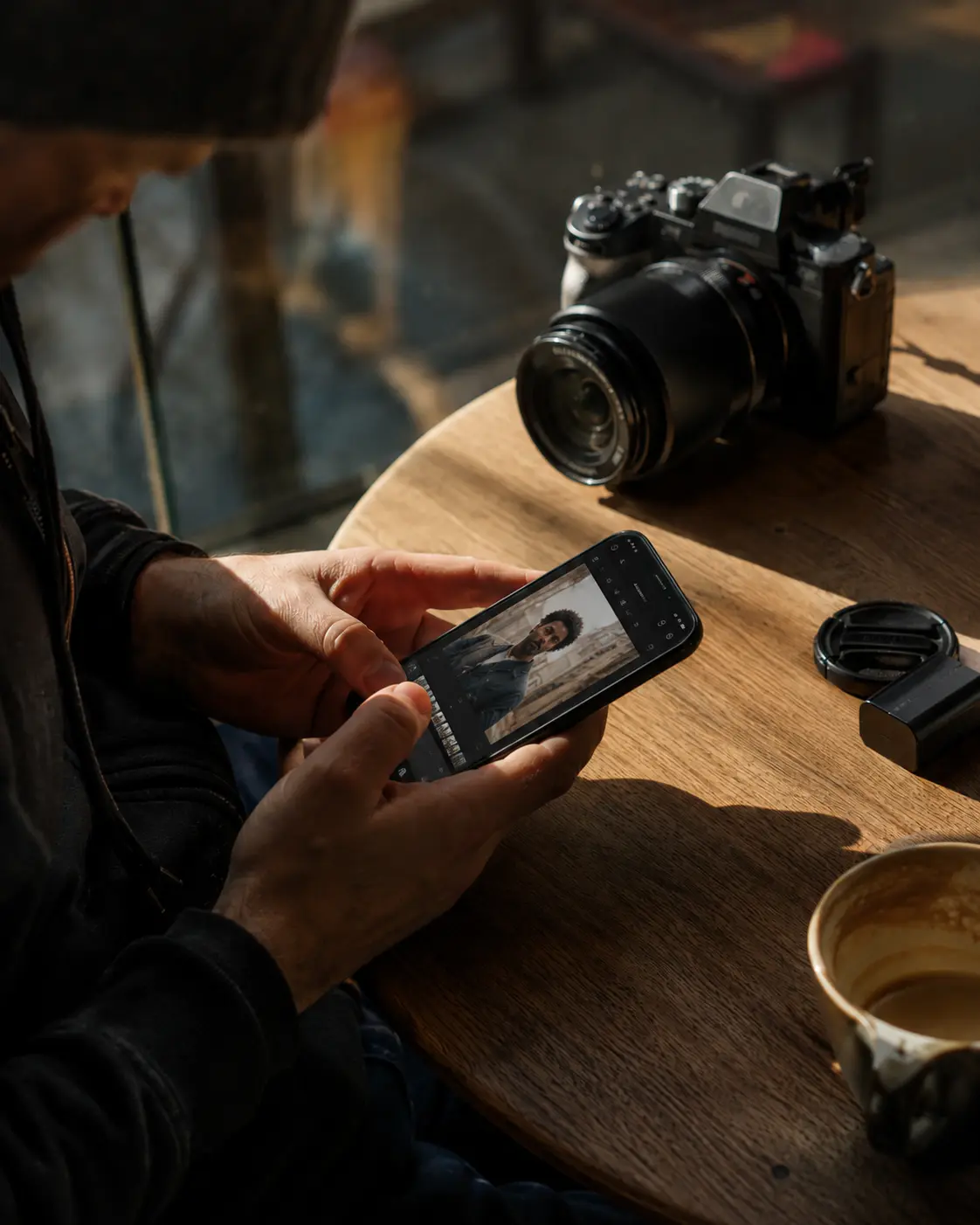
Snapseed is owned by Google and carries no subscription, no in-app purchase, no ads and no watermark. That has been true for years, and unusually for a free app it got better rather than quieter.
Google rebuilt it as Snapseed 4.0 in May 2026 with a new interface, one touch masking, non-destructive editing, a built in camera with film emulations, and more than thirty tools, all free (9to5Google, May 2026).
Version 4.1 followed in July 2026 and added RAW support for DNG, ARW, NEF, CR3, RAF, ORF and PEF files, plus undo and redo inside each tool (9to5Google, July 2026). A free phone editor that reads the RAW files off a real camera was not on the table two years ago.
If you install one app from this list, install this one. It is the only phone editor here that never asks for anything.
Google Photos: the fastest fix when the photo is already on your phone
Google Photos is not really an editing app, which is exactly why it is useful. The photo is already there, so the edit takes seconds.
Google's own help pages list crop, rotate, straighten, perspective, filters, brightness, contrast, saturation and warmth, along with Magic Eraser, Unblur, portrait effects and HDR enhancement (Google Photos Help). No subscription is needed for those.
Two caveats. Some tools are limited to Pixel phones, and the more demanding ones need a device with enough memory to run them. Use it for straightening, cropping and pulling up a dark face, not for finished work.
Adobe Lightroom: free colour editing with presets
Adobe lists Lightroom on the App Store as a free photo and video editor with in-app purchases (App Store listing). You can download it, edit and export without paying.
The free plan is built around the sliders most people actually use: exposure, contrast, highlights, shadows, colour and one tap presets. Cloud storage, syncing the same edit across your phone and computer, and the higher end retouching tools sit in the paid tiers, which the same listing shows starting at 1.99 dollars a month for 40GB.
It is the right choice if you already edit in Lightroom on a computer and want the same vocabulary on a phone. If you do not, Snapseed gives you more for nothing.
VSCO: film looks without paying for the subscription
VSCO built its reputation on film emulation, and a free account still gets a starter set of those presets plus the basic adjustments: exposure, contrast, saturation, crop.
The library of more than two hundred presets, the artificial intelligence tools for removing objects and upscaling, and video editing all need a membership. The App Store listing prices that at 9.99 dollars a month or 39.99 a year for Plus, and 14.99 a month or 69.99 a year for Pro, after a seven day trial (App Store listing).
Free VSCO is worth keeping for one job: giving a set of photos a consistent look quickly. Just start the trial deliberately, or not at all, because it renews into a yearly charge.
Photopea: Photoshop files in a browser tab
Photopea is a full layer-based editor that runs in a browser with nothing to install. It opens PSD files natively, along with DNG, CR2, CR3, NEF, ARW, RW2, RAF, ORF, PDF, AI, INDD, Figma files and dozens of other formats (Photopea).
It runs on your own device rather than uploading your work, which matters if you are editing client photos on a borrowed machine. It is free and funded by advertising, and the premium tier at roughly five dollars a month removes the ads, doubles the edit history and raises cloud storage (Wikipedia, Photopea).
This is the answer when you need to open a PSD someone sent you, or when the computer you are sitting at will not let you install anything.
Canva: turning a photo into a post or a poster
Canva is a design app that edits photos, not a photo editor that does design. For laying a photo into a social post, an album cover or a client price list, nothing free is faster.
The free plan includes the editing suite Canva describes as filters, lighting and contrast adjustment, a background eraser and collages, with 5GB of storage (App Store listing). Canva Pro is priced at 14.99 dollars a month in the same listing.
One warning that belongs on any free list. Canva mixes free and paid elements in the same search results, and a design that uses a paid template or stock image exports with a watermark until you upgrade. Check every element is free before you finish the layout, not after.
GIMP: a full desktop editor with no paid tier at all
GIMP is the closest thing to Photoshop that costs nothing and never will. Layers, masks, selections, curves, clone and heal, batch scripting, the lot.
The current stable release is 3.2.4, published on 17 April 2026, and it runs on Windows 10 and newer, macOS 11 and newer, and Linux (gimp.org). The 3.x line brought non-destructive filters and much better colour handling, so advice written about GIMP 2 is now out of date.
Learning it takes a weekend, because it does not copy Photoshop's layout. If you retouch, composite or work with layered files regularly, that weekend pays for itself.
darktable: free RAW developing with a proper catalogue
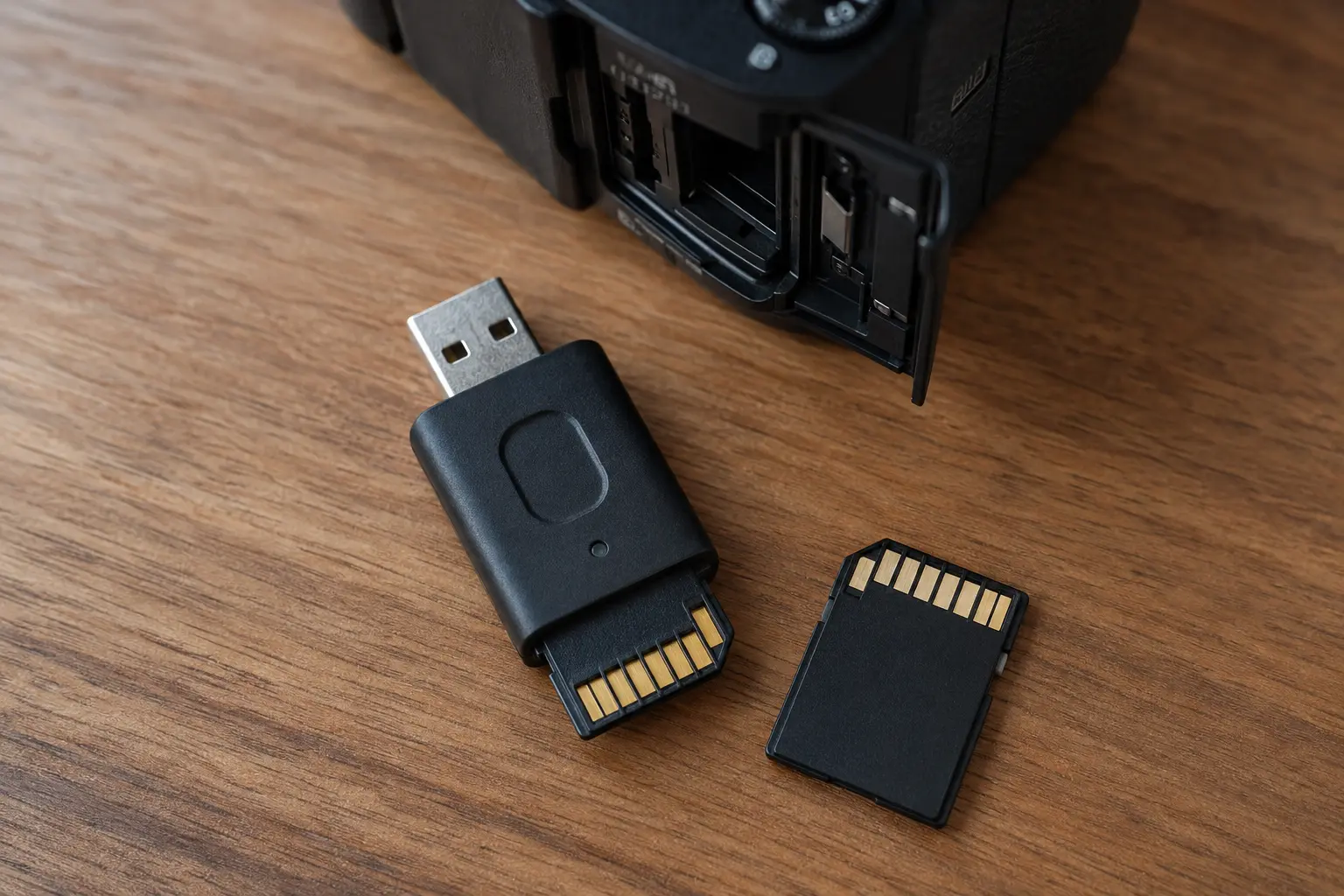
The next three apps solve a different problem from the phone apps above. They develop RAW files, the unprocessed data straight off a camera sensor, which holds far more detail in bright skies and dark corners than a JPEG does.
darktable calls itself a virtual lighttable and darkroom, and it works the way Lightroom's desktop app works: a catalogue of your shoot on one side, a develop view on the other. It edits non-destructively, so your original file is never changed (darktable.org).
It is released under the GPL 3.0 licence, the current version is 5.6.0, and it runs on Linux, Windows and macOS 13.5 or newer, including Apple silicon (darktable install page). If you shoot events and want a free catalogue plus develop workflow, this is the one to learn.
RawTherapee: maximum control over detail and colour
RawTherapee overlaps with darktable but pulls in a different direction. Where darktable organises a shoot, RawTherapee obsesses over the single file: demosaicing, noise reduction, sharpening and colour handled with more knobs than most people will ever turn.
Version 5.13 was released on 26 July 2026, it is free software under the GPLv3 licence, and it runs on Windows, macOS and Linux including ARM machines. The processing engine is non-destructive and works in 32 bit floating point (rawtherapee.com).
Reach for it when one image matters more than the other four hundred: a group shot with blown highlights, a dim reception frame that needs rescuing.
Your camera maker's software: free, and you probably ignored it
Every major camera brand gives away software that reads its own RAW files, and it is the only free option that knows exactly what your camera meant by its colours.
Nikon's NX Studio handles NEF and NRW RAW files plus JPEG, TIFF and video, with Picture Control, white balance, exposure, Active D-Lighting, noise reduction, Colour Control Points and a retouch brush (Nikon UK).
Nikon has given it away since 4 March 2021 (Digital Camera World, March 2021). It is a full editor rather than a viewer, which is what most people assume it is and why it goes unused.
Canon's equivalent is Digital Photo Professional, free for EOS owners and covering the same RAW processing ground (Digital Camera World). Sony ships Imaging Edge. In each case the download sits on the maker's own support site, keyed to your camera model.
You may already own the best free option
If your camera's colours look right straight out of the body and wrong everywhere else, the maker's own software is why. It applies the same picture profile the camera used. For weddings and sports where skin tone consistency matters, that is worth more than another slider.
Which free photo editing app should you use?
Pick by the job in front of you rather than by which app is most popular.
- A quick fix on a photo already on your phone: Google Photos.
- Serious editing on a phone, with nothing ever to pay: Snapseed.
- Colour and presets, matching a desktop Lightroom habit: Adobe Lightroom.
- A consistent film look across a set: VSCO.
- Layers, PSD files, or a computer you cannot install software on: Photopea.
- A photo that needs to become a post or a poster: Canva.
- Retouching, compositing and a real desktop editor: GIMP.
- Developing a whole shoot of RAW files: darktable.
- Rescuing one difficult RAW file: RawTherapee.
- Colours that match the camera that shot the frame: your camera maker's software.
Editing is only half the job after an event
Every app above is built to make one photo better. That is the right tool when you have thirty frames. It is the wrong tool when you have three thousand.
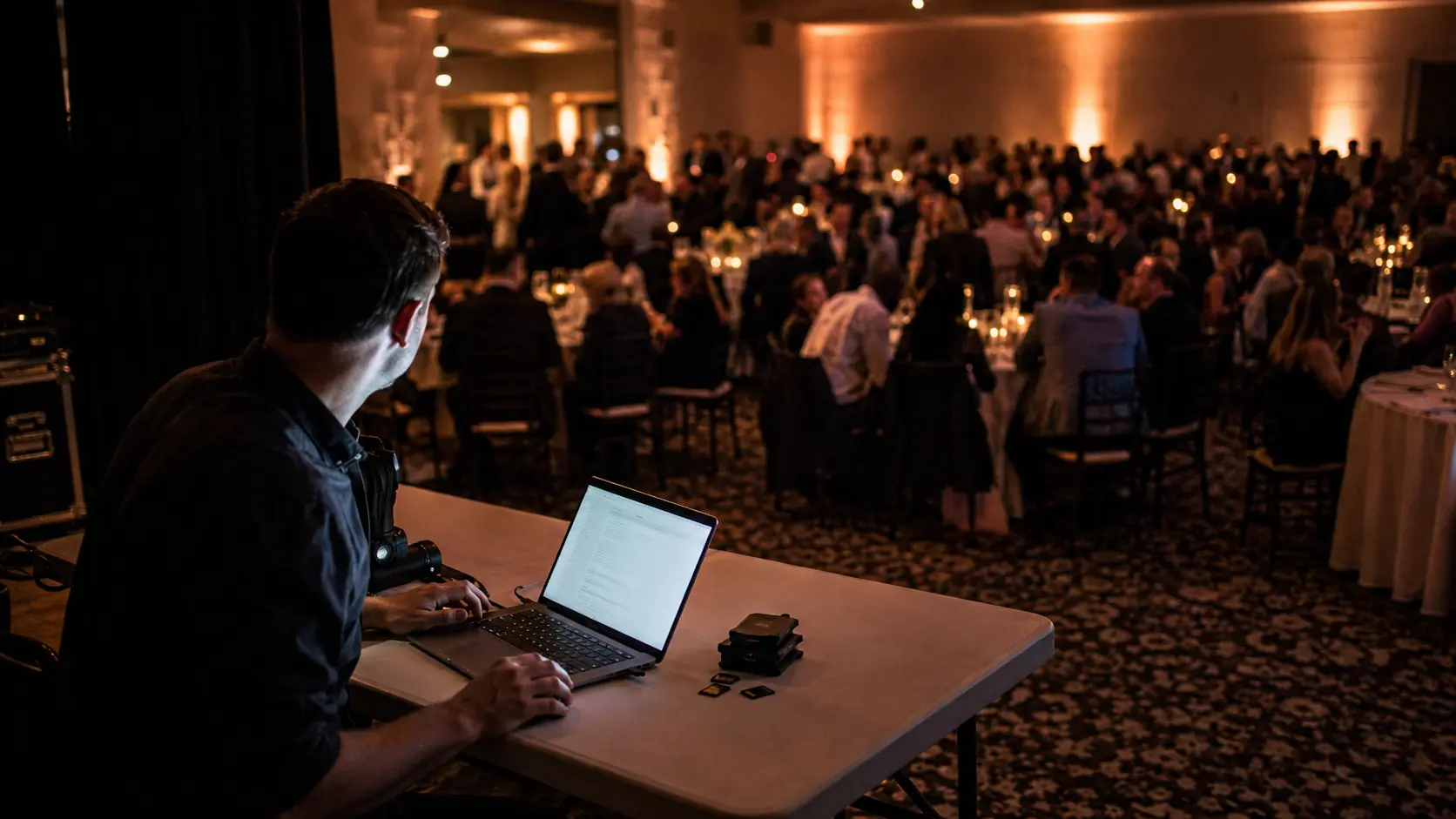
After a wedding or a race, the work that eats the week is not editing. It is deciding which frames are worth editing, then getting the right photos to the right people without building folders by hand or answering messages for a fortnight.
Lenzeit works on that second half, after your editor rather than instead of it. MagicSort™ uses facial recognition to group every photo by the person in it, surface the sharpest shots and remove duplicates, which turns culling into a review rather than a search.
Sorting by face is a different idea from the face detection in a phone gallery, and the mechanics are worth reading before you rely on them. It changes the unit of work: instead of opening folders, you open people.
Delivery works the same way. Each guest opens a private gallery holding only the photos they appear in, reached with a selfie or an access code, with no app and no account to create. See how clients receive their photos for the guest side. FaceLock™ lets you lock specific faces out of delivery entirely, which matters for children, VIPs and anyone who asked not to be shared.
Cost is per photo processed, not per gigabyte stored: 1 credit processes 1 photo, at $0.02 on the free Freemium plan or $0.01 on Pro. You get 100 free credits on signup with no credit card required, and credits never expire, so an unused balance carries forward.
What to install first
If you only want one app, make it Snapseed. It is free with no conditions attached, it now handles RAW files, and it will cover most of what you need on a phone.
If you shoot properly and keep your RAW files, add darktable or RawTherapee on the desktop and check what your camera maker already gives you. Everything else on this list is a specialist you install the day you need it.