The way to get usable photos from volunteer photographers at a charity run is to decide everything before race day. Give every volunteer the same one-page brief with one course position, a shot list for that spot, fixed camera settings, a file naming rule and an upload deadline. Then one person runs a single quality check on the merged set before any photo goes public.
Picture the numbers. Twenty volunteers who each shoot 700 frames hand you 14,000 files. They come from different cameras set to different clocks, with names like IMG_0001 repeated twenty times. None of that is the volunteers' fault. It is what happens when nobody sets the rules before the start.
Here are those rules, in the order you use them. Paid teams face the same merge problem, and our guide to the second shooter workflow goes deeper on the ingest side.
Recruit a photo lead first, then the photographers
The most useful volunteer on your photo team does not shoot. A photo lead recruits the team, assigns positions and owns the files afterwards. The Road Runners Club of America safe event guidelines make the same point for all race volunteers: name a coordinator who gathers people and gives each one a specific job.
Look for shooters in local camera clubs, running clubs, college photography courses and your charity's supporters. Ask for sample photos of moving people, not portraits.
Agree who can use the photos, in writing, before race day. UK Athletics photography guidance notes that images belong to the person who took them, unless that person is an employee or working under a specific commission. So get a short signed note that lets the charity use the photos for its publicity, and says what the volunteer may do with their own shots, such as a portfolio. Check the wording with your own adviser.
If children are running
Rules get stricter when under-18s take part. USA Track & Field (USATF) asks its volunteers to hold a membership, complete Safe Sport training, pass a background check and follow a code of conduct, and says to allow at least two weeks for the background check. Follow the rules of your own sanctioning body, and start early.
The one-page brief for volunteer photographers
Every volunteer gets the same page with their own position filled in. Send it a week before the race and bring printed copies to the briefing. If it runs to two pages, cut it.
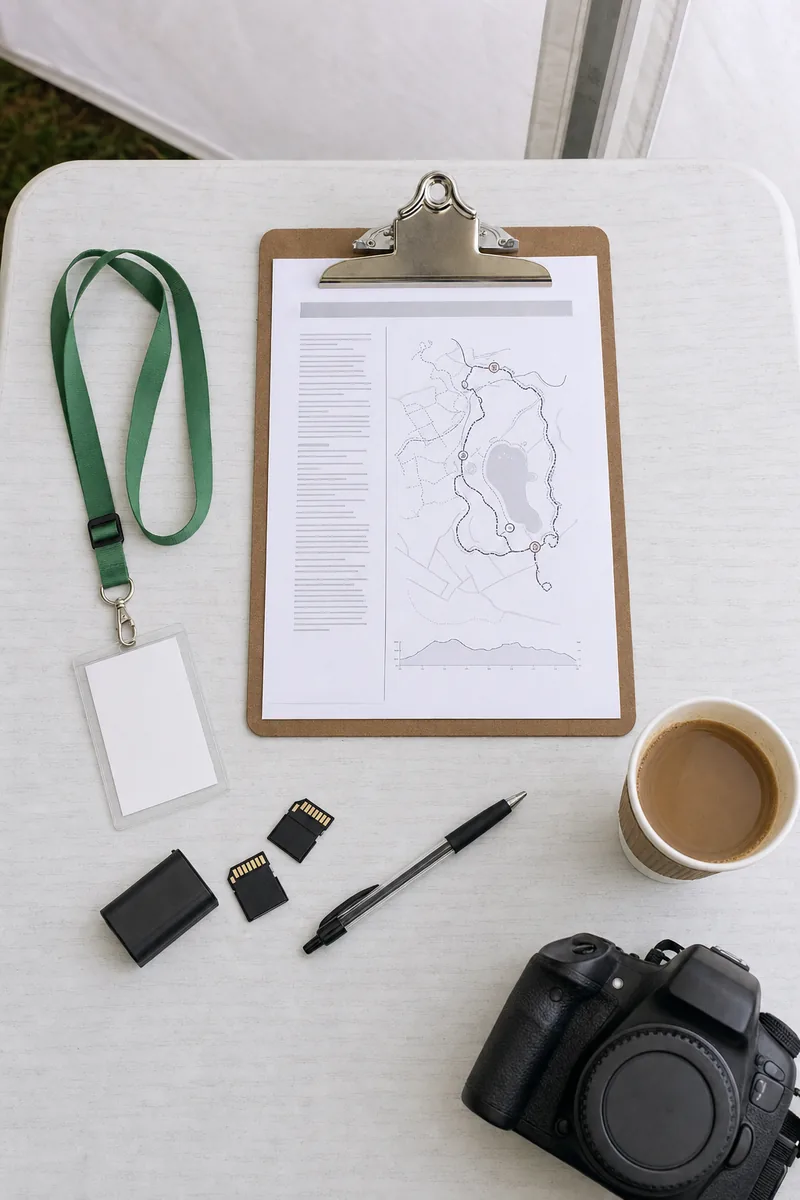
- Your position and hours: a named spot on the course map, plus arrival and finish times.
- Weather: what to expect, and what to wear for hours of standing still.
- Your shot list: only the shots that matter at your position.
- Camera settings: shutter speed, focus mode and file type, written as numbers.
- Clock and file names: set the camera clock at the briefing and use your photographer code.
- Safety rules: where you may stand, and where you may never stand.
- Upload link and deadline: one link, one date, one time.
- Who to call: the photo lead's number, and what to do when a runner asks not to be photographed.
Run a short briefing on race morning even if everyone has read the page. Walk through the course map, set every camera clock together, and take a test shot so the photo lead can check each camera's settings. Ten minutes here saves hours of deleting later.
A shot list for every course position
Plan one photographer for each position below, plus the photo lead, and put any extra people at the finish. Give each volunteer only the shots for their position. Two people chasing the same finish-line moment give you duplicates and leave the water station empty.
Start line
Wide crowd shots from a raised spot behind the barriers, the warm-up, the charity's team in matching shirts, the welcome speech and the first ten seconds after the start.
Water stations
Shoot the hand-off, runners grabbing cups and the station team between waves. Stand past the tables, not in front of them.
Mile markers and the middle of the course
This is where runners look real: tired, focused, laughing with a friend. Pick a clean background and even light, and shoot runners coming toward you, so you get faces, not backs. At a fun run, costumes and prams belong here.
Finish line
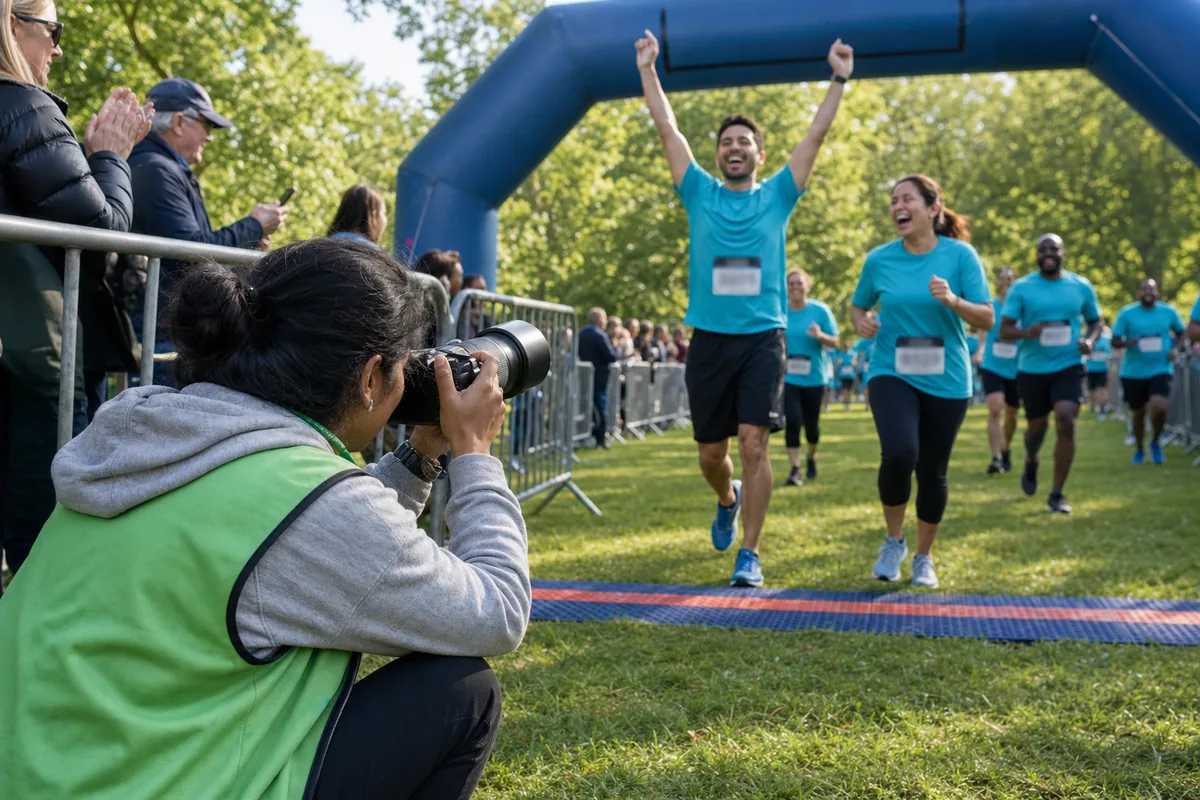
The finish is where most runners want a photo of themselves, so put your most confident shooter here, and a second one if you can. One covers the arms-up moment from in front of the line and slightly to the side, and the other covers the final stretch. Keep shooting until the last walker comes in.
Medals, groups and the charity story
After the line: medal hand-overs, hugs, team photos with the charity banner and the fundraising total. Take group photos in open shade where you can. Count down and take three frames, so at least one has everyone's eyes open.
Camera settings volunteers can actually follow
Volunteers bring different cameras and skill levels, so do not ask for creative choices. Ask for the same few settings from everyone.
Shutter speed matters most. Nikon's guide to freezing motion calls 1/500 second a good starting point for stopping fairly fast movement. Arms and legs move faster than the runner's body, so ask for 1/1000 second when the light allows, and never slower than 1/500.
- ✓Mode: shutter priority (S or Tv on the dial) at 1/1000 second, with auto ISO turned on.
- ✓Focus: continuous autofocus (AF-C on Nikon and Sony, AI Servo on Canon), so focus follows a runner who is coming toward you.
- ✓Drive: short bursts of three or four frames, not a long hold on the button.
- ✓File type: JPEG, large size, fine quality.
- ✓Phones: welcome for group photos and the medal area, but not as the main camera at the finish.
Why JPEG and not RAW? Nikon's comparison of RAW and JPEG explains that RAW files fill the camera's buffer and memory card faster, and that JPEG is a safe choice when you take many shots in a short time in simple light. That describes a race well, and JPEGs need no editing before upload. An experienced volunteer can shoot RAW plus JPEG, but ask for the JPEGs only.
Clock sync, file names and the upload deadline
Clock sync. At the briefing, everyone sets the camera clock to the same phone time, to the minute. Photos from every camera then sort into race order.
File names. Give each volunteer a code from P01 to P20 and number each card. Many cameras let you change the file name prefix. If a camera cannot, the volunteer names the folder instead, for example RUN_P07_CARD1. When someone asks about a photo, you know at once whose card it came from.
Upload protocol. Write it as steps and print it on the brief:
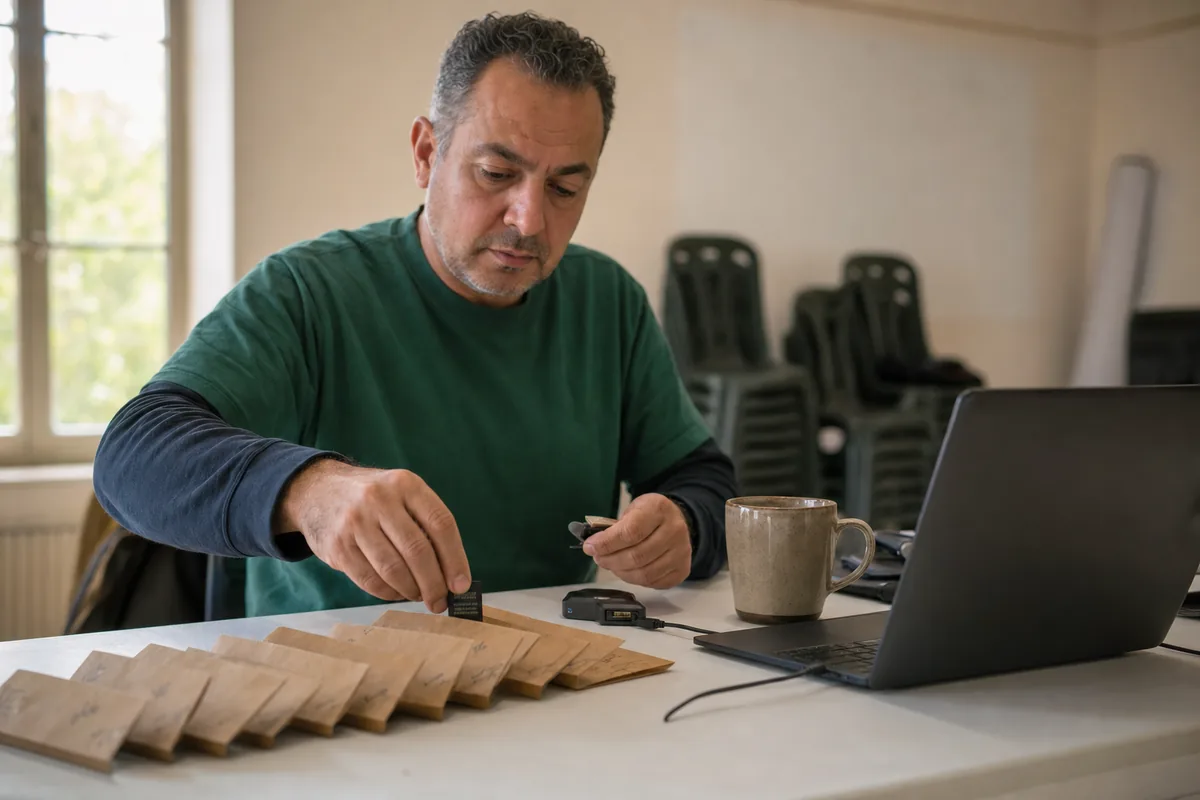
- Copy every card to your computer on race day. Do not format the card yet.
- Put each card's files in its own folder named with your code and card number.
- Do not delete, edit or rename single photos. The photo lead does the cull.
- Upload the folders, or one ZIP file per card, to the upload link on your brief.
- Message the photo lead with the number of files you uploaded.
- Format your cards only after the photo lead confirms the count matches.
Set the deadline at 48 hours after the race. Runners start asking for photos on race day, and one late card holds up the whole gallery for everyone else.
Where volunteers should stand on the course
Mark the photo spots on the course map, and tell volunteers plainly where they may never stand.
Never stand on the racing line, and never step into it for a better angle. The RRCA guidelines expect fencing at the start and finish to keep spectators out of the runners' path, and photographers belong behind or beside that fencing, not inside the finish funnel. Keep away from turns where marshals are directing runners, and from the space in front of water tables.
The NSPCC guidance on photography in sport says official photographers should wear clear identification at all times and be briefed on what is appropriate to photograph. A coloured lanyard or vest also tells runners and parents who to talk to when they want a photo taken, or not taken.
Consent signs and opt-outs at the start
Nobody should be surprised by photos at a charity run. Tell runners three times: in the registration terms, in the pre-race email and on signs at the start and finish. The UK Athletics guidance suggests clear signage and terms of entry as ways to give this notice.
A plain sign works: Volunteer photographers are taking photos today for [charity name]. Photos will be shared online so runners can find themselves. If you would rather not be photographed, speak to anyone in a green lanyard or visit the info tent.
Children need more than a sign. The UK Athletics guidance says that for under-16s, consent must come from a parent or carer, so add a clear consent question to the family registration form.
For runners who opt out, hand out something visible at registration, such as a coloured wristband, so volunteers can skip them. Some will still appear in the background of other people's photos. If you deliver through Lenzeit, FaceLock™ on a Pro or Premium plan can lock that runner's face, so photos that show them are withheld from delivery to anyone else. The photo is not blurred. It is simply not shared, so expect fewer photos of that runner's group.
The quality check before anything goes public
Quality control, or QC, means one person looks at the merged set with one standard. Delete these first:
- Blurred frames and missed focus
- Closed eyes and half-blinks
- Near-duplicates from bursts, keeping the best one or two
- Unflattering moments: mid-drink, mid-spit, clothing problems
- Anything from places where people expect privacy, such as changing tents
- Children whose parents have not given consent
- Backs of runners, empty course shots and test frames
Then fix quick things across the whole set, such as crooked horizons, and leave creative editing out.
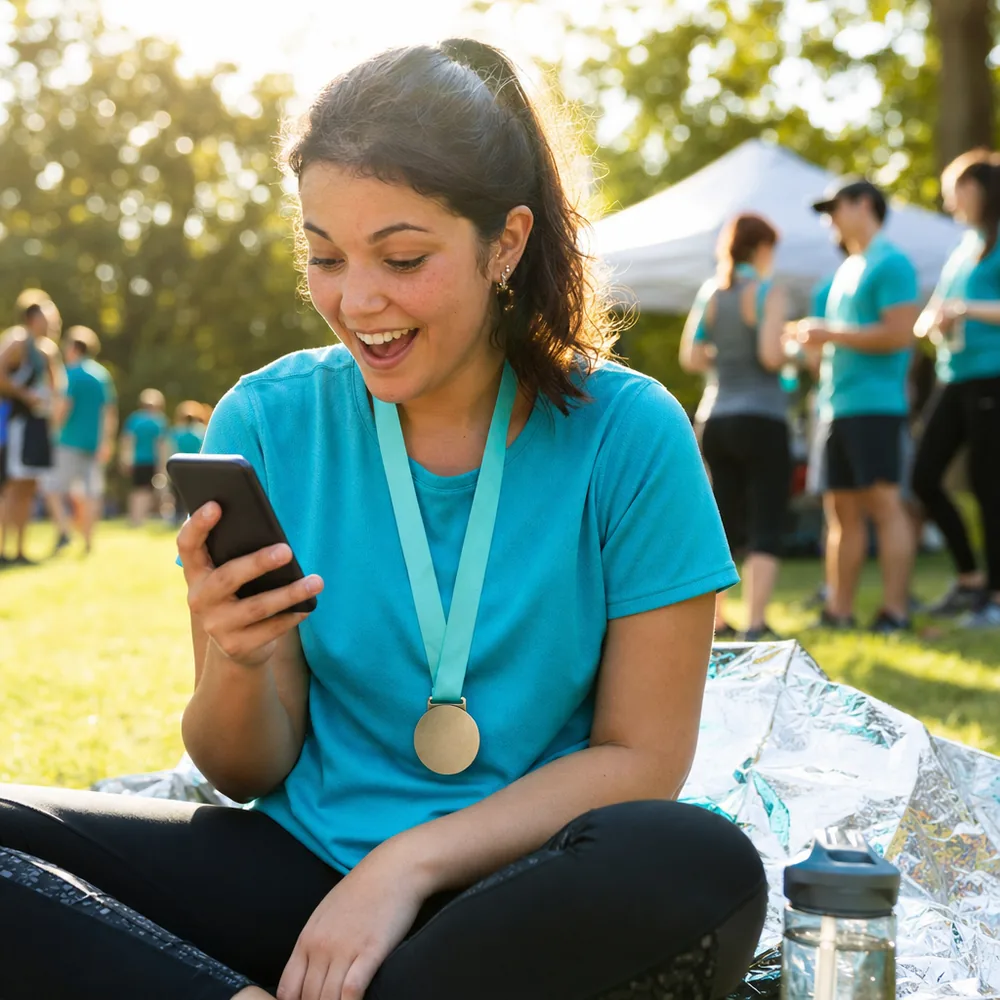
This is where the upload rules pay off. The photo lead can bulk-upload every volunteer's folder or ZIP file into one Lenzeit event, so the whole race sits in one place instead of twenty folders.
On Pro or Premium, MagicSort™ removes duplicates and surfaces the sharpest shots, which shortens the cull. The photo lead still makes the final call on consent and taste, because no software knows which parent said no.
Set the event to public mode and share one link or QR code in the results email and on the finish-area signs. Runners can browse the whole gallery, or take a selfie to see only the photos they appear in, with no app and no account. For bigger races, the sports photography page shows how public galleries with selfie search work.
Credit and thank your volunteers
Credit and thanks are the only pay your volunteers get, so do both properly.
For credit, add one line to the gallery description and every social post, such as: Photos by the [charity name] volunteer photo team: Aisha, Tom, Priya and Daniel. Lenzeit does not add a photographer's name to each photo, so the gallery description holds the full team list. When you post a single photo, name its photographer in the caption. The P07 in the file name tells you who.
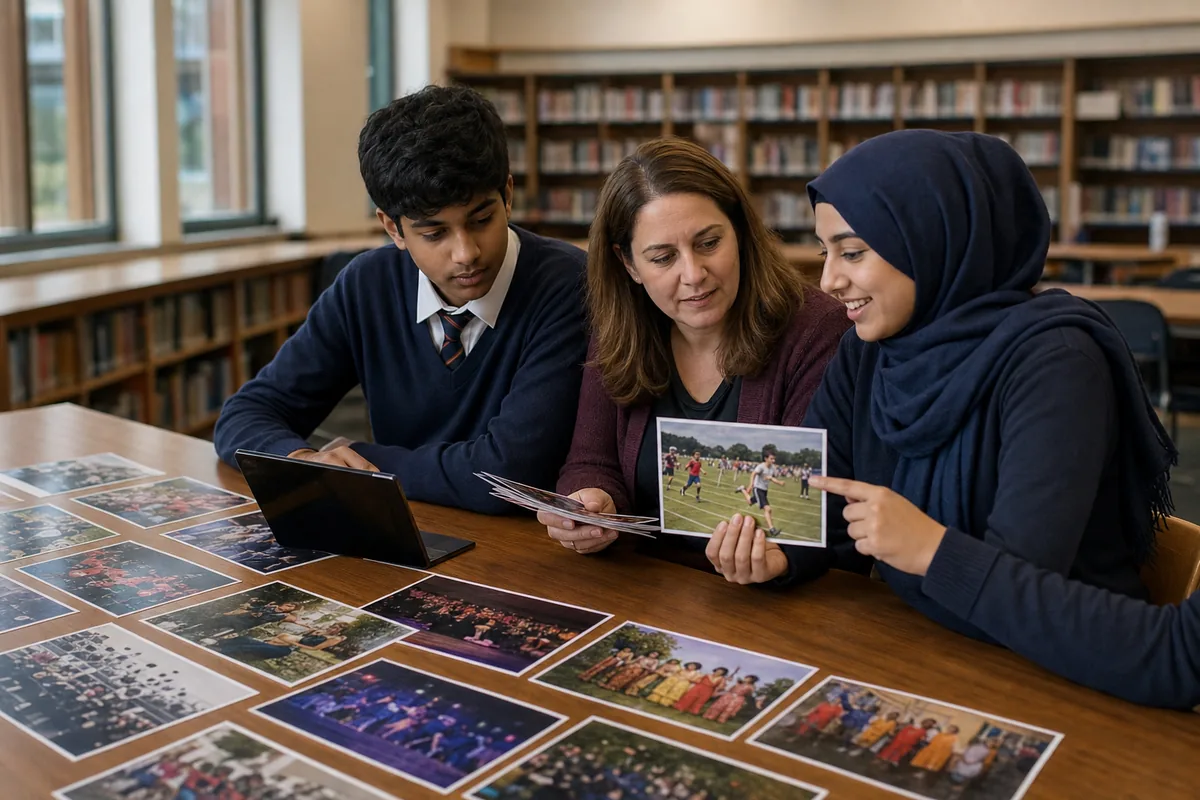
Within a week, send each volunteer a thank-you set: their own best 20 to 30 frames from the cull, with the agreed portfolio permission.
Because volunteers aren't paid, it's vital to thank them. Take time to do this well, in person or in writing. NCVO, guidance on thanking volunteers
The NCVO advice on thanking volunteers also warns against creating a sense of winners and losers when you single one person out. So thank the photo team together in public, and send each person a private note that names one photo you loved.
The RRCA guidelines add a final step: ask every volunteer for feedback. Two questions are enough: what made the day hard, and what would you change?
Good charity run photos come from rules set before race day, not from luck on the course. Brief everyone the same way, check the merged set in one place, and thank the team by name. The volunteers who come back next year will already know the plan.